PLX32-EIP-MBTCP-UA ♦ Multi-Protocol Gateway Using ProSoft Configuration Builder
User Manual
ProSoft Technology, Inc. Page 21 of 156
March 8, 2018
There are three driver functionalities disabled. Please note the following:
Drivers that you can disable have UNCHECK IF NOT USED in the ACTION
REQUIRED column.
Click the driver name to disable the functionality. When disabled, a red circle
replaces the green checkmark.
If there are multiple drivers of the same type, only the last one has the
UnCheck if not Used message. You can disable and enable only in reverse
order.
Finally, if you want to enable a disabled functionality in this dialog box, click
the driver functionality name again.
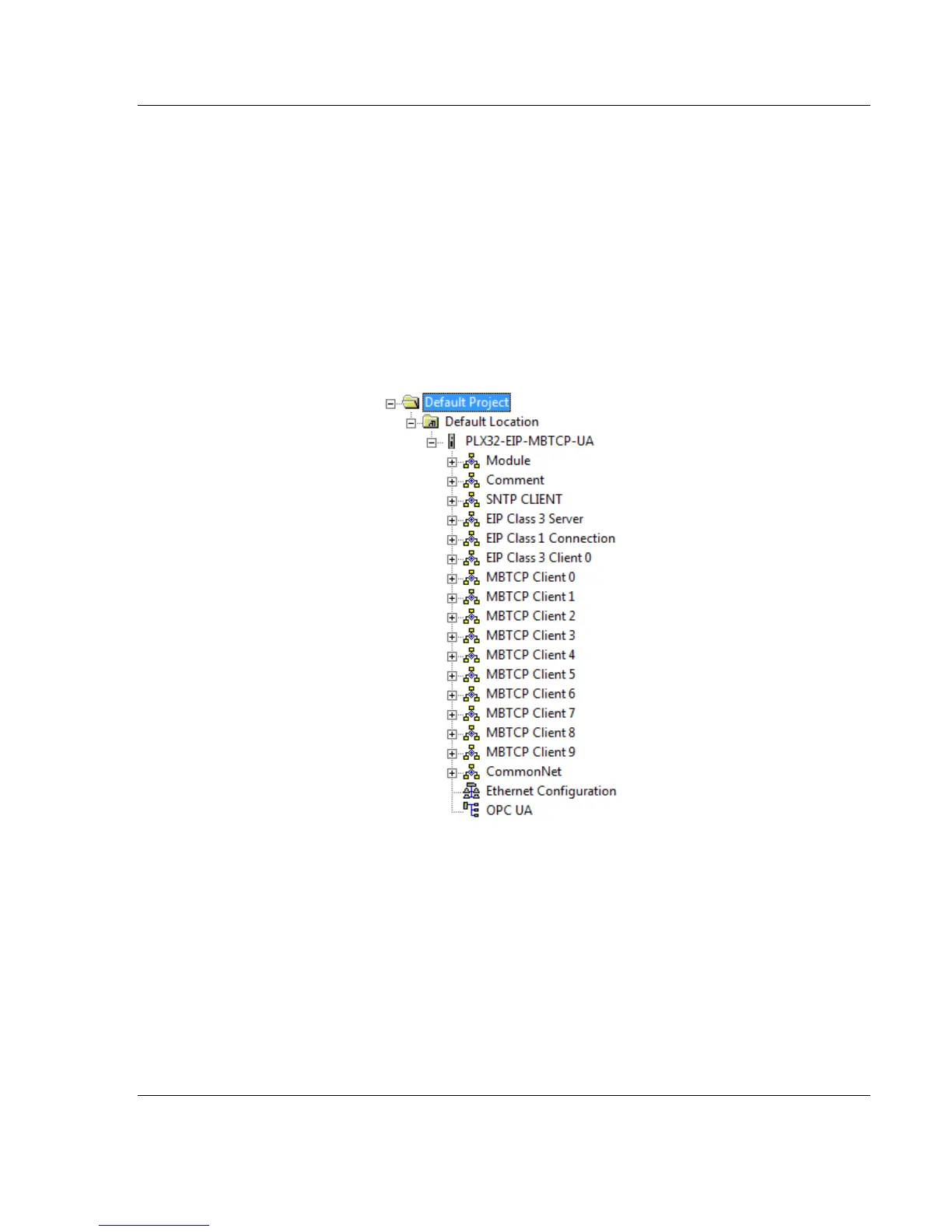
When you click OK, PCB inserts the gateway into the tree view with the disabled
configuration options hidden.


 To Next Page
 Loading...