PLX32-EIP-MBTCP-UA ♦ Multi-Protocol Gateway Using ProSoft Configuration Builder
User Manual
ProSoft Technology, Inc. Page 23 of 156
March 8, 2018
2.5.2 Printing a Configuration File
1 In the main PCB window, right-click the PLX32-EIP-MBTCP-UA icon and
then choose VIEW CONFIGURATION.
2 In the View Configuration dialog box, click the FILE menu and click PRINT.
3 In the Print dialog box, choose the printer to use from the drop-down list,
select the printing options, and click OK.
2.6 Configuring the Ethernet Port
This section shows how to set the Ethernet port parameters for the PLX32-EIP-
MBTCP-UA.
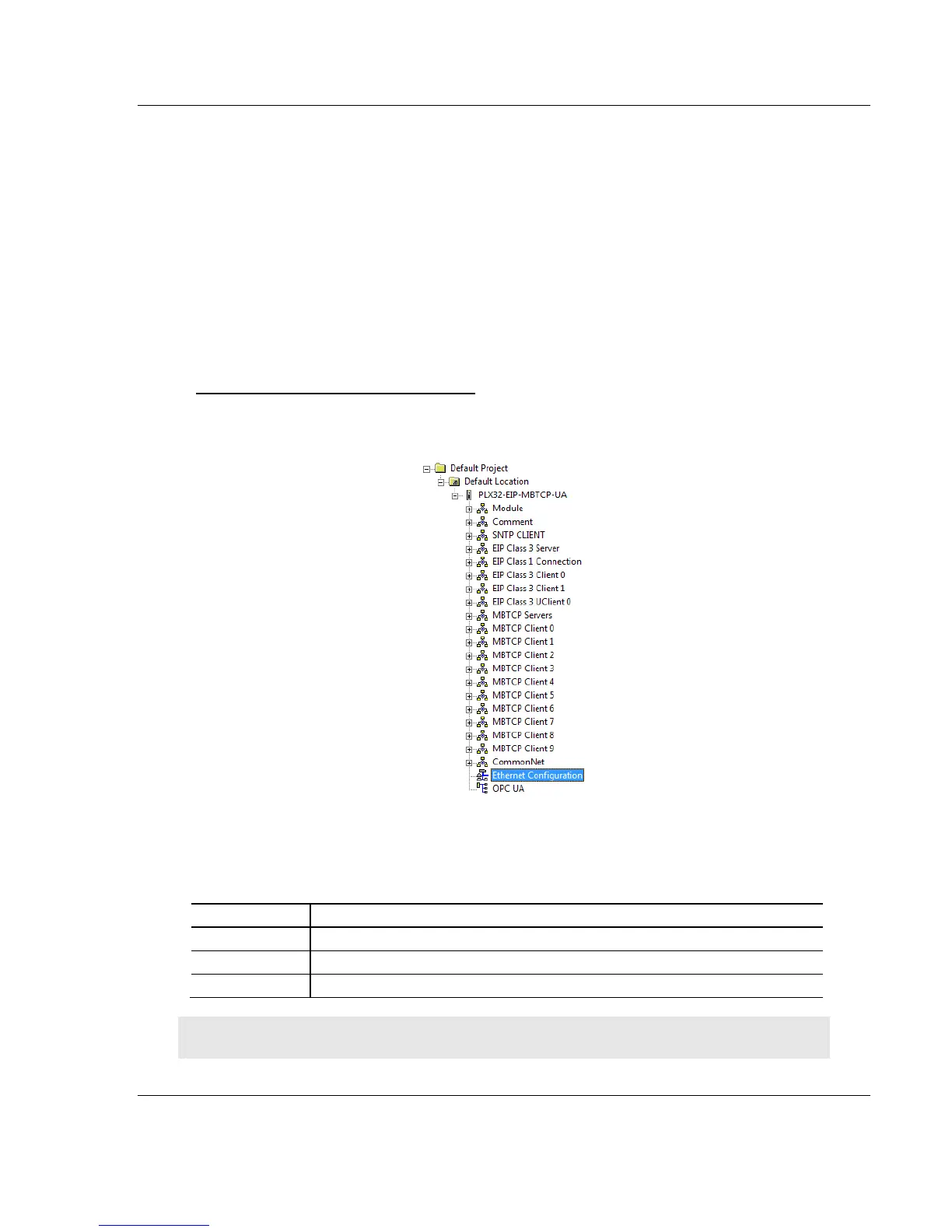
To configure the Ethernet port in PCB
1 In the ProSoft Configuration Builder tree view, double-click on the Ethernet
Configuration icon.
2 Click any parameter in the Edit - WATTCP dialog box to change the value.
Since the gateway has two Ethernet ports, there are separate configuration
options for each port.
Unique IP address assigned to the gateway
Note: Each Ethernet port must be on a different Ethernet subnet.



 To Next Page