PLX32-EIP-MBTCP-UA ♦ Multi-Protocol Gateway OPC UA Server
User Manual
ProSoft Technology, Inc. Page 127 of 156
March 8, 2018
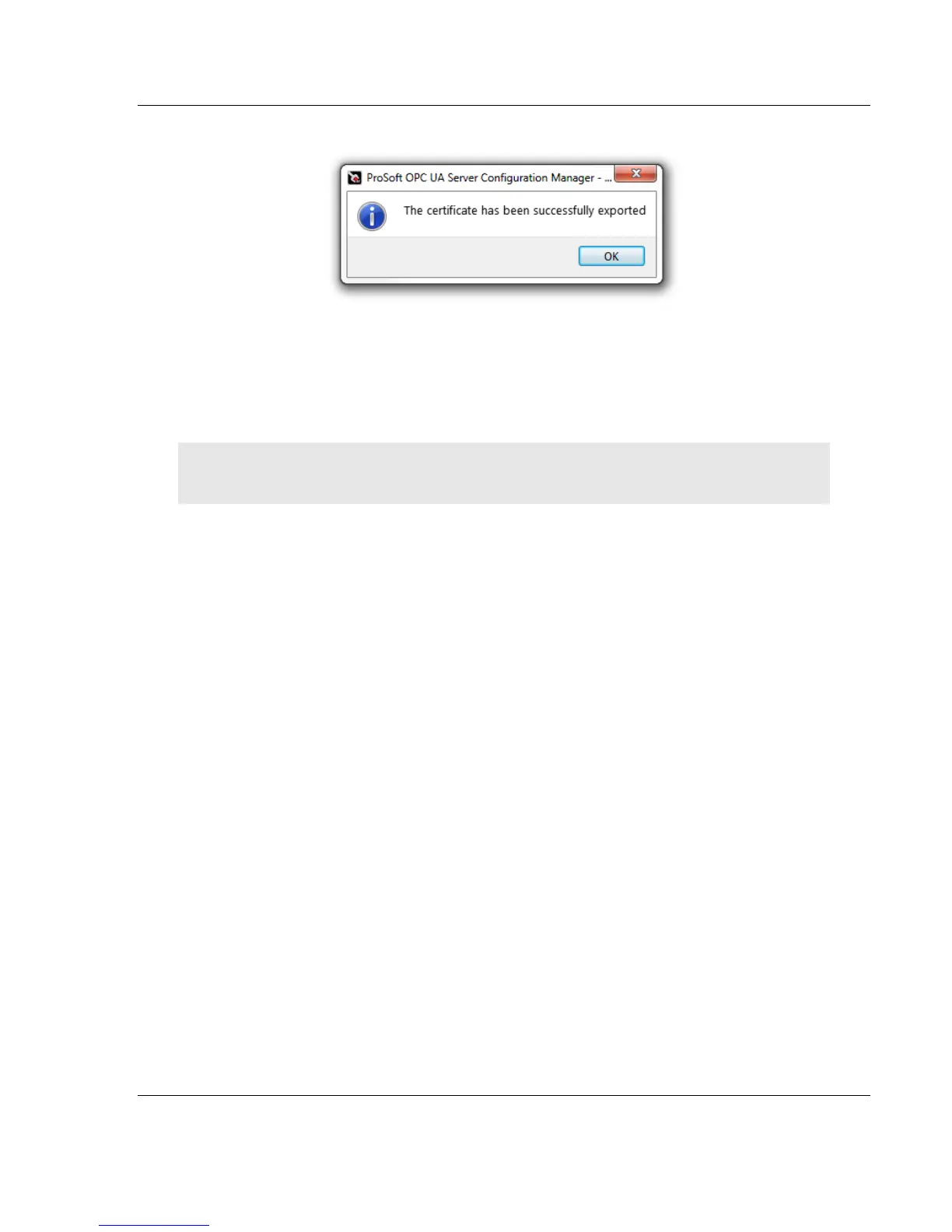
3 After successful export, click OK.
7.5 Revocation List
The Revocation List is similar to a blacklist. It is a list of clients that are not
allowed to connect/configure the UA Server. Without the Revocation List, the CA
Certificate is not considered valid by the OPC UA Server.
Note: The Certificate Revocation List field is blank when it does not contain a listing of Revoked
Certificates.
1 In the Trust Lists Editor dialog box, under the Revocation List tab, click on
the EXPORT CRL button to add the certificate of the revoked UA Client.
2 Follow the prompts to complete the export.



 To Next Page