PLX32-EIP-MBTCP-UA ♦ Multi-Protocol Gateway OPC UA Server
User Manual
ProSoft Technology, Inc. Page 149 of 156
March 8, 2018
7.12 Troubleshooting and Maintenance of OPC UA Server
7.12.1 Status Tab
The State field indicates the expected state of the device according to device
settings stored in the PSW-UACM database. It might not match with the actual
state of the device.
The Variables Load Result field reflects the actual state of the device. A value of
Success means that variables are loaded successfully, which is only possible
when a device is provisioned.
7.12.2 Communication Errors Log
If communication errors exist, error messages may appear in the logging table at
the bottom of the PSW-UACM window. These messages can be exported to a
text file for troubleshooting.
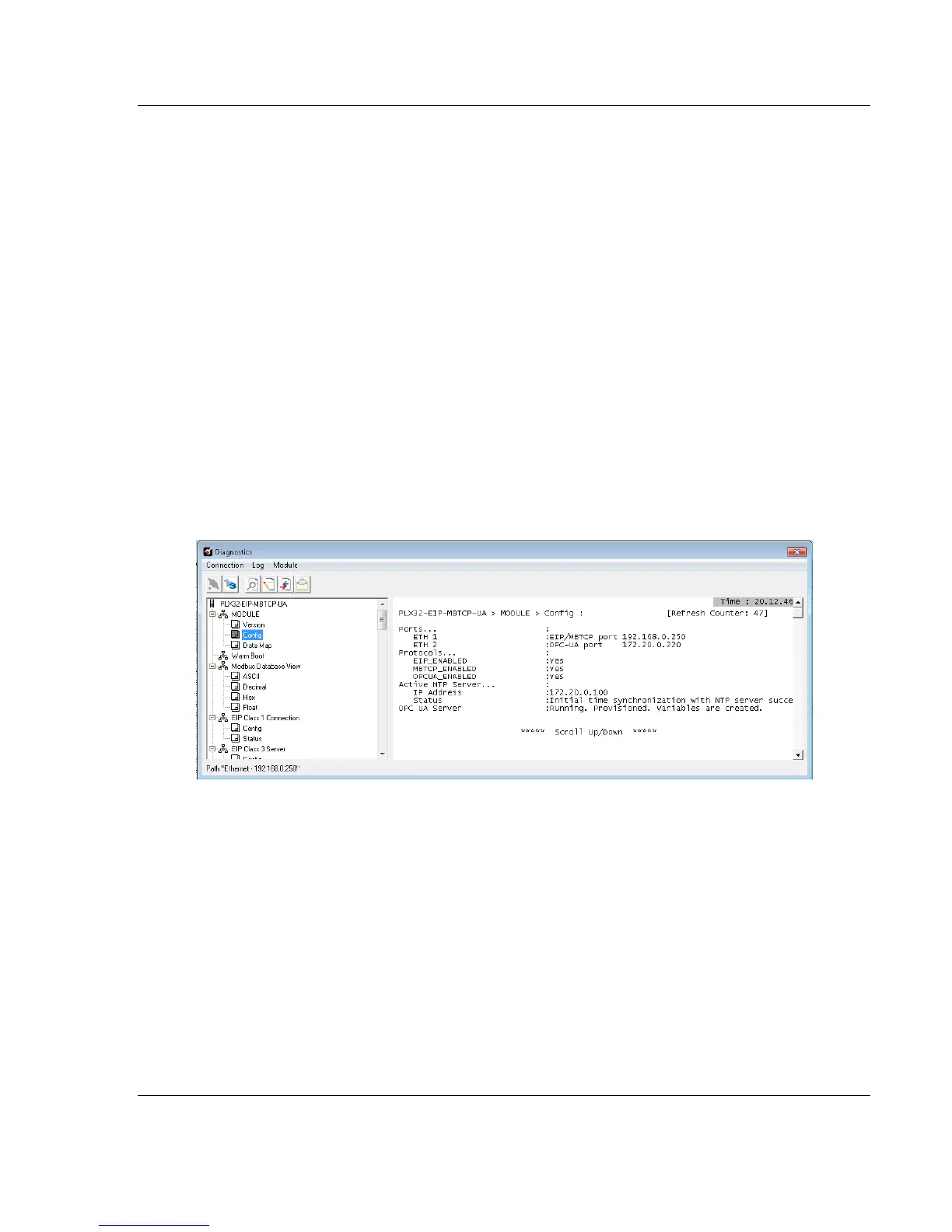
7.12.3 PCB Module Diagnostics
The Config option in the PCB Diagnostics window provides information about
configured IP addresses, NTP server configuration, NTP server communications
status, and current status of the OPC UA Server.
7.12.4 Reset of State Back to "Waiting to be provisioned"
If the PLX32-EIP-MBTCP-UA becomes locked (lost password, expired PSW-
UACM certificate, expired CRL, etc.), the device’s OPC UA Server can be reset
to the default state.
To reset the OPC UA Server to the default state (includes all OPC UA Server
configuration files and trust lists), short both jumpers 1 and 3, then reboot the
PLX32-EIP-MBTCP-UA.
In order to match the actual state of the device, the state of the device stored in
the PSW-UACM database needs to be set to "not provisioned" as well. This is
done by clicking the RESET STATE button located in the Status tab.



 To Next Page