OPC UA Server PLX32-EIP-MBTCP-UA ♦ Multi-Protocol Gateway
User Manual
Page 112 of 156 ProSoft Technology, Inc.
March 8, 2018
7.2.2 Creating a Provisioning Application Instance Certificate
This certificate is used by the PSW-UACM as its OPC UA Application Instance
Certificate for device connections, which are in their original state: Waiting to be
provisioned. This certificate is signed by a factory-supplied provisioning CA
Certificate (included in PSW-UACM installation), as well as preinstalled on all
devices’ default trust list. Therefore, devices will allow a secure connection from
PSW-UACM. No OPC UA clients other than PSW-UACM can connect to the
device until it is provisioned and the trust list is configured to allow such clients to
connect.
The Provisioning Application Instance Certificate can be re-created multiple
times, if required.
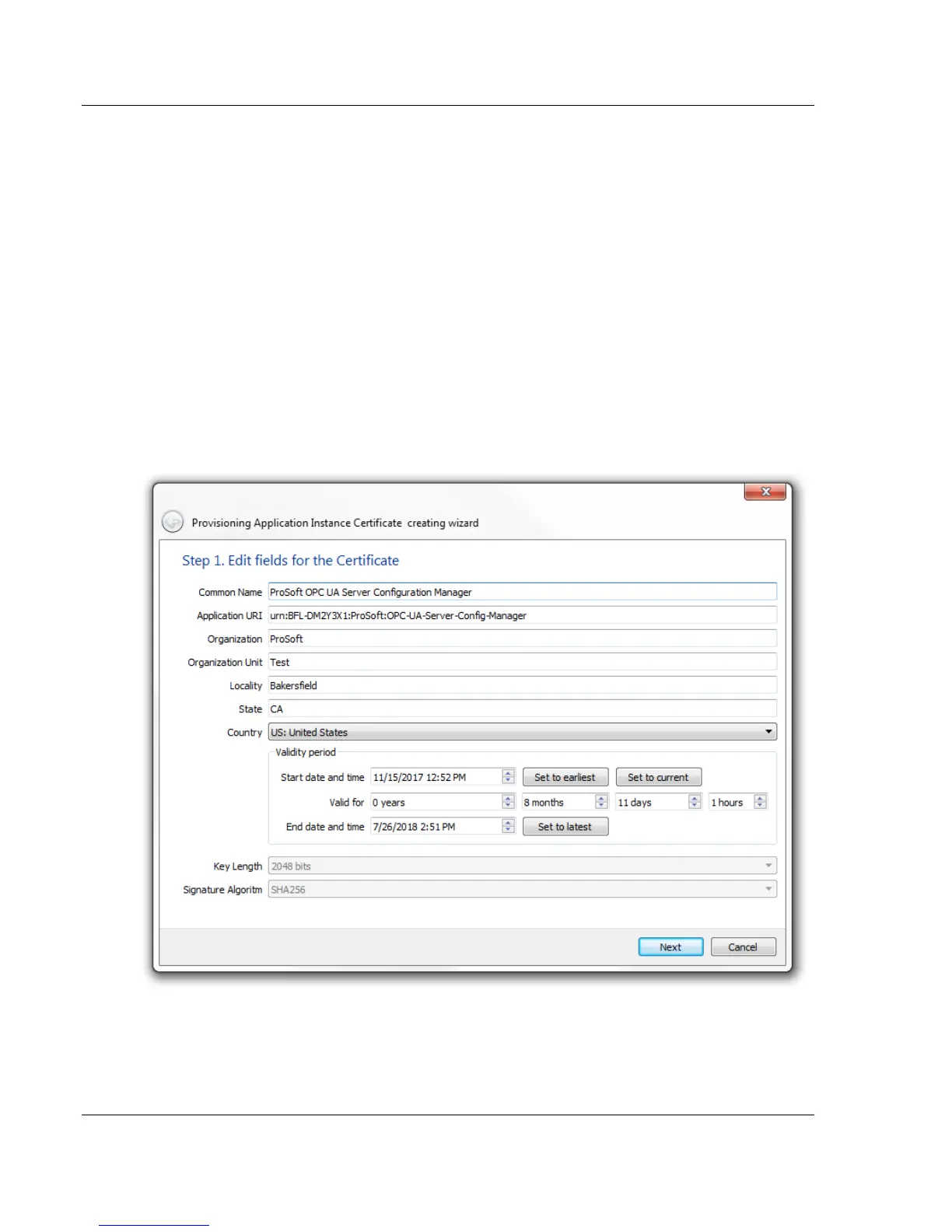
1 In PSW-UACM, click on SETUP > CREATE PROVISIONING APPLICATION
INSTANCE CERTIFICATE.
2 Enter your application information in the setup wizard. Click the NEXT
button.



 To Next Page