PLX32-EIP-MBTCP-UA ♦ Multi-Protocol Gateway Using ProSoft Configuration Builder
User Manual
ProSoft Technology, Inc. Page 19 of 156
March 8, 2018
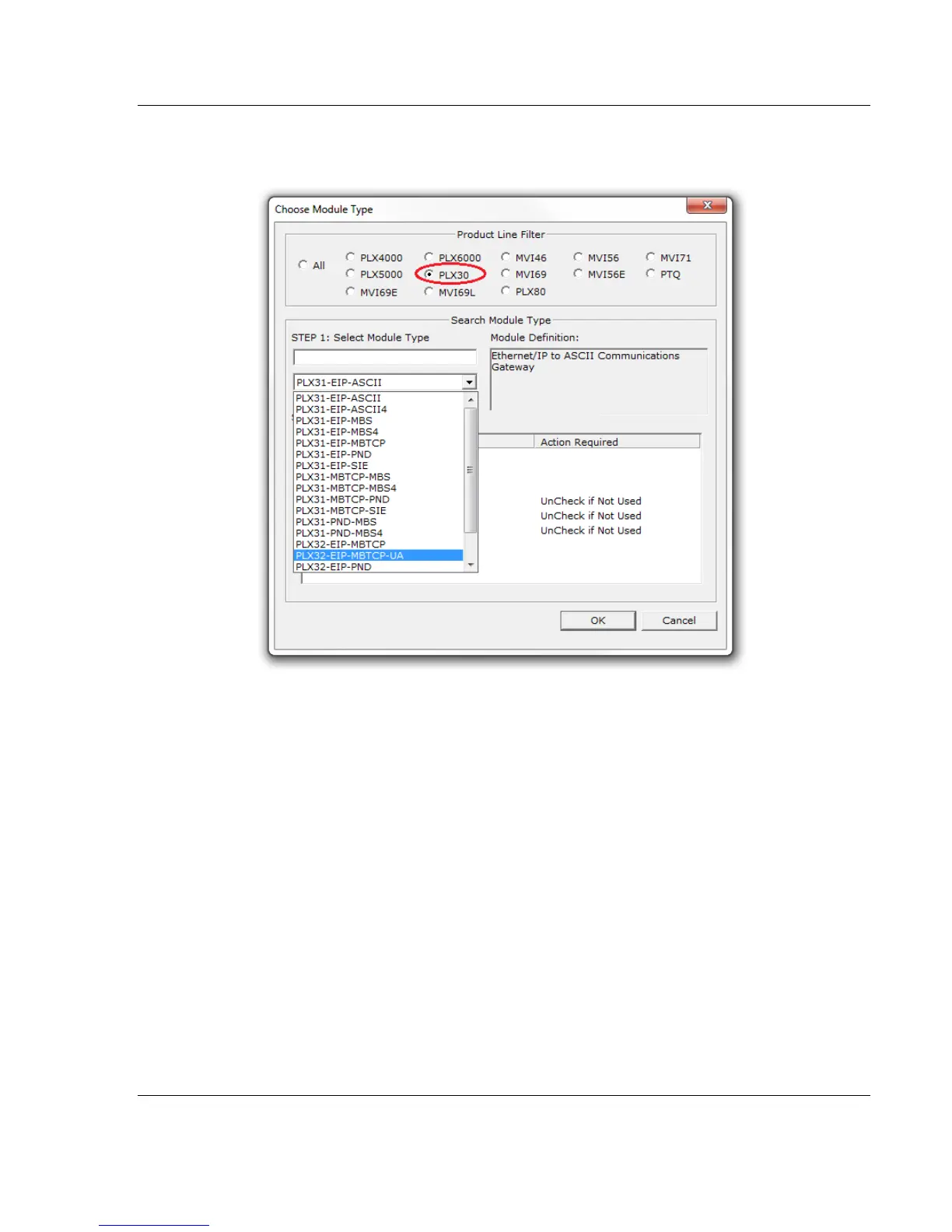
2 In the Product Line Filter area of the dialog box, select the PLX30 radio
button.
3 In the STEP 1: Select Module Type dropdown list, select PLX32-EIP-
MBTCP-UA.
4 You can disable one or more drivers on the gateway if you do not need them.
See Disabling Gateway Ports (page 20).
5 Click OK to save your settings and return to the PCB Main window.



 To Next Page