2.3 Operating keys
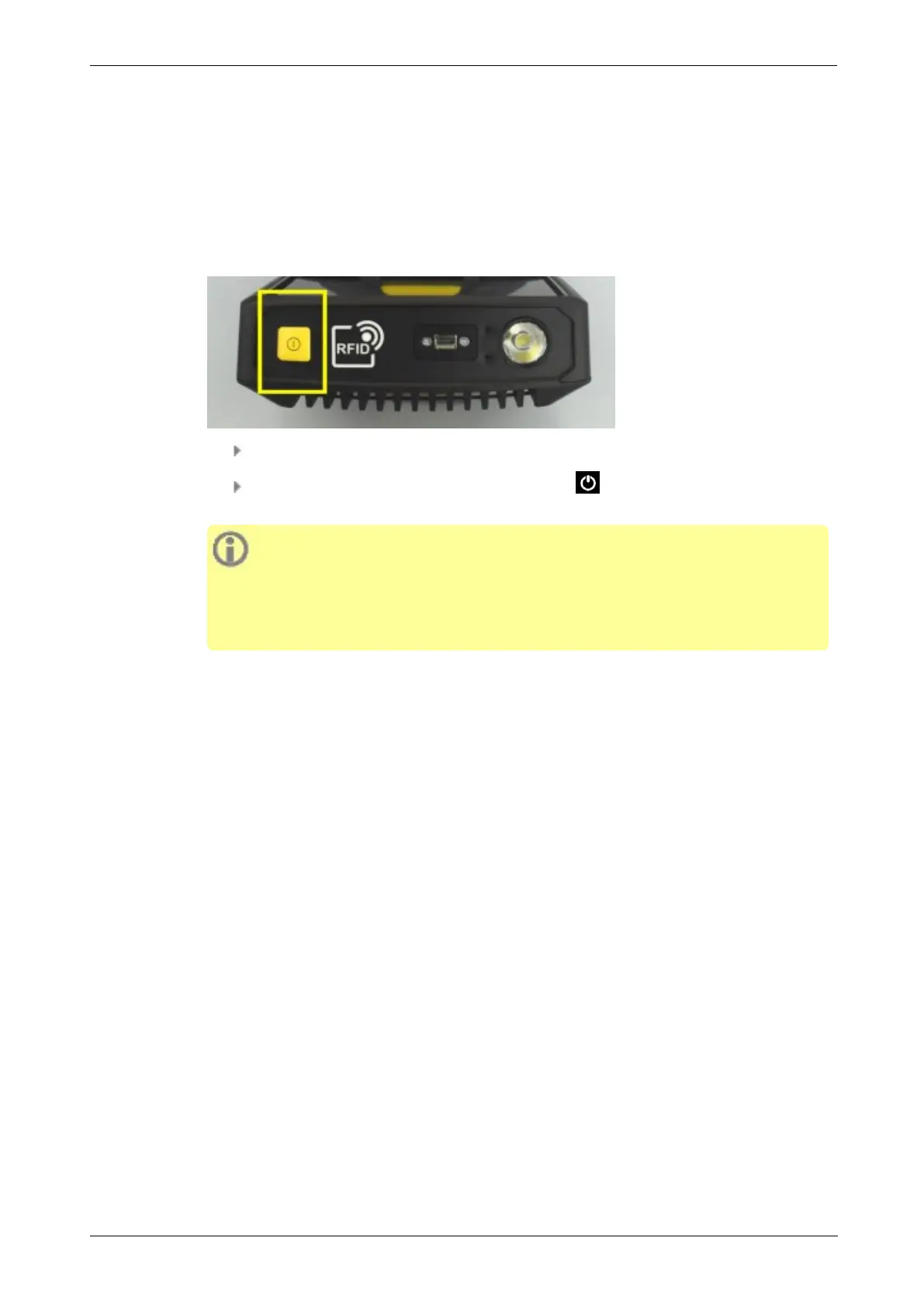
VIBSCANNER 2 has two yellow operating keys: the ON/OFF key on the front side and the
ENTER key below the display.
2.3.1 ON/OFF key
Switching on: Press the ON/OFF key until the battery status LED lights up.
Switching off: Press the ON/OFF key then tap in the context line.
ATTENTION!
VIBSCANNER 2 cannot be switched on anymore at temperatures above 70 °C
(158 °F). Observe the permissible temperature range for operation ("Technical
data" on page 82).
Automatic switch-off
VIBSCANNER 2 switches off automatically if not operated within a certain period of time.
The period is set in the device settings: [Settings > Power options > Power off].
Activating sleep mode manually
Press the ON/OFF key, until the display switches off ("Sleep mode" on page 17).
Forced switch-off
If VIBSCANNER 2 locks up / freezes, press the ON/OFF key, until the display switches off
(approx. 5 seconds). Switch on the device again.
18 Edition: 11.2017
2 - Description



 To Next Page