3.3 Device settings
Check the settings and adjust them as needed within the scope of startup and meas-
urement preparation.
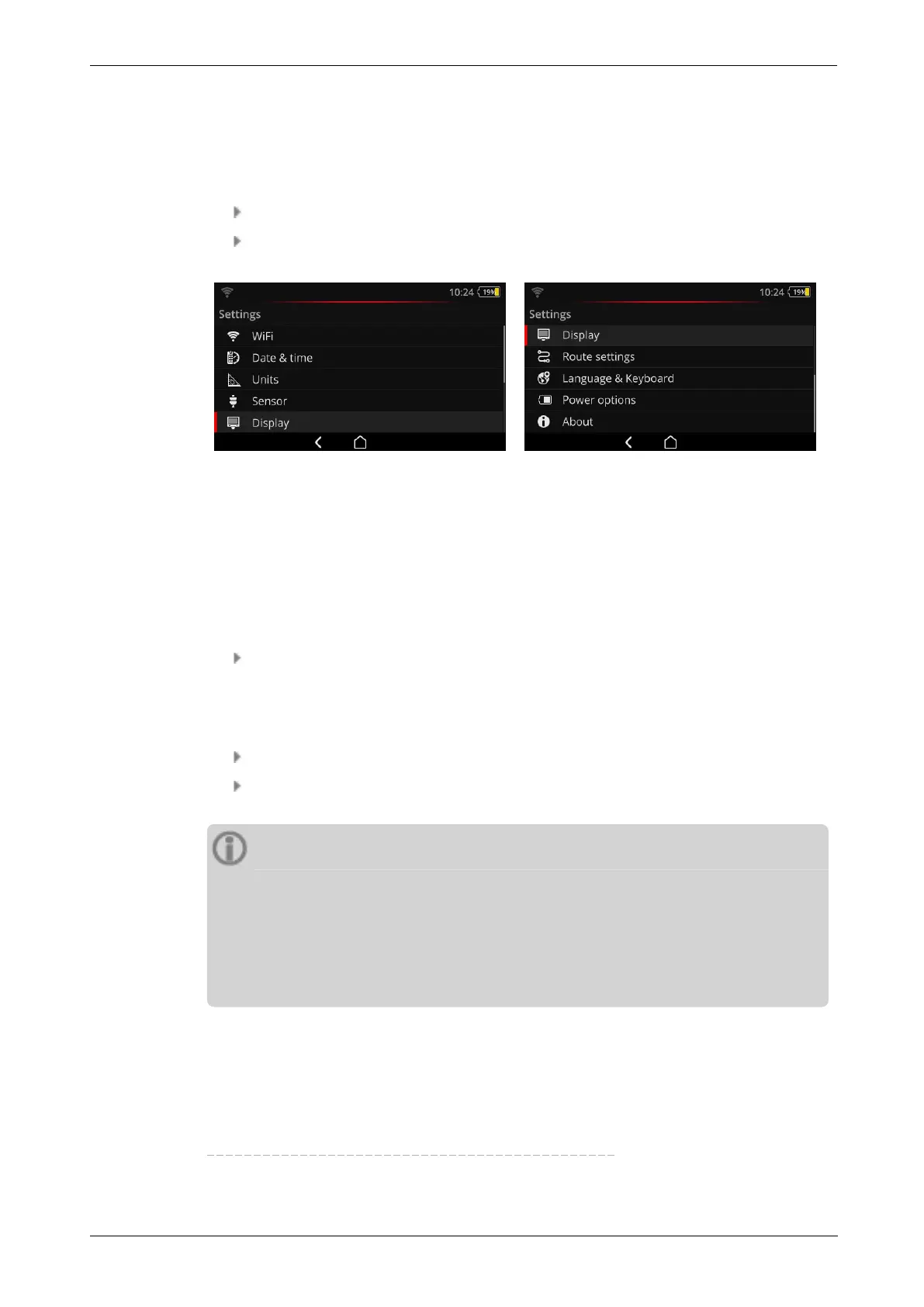
Tap on [Settings] on the startup screen. The [Settings] menu appears.
Tap on one of the functions described below.
The device settings can be found in the [Settings] menu.
3.3.1 WiFi
This function is provided for wireless communication with the VIBSCANNER 2 demo pro-
gram
1
. It can be used for visualizing device operation on a laptop/PC or to remote control
VIBSCANNER 2 using the demo program.
Activate the WiFi function using the slide control. VIBSCANNER 2 scans the en-
vironment for networks in the environment and lists them. Password-protected
networks are marked with a lock icon. The WiFi icon appears in the status bar,
when the function is activated.
Tap on a network to connect VIBSCANNER 2 with the network.
Enter the network password as needed.
Notes
VIBSCANNER 2 remembers the networks it previously connected to. If one of
these networks is within range, the device connects automatically. If it re-
members several networks, the device connects to the network that appears first
in the list.
Switch off the WiFi function if you do not need it. This saves energy.
1
available for authorized PRÜFTECHNIK personnel only
40 Edition: 11.2017
3 - Operation



 To Next Page