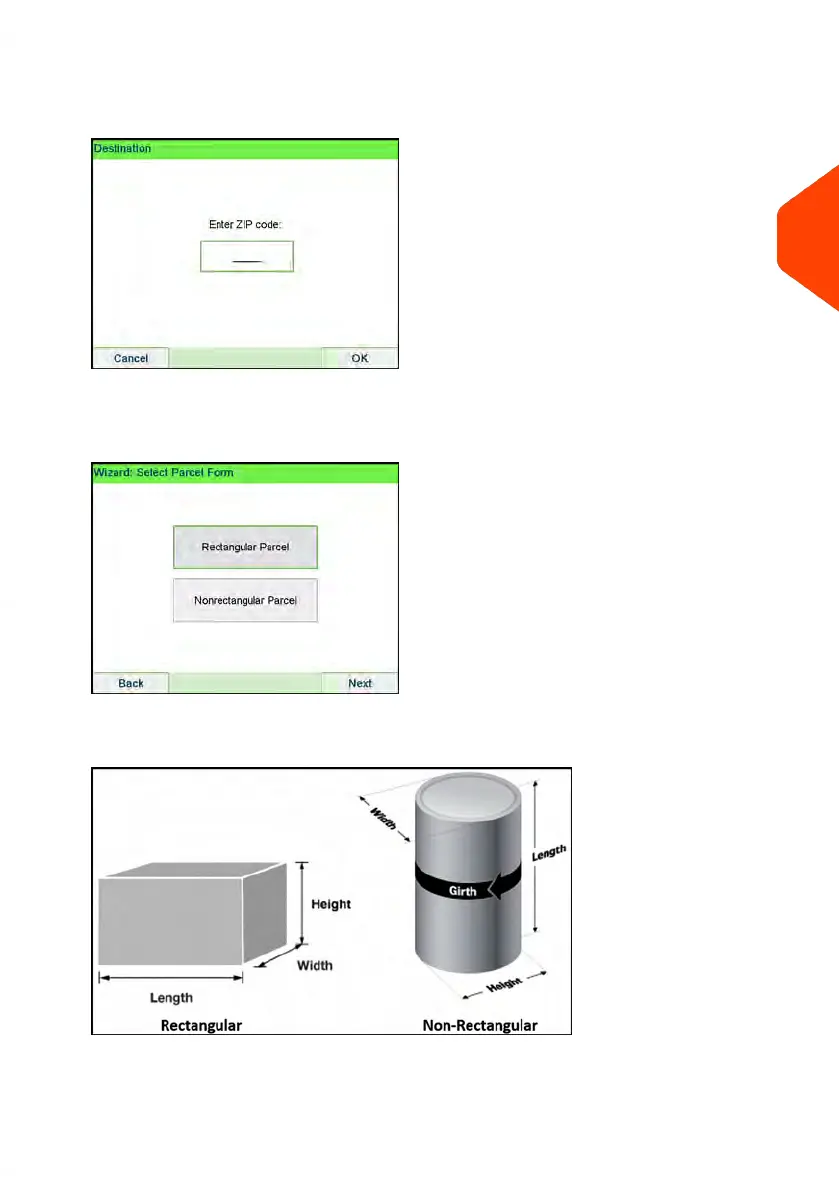
1. From the home screen (using the Priority mail class), place the item on the scale.
The system will prompt for the destination ZIP Code.
Using the numeric keys enter the zip code.
2. The display will prompt you to select the basic shape of the item.
Select Parcel for a rectangular-shaped parcel and Non-rectangular for all other
items.
3
Processing Mail
53
| Page 53 | Apr-15-2022 12:02 |















 To Next Page