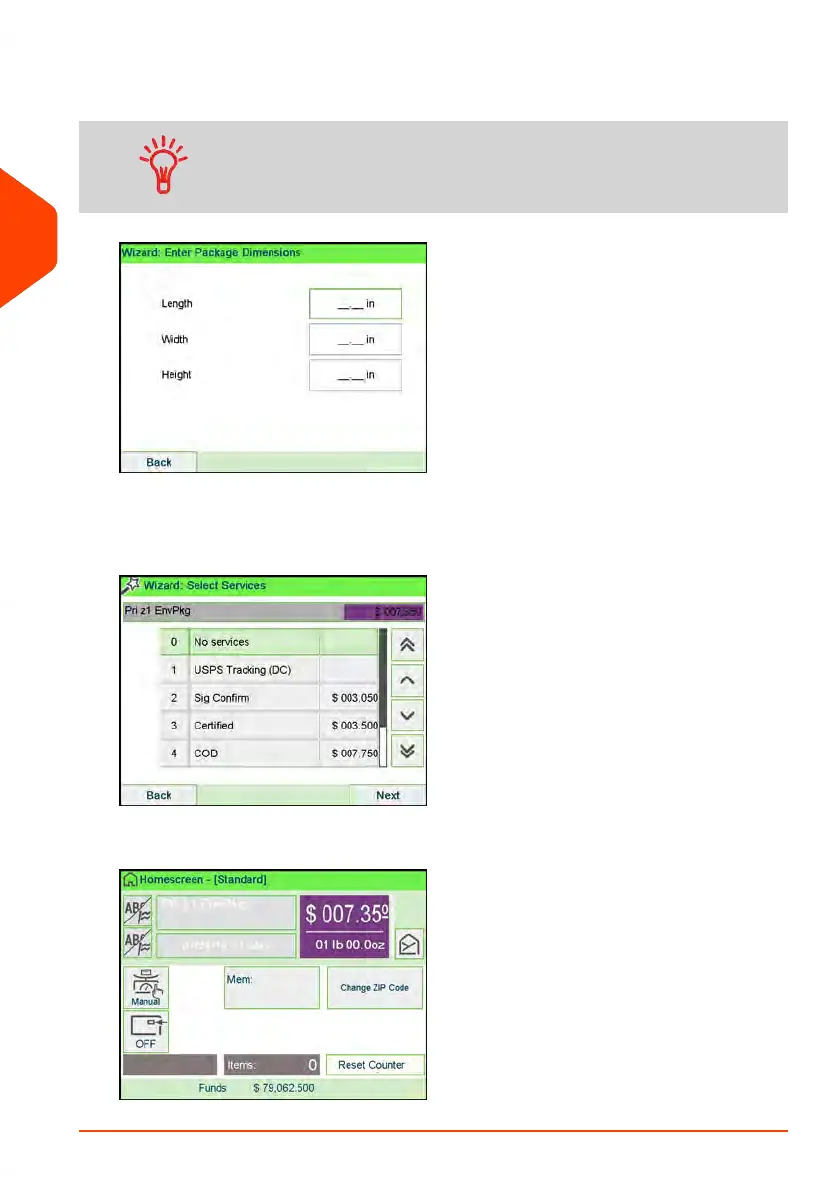
3. The display will prompt you to enter the dimensions of the item. Use the numeric
keys to enter the dimensions.
The prompts may vary depending upon what shape was
selected.
4. The display will display the entered dimensions. Select Next.
5. The display will display the rate selection screen. Select Next.
6. The display will show the postage, process as normal.
54
| Page 54 | Apr-15-2022 12:02 |
3
Processing Mail















 To Next Page