HandKey II Installation and Operation Manual
Revision 2.0 Page 113
Set Duress Code
A Duress Code only works with keypad entry – it does not work with card reader
input. If you set a Duress Code, you cannot set an ID Length (see page 92). For the
Duress Code function to work an auxiliary output must have been set to DURESS.
Refer to the Aux Out Control section on page 98.
The following instructions demonstrate how to set the Hand Reader’s Duress Code to
9.
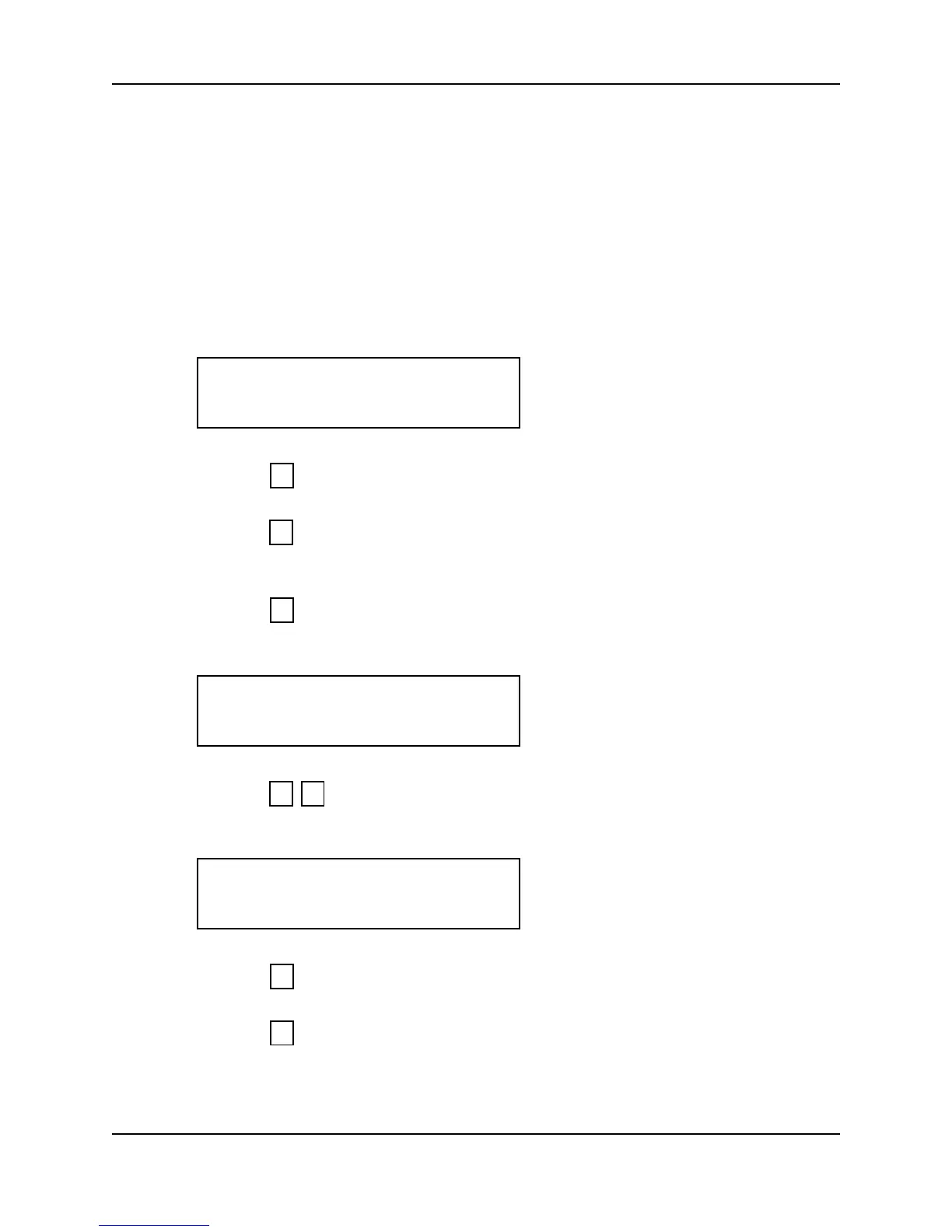
1. When you enter the Set Duress Code command the display appears as follows.
2. Press to exit the command menu.
– or –
3. Press to keep the current Duress Code setting and skip to the Set Print Options
command.
– or –
4. Press to Set the Duress Code. The current duress code appears on the display.
If there is no existing Duress Code value an asterisk (*) is displayed.
5. Press to set the Duress Code to 9. The display returns to the start of the Set
Duress Code command.
6. Press to step to the Set Print Options command.
– or –
7. Press to exit command mode.
SET DURESS CODE
*NO YES#
5
*
#
DURESS CODE
(*):
9 #
SET DURESS CODE
*NO YES#
*
5



 To Next Page