HandKey II Installation and Operation Manual
Revision 2.0 Page 51
Edit Time Zone
The following example sets time zone 2 to allow access from 08:00 to 17:00 hours on
Mondays, Wednesdays, and Holidays.
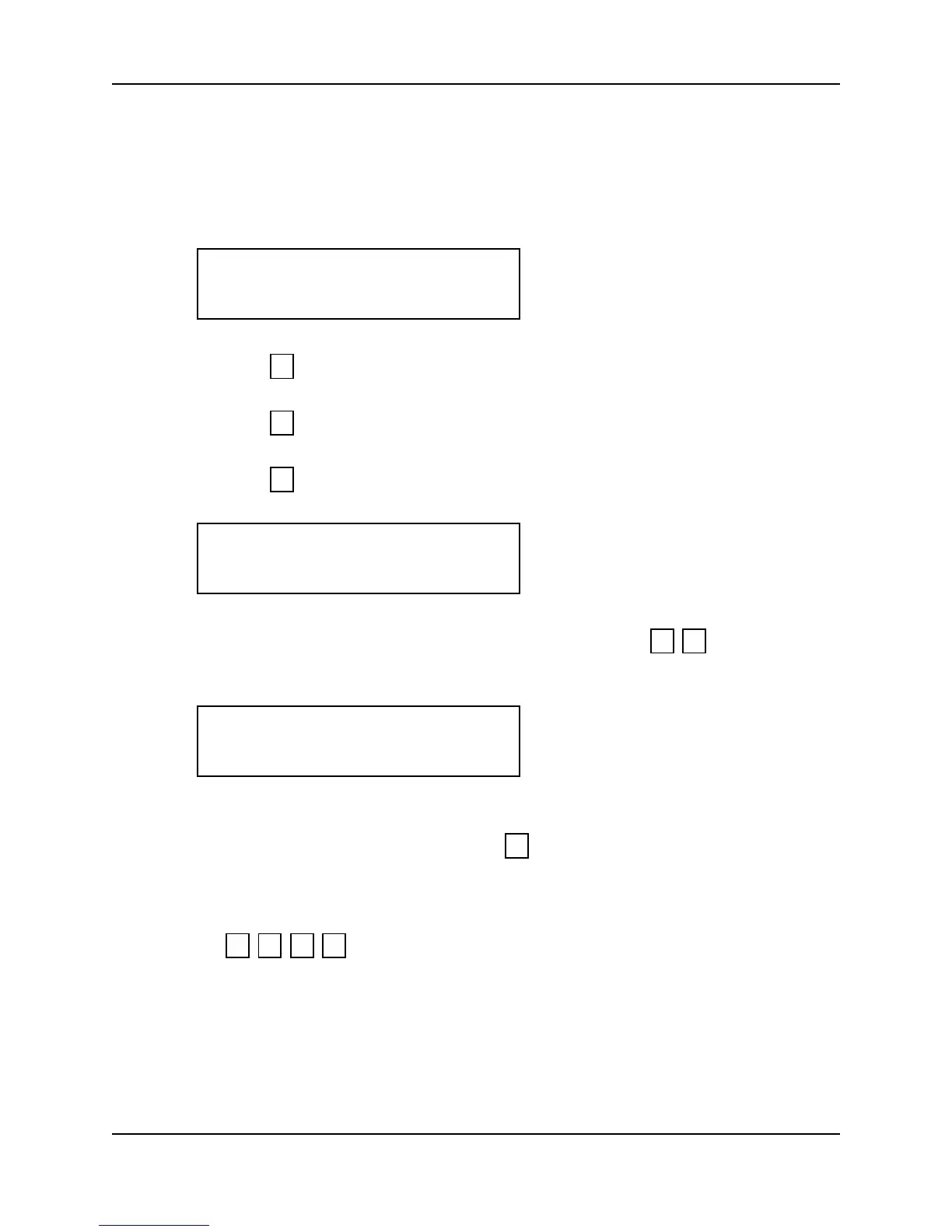
1. When you enter the Edit Time Zone command the display appears as follows.
2. Press to exit to the Set TZ Table command.
– or –
3. Press to skip to the Print Time Zone command.
– or –
4. Press to edit a time zone. The display appears as follows.
5. Enter the time zone to be edited. For this example, press . The display
appears as follows, showing current information for time zone 2, split 1 (TZ2-1).
6. For split 1, information can be entered immediately. To enter time zone
information for splits 2, 3, or 4, press until the desired split number appears on
the display.
7. Each day-of-the-week is represented by a number. Refer to Table 8 and enter the
days to be applied to the time zone. For Monday, Wednesday, and Holiday, press
.
EDIT TZ’s
*NO YES#
5
*
#
TIME ZONE #?:
2 #
TZ2-1
ON00:00 OFF:00:00
2 4 8 #



 To Next Page