HandKey II Installation and Operation Manual
Page 96 Revision 2.0
Set Lock and Shunt
Set the Lock time and the Shunt time to desired values, and set the Auxiliary Keypad
to allow entry when the user’s ID number is entered. If the Auxiliary Keypad is
enabled, you have the option to set if the time zone assigned to a user should apply
when the user’s ID number is entered at the Auxiliary Keypad (the user will only be
granted entry if the access request meets time zone guidelines).
This command is unnecessary (and should be left at its default values) if the output
mode is set to Card Reader Output Mode. The default Lock time is 5 seconds. The
default Shunt time is 10 seconds. The default Auxiliary Keypad value is to not allow
entry when the user’s ID number is entered.
The following instructions demonstrate how to change the Lock time to 7 seconds, the
Shunt time to 12 seconds, and to allow entry when the user’s ID number is entered.
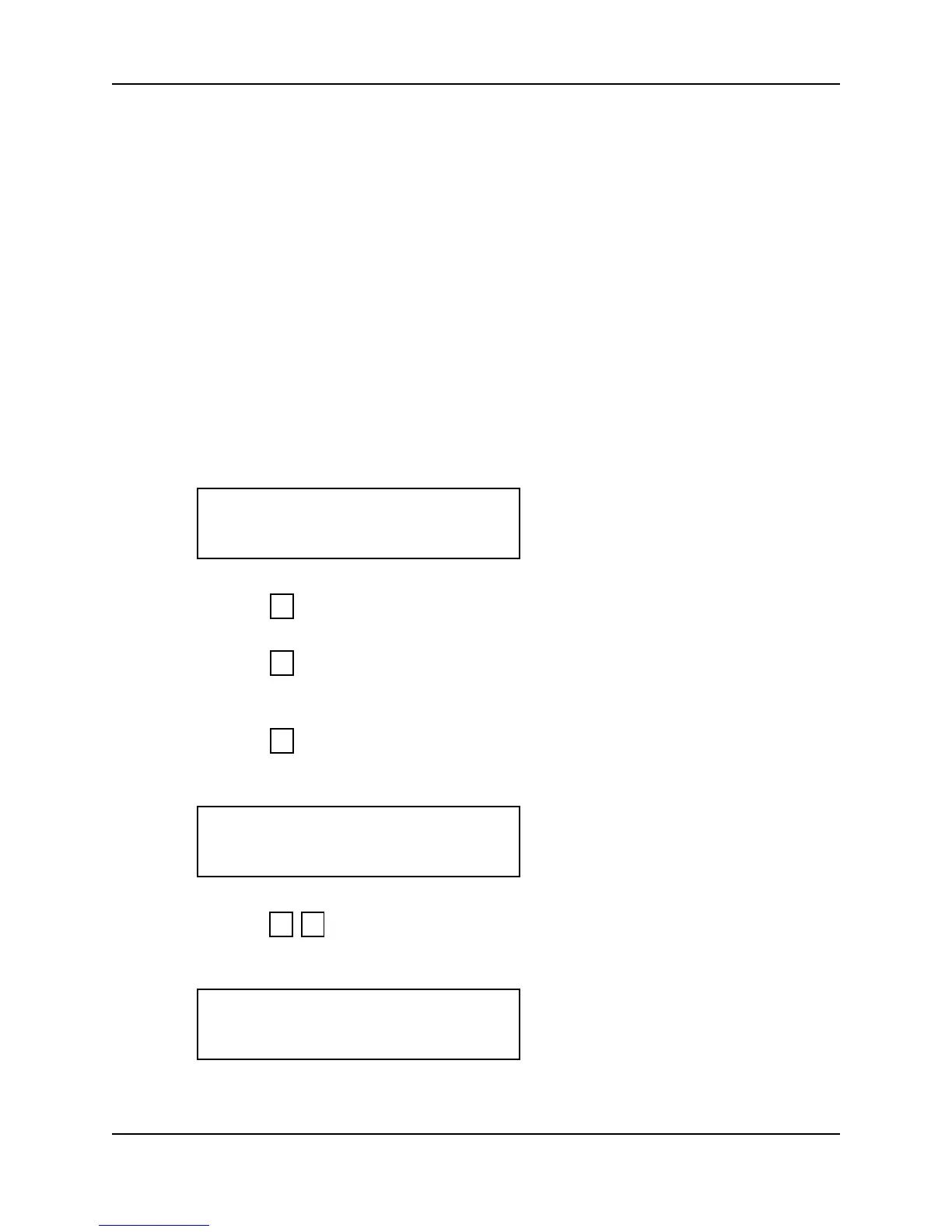
1. When you enter the Set Lock and Shunt command the display appears as follows.
2. Press to exit the command menu.
– or –
3. Press to keep the current Lock, Shunt, and Auxiliary Keypad values and skip
to the Aux Out Control command.
– or –
4. Press to Set the Lock and Shunt times and Auxiliary Keypad value. The
current Lock time appears on the display.
5. Press to set the Lock time to 7 seconds. The current Shunt time appears on
the display.
LOCK/SHUNT TIME
*NO YES#
5
*
#
LOCK IS 5 SEC.
NEW TIME?
7 #
SHUNT IS 10 SEC.
NEW TIME?



 To Next Page