HandKey II Installation and Operation Manual
Page 66 Revision 2.0
Special Enroll
Allows a user to be enrolled such that the ID number is the primary criteria for
determining access. A hand read is required, but is not verified against any stored
identification data. A time zone value can also be applied to the Special Enrollment ID
number to increase access limits. The default is for no time zone to be applied.
Special Enrollment affects the integrity of the Hand Reader network and should only
be used as a last resort. Anyone who knows a Special Enroll ID number is granted
access when the ID number is used. Before specially enrolling a user, try to alleviate
verification problems by adjusting the individual user’s reject threshold (see page 61).
The following instructions demonstrate how to set a Special Enrollment ID number of
987 and a Time Zone of 4.
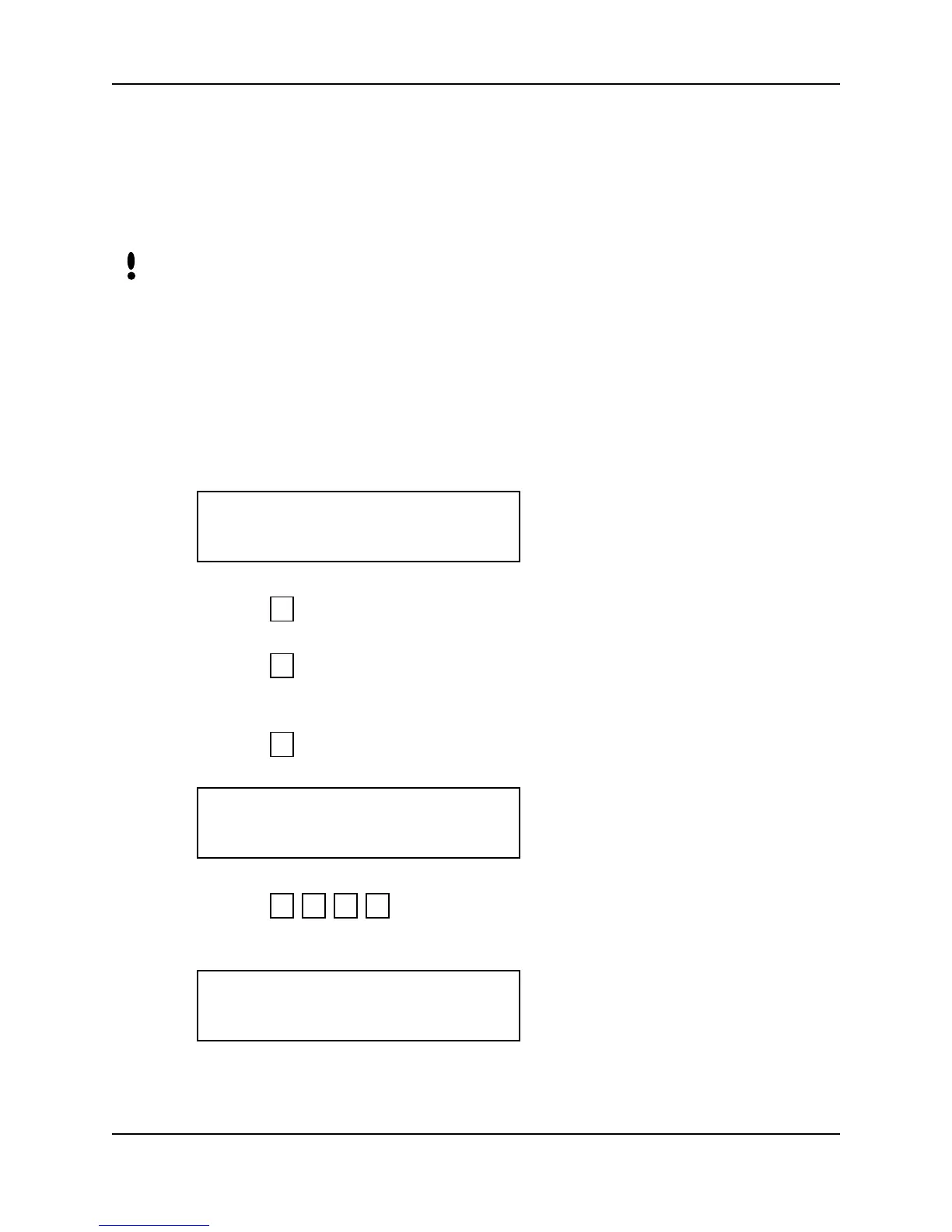
1. When you enter the Special Enroll command the Hand Reader’s display appears as
follows.
2. Press to exit the command menu.
– or –
3. Press to return to the Set User Data command at the beginning of this
command menu.
– or –
4. Press for Special Enrollment. The display appears as follows.
5. Press to enter the Special Enrollment ID number. The display
appears as follows.
NOTE
SPECIAL ENROLL
*NO YES#
5
*
#
ID#?
9 8 7 #
ENTER TIME ZONE
(0)?:



 To Next Page