HandKey II Installation and Operation Manual
Page 110 Revision 2.0
Set Serial
Set the serial port (RS-485/RS-422 and RS-232) baud rates to match the rates of the
other Hand Readers, the host computer, and serial printer. 9600 baud is suitable for
most applications and is set as the default value.
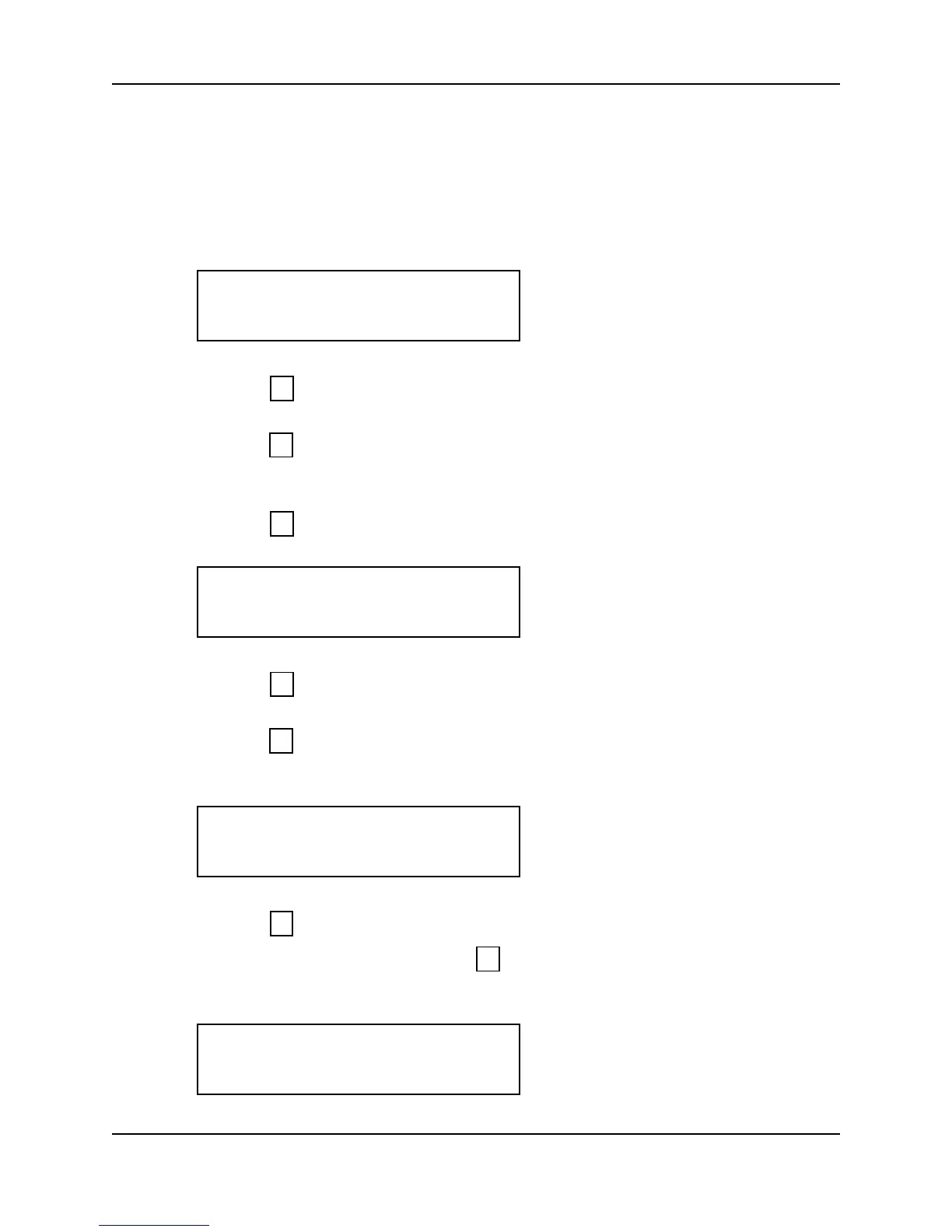
1. When you enter the Set Serial command the display appears as follows.
2. Press to exit the command menu.
– or –
3. Press to keep the current serial port baud rates and skip to the Set Duress Code
command.
– or –
4. Press to Set a Serial Port. The RS-485/RS-422 option appears on the display.
5. Press to skip to the RS-232 option.
– or –
6. Press to select the RS-485/RS-422 baud rate. The Baud Rate option appears on
the display.
7. Press to step through the list of available baud rates until the desired baud rate
appears on the display, then press to select the baud rate. The display returns to
the start of the RS-485/RS-422 option.
SET SERIAL
*NO YES#
5
*
#
SET RS-485/422?
*NO YES#
*
#
9600 BAUD
*NO YES#
*
#
SET RS-485/422?
*NO YES#



 To Next Page