HandKey II Installation and Operation Manual
Page 114 Revision 2.0
Set Print Options
Set the Print Options to whether or not the serial printer should print valid access
events.
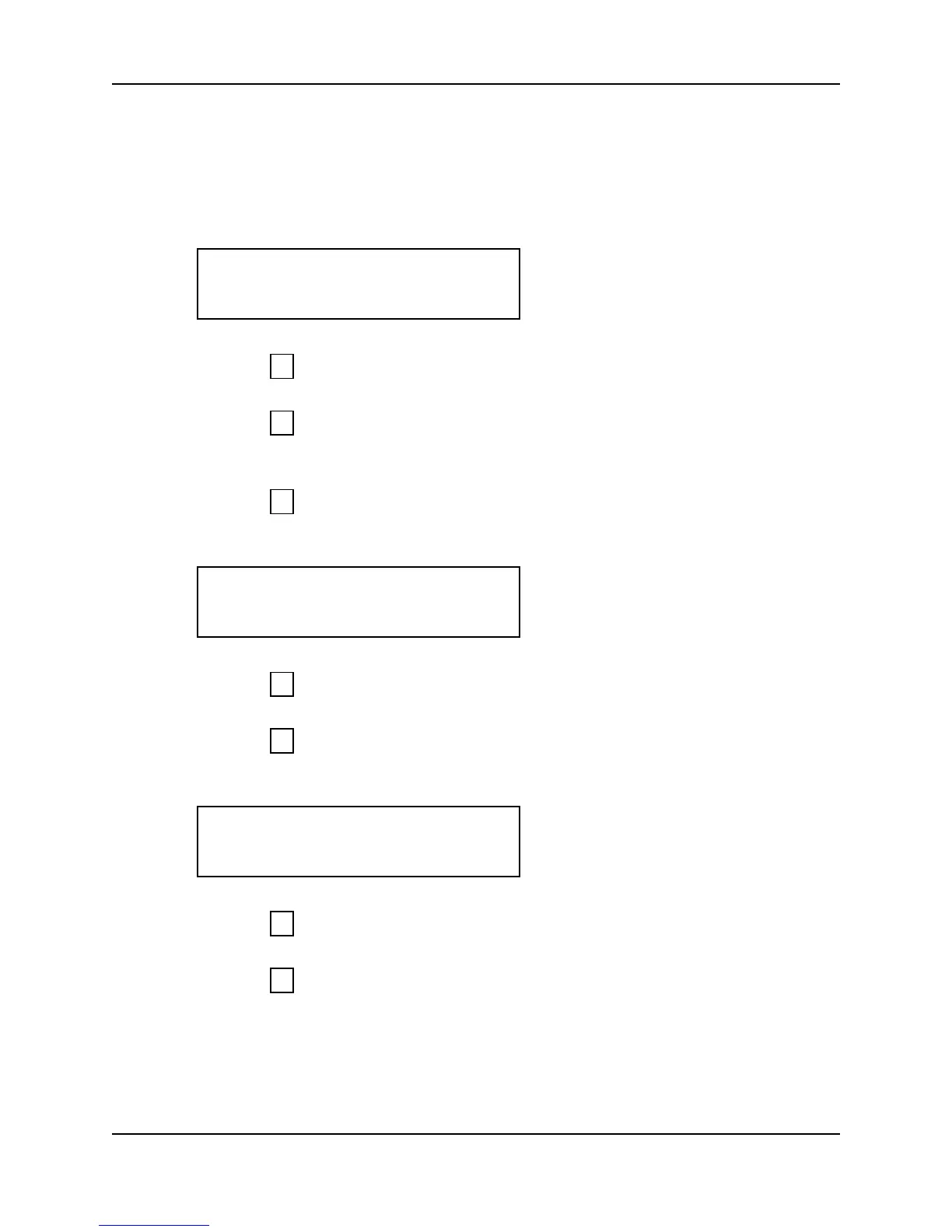
1. When you enter the Set Print Options command the display appears as follows.
2. Press to exit the command menu.
– or –
3. Press to keep the current print options setting and skip to the Set Beeper
command.
– or –
4. Press to Set the Print Options. The Print Valid Access option appears on the
display.
5. Press to not Print Valid Access events.
– or –
6. Press to Print Valid Access events.
7. The display returns to the start of the Set Print Options command.
8. Press to step to the Set Beeper command.
– or –
9. Press to exit command mode.
PRINT OPTIONS
*NO YES#
5
*
#
VALID ACCESS
*NO YES#
*
#
PRINT OPTIONS
*NO YES#
*
5



 To Next Page