HandKey II Installation and Operation Manual
Page 56 Revision 2.0
Edit Holidays
Months are identified numerically, where January = 1 through December = 12. The
following section provides an example of entering December 24 and 25 as holidays.
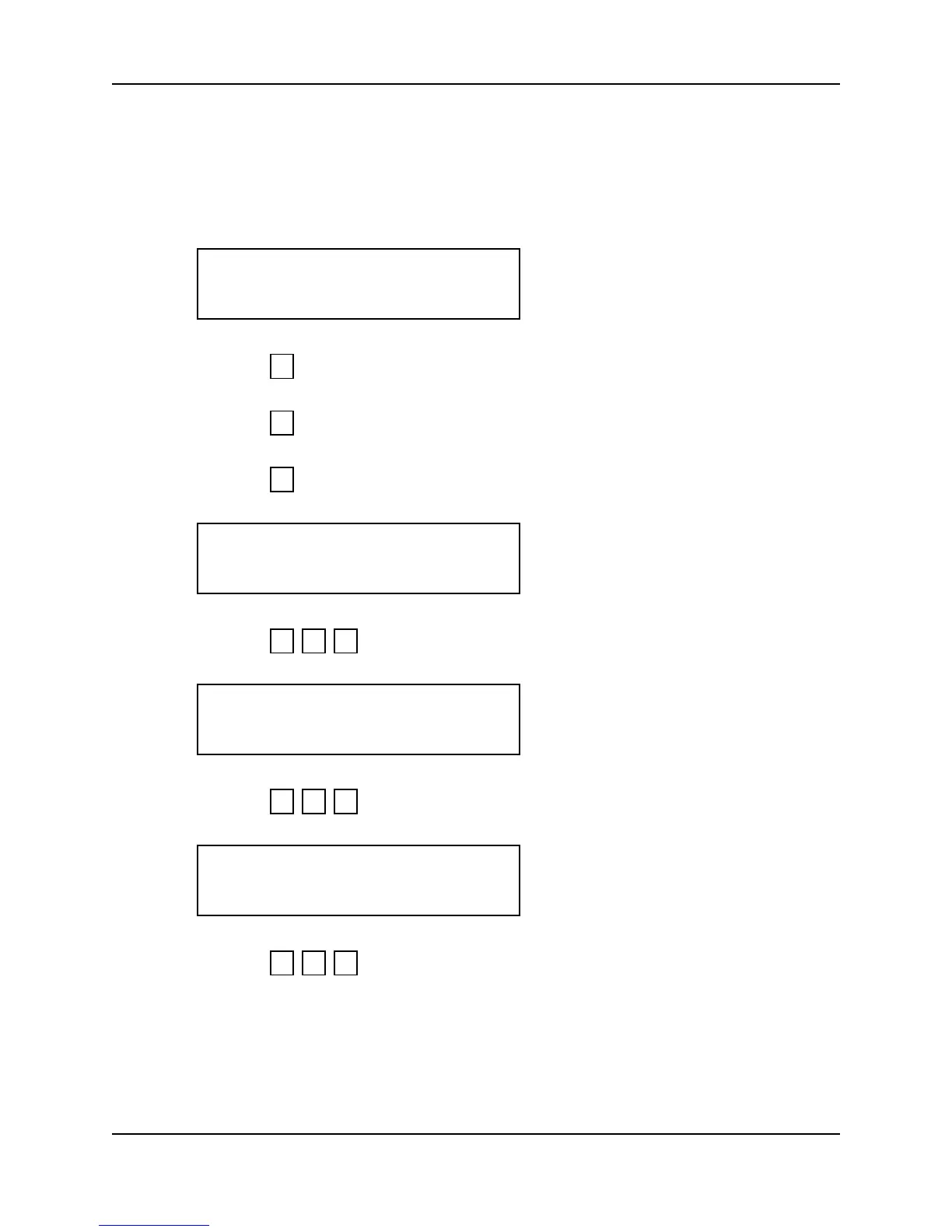
1. When you enter the Edit Holidays command the display appears as follows.
2. Press to exit to the Set TZ Table command.
– or –
3. Press to skip to the Print Holidays command.
– or –
4. Press to edit holidays. The display appears as follows.
5. Press . The display appears as follows.
6. Press . The display appears as follows.
7. Press . The display appears as follows.
EDIT HOLIDAYS
*NO YES#
5
*
#
MONTH (1-12)
?:
1 2 #
DEC
2 4 #
DEC
24
2 5 #



 To Next Page