HandKey II Installation and Operation Manual
Page 34 Revision 2.0
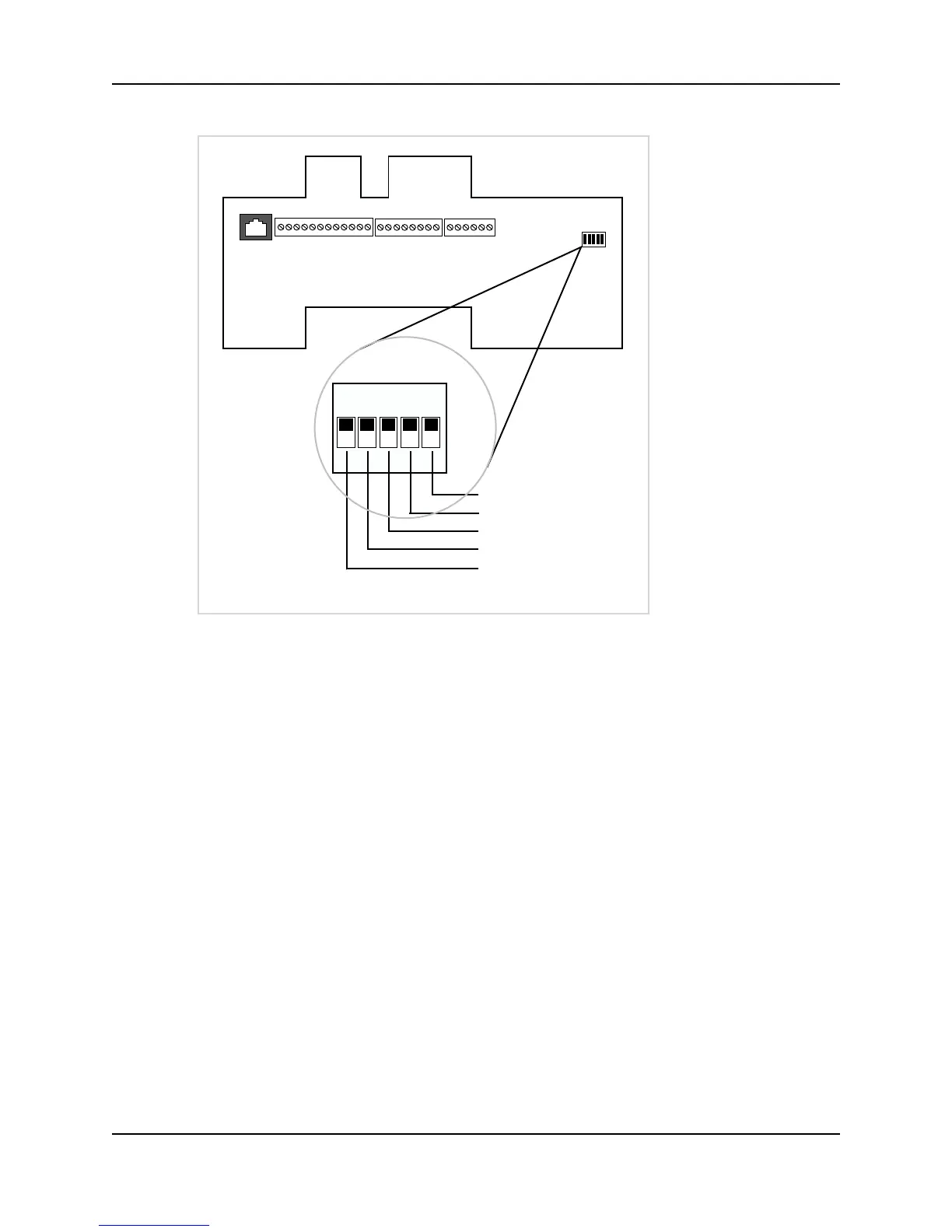
Figure 3-11: Hand Reader Dip Switches
End of Line Termination
The factory default setting is for EOL termination to be disabled – switches 1 and 2
OFF. Refer to Figure 3-11 for switch ON/OFF positioning.
• To enable EOL termination at a Hand Reader, both switches 1 and 2 must be ON.
• To disable EOL termination at a Hand Reader, both switches 1 and 2 must be OFF.
• In a Master/Remote Hand Reader network, the Master reader and the last Remote
reader in the daisy-chain must have EOL termination turned ON. All other readers
in the network must have EOL termination turned OFF.
• In a Hand Reader/host PC network, a modem/host PC network, and a Ethernet/
host PC network, the last Remote reader in the daisy-chain must have EOL
termination turned ON.
ON
OFF
WALL
TOP OF HAND READER
EOL Termination
EOL Termination
Communication Method
Erase Hand Reader Setup
Erase Hand Reader Setup and Database
12345



 To Next Page