HandKey II Installation and Operation Manual
Revision 2.0 Page 65
Clear Memory
Use the Clear Memory command to clear the user data from the Hand Reader, but
retain the setup data. This allows you to clear the Hand Reader’s user database of all
templates and ID numbers, but retain all Hand Reader setup information. Typically,
this is done when moving the Hand Reader to a new location with different users but
the same setup requirements.
Use this command with caution. Once user data is cleared from the Hand Reader’s
memory the user data is not recoverable.
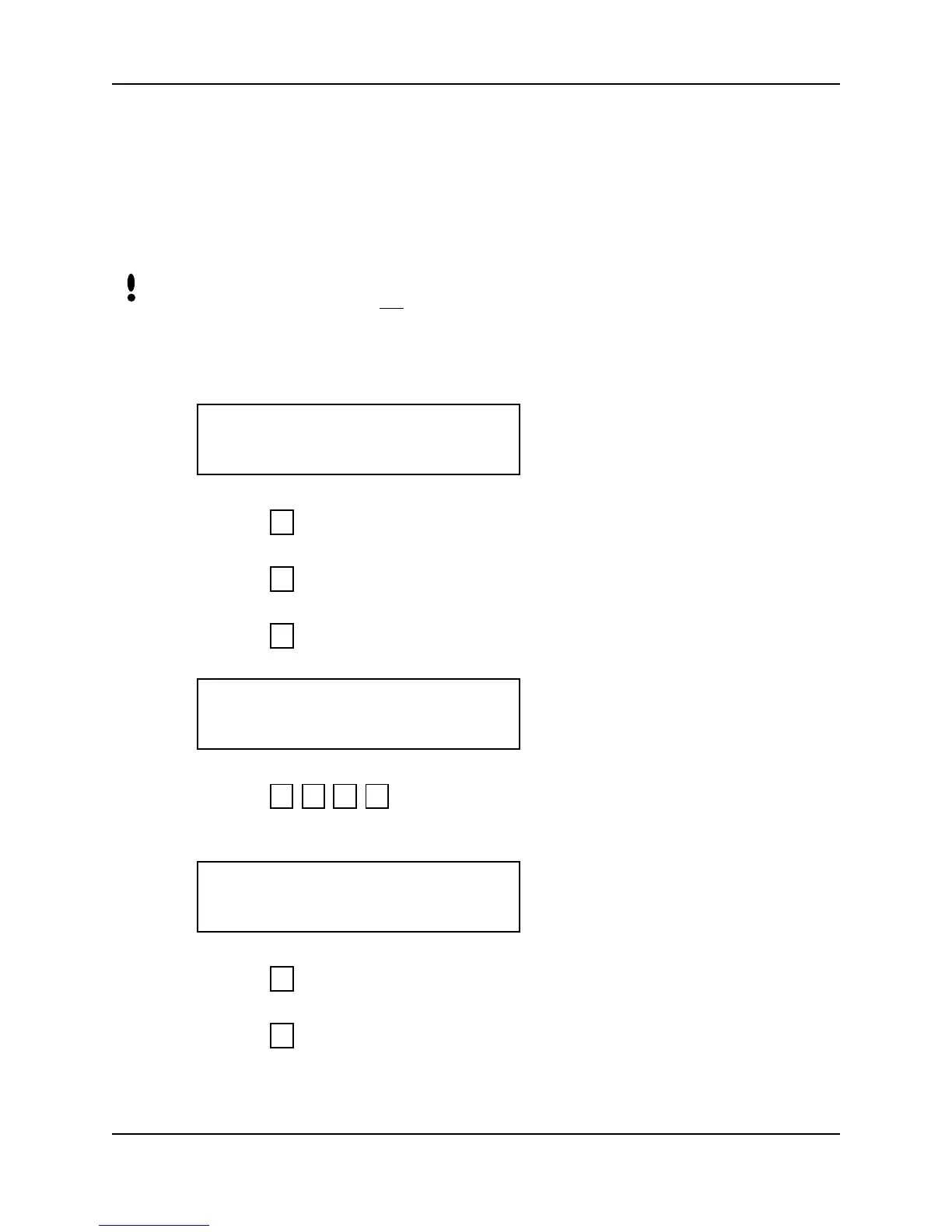
1. When you enter the Clear Memory command the Hand Reader’s display appears
as follows.
2. Press to exit the command menu.
– or –
3. Press to skip to the Special Enroll command.
– or –
4. Press to Clear Memory. The display appears as follows.
5. Press to clear the user data from the Hand Reader’s memory. The
display appears as follows.
6. Press to exit command mode.
– or –
7. Press to step to the Special Enroll command.
NOTE
CLEAR MEMORY
*NO YES#
5
*
#
TO CLEAR ENTER
123 ELSE #?
1 2 3 #
CLEAR MEMORY
*NO YES#
5
*



 To Next Page