HandKey II Installation and Operation Manual
Page 88 Revision 2.0
Set Date Format
The default date format is the U.S. standard date format – MM/DD/YY. The following
date formats are available.
mm/dd/yy mm-dd-yy
dd-MMM-yy MMM dd,yy
dd-mm-yy ddMMMyyyy
dd/mm/yy
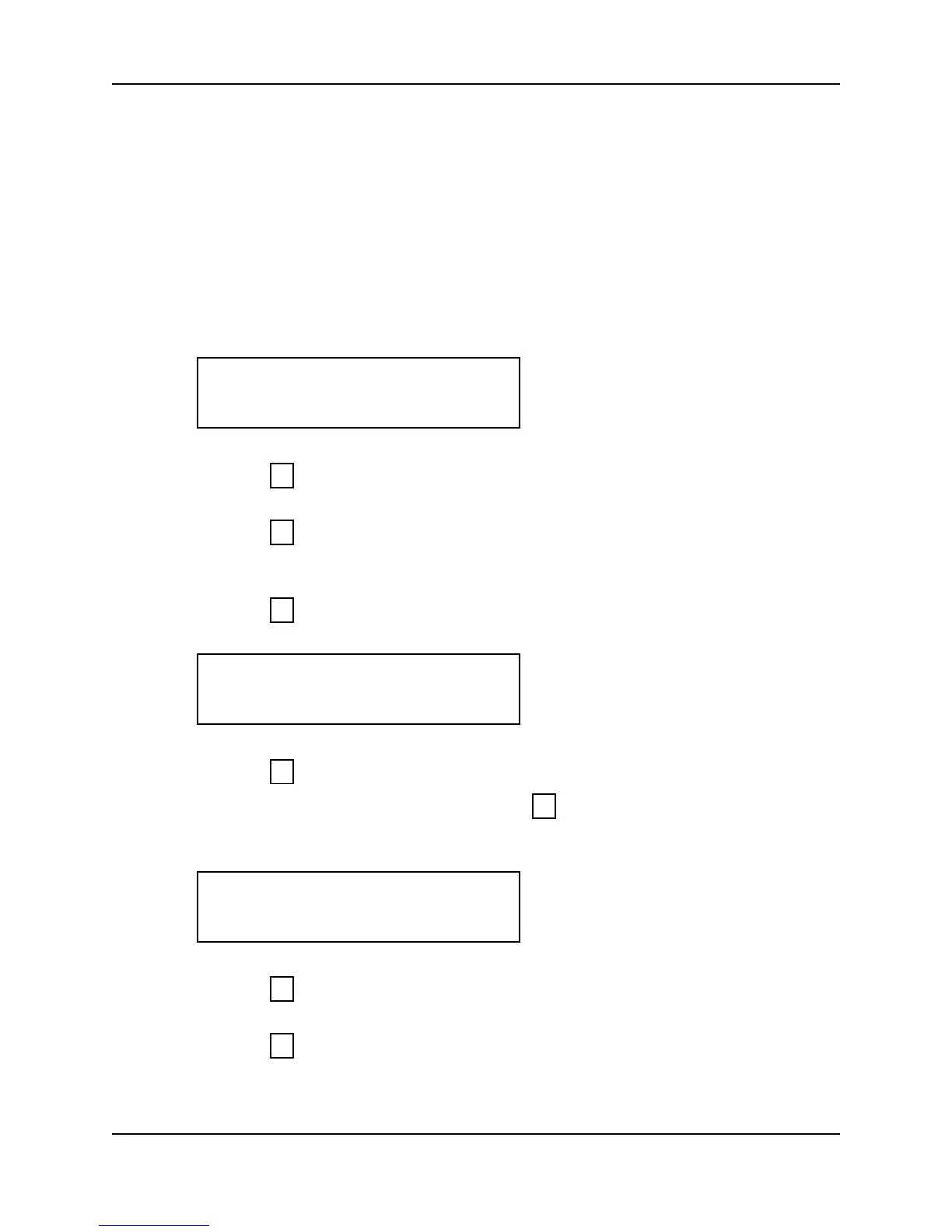
1. When you enter the Set Date Format command the display appears as follows.
2. Press to exit the command menu.
– or –
3. Press to keep the current date format and skip to the Set Time and Date
command.
– or –
4. Press to Set the Date Format. The current date format appears on the display.
5. Press to step through the list of available date formats until the desired date
format appears on the display, then press to select the date format. The display
returns to the start of the Set Date Format command.
6. Press to step to the Set Time and Date command.
– or –
7. Press to exit command mode.
SET DATE FORMAT
*NO YES#
5
*
#
MM/DD/YY
*NO YES#
*
#
SET DATE FORMAT
*NO YES#
*
5



 To Next Page