HandKey II Installation and Operation Manual
Revision 2.0 Page 121
10. Press to enable the status display command.
11. Press to exit command mode. After a short delay the Hand Reader’s display
shows the status display values for this Hand Reader. Figure 9-2 defines each field
for the status display values.
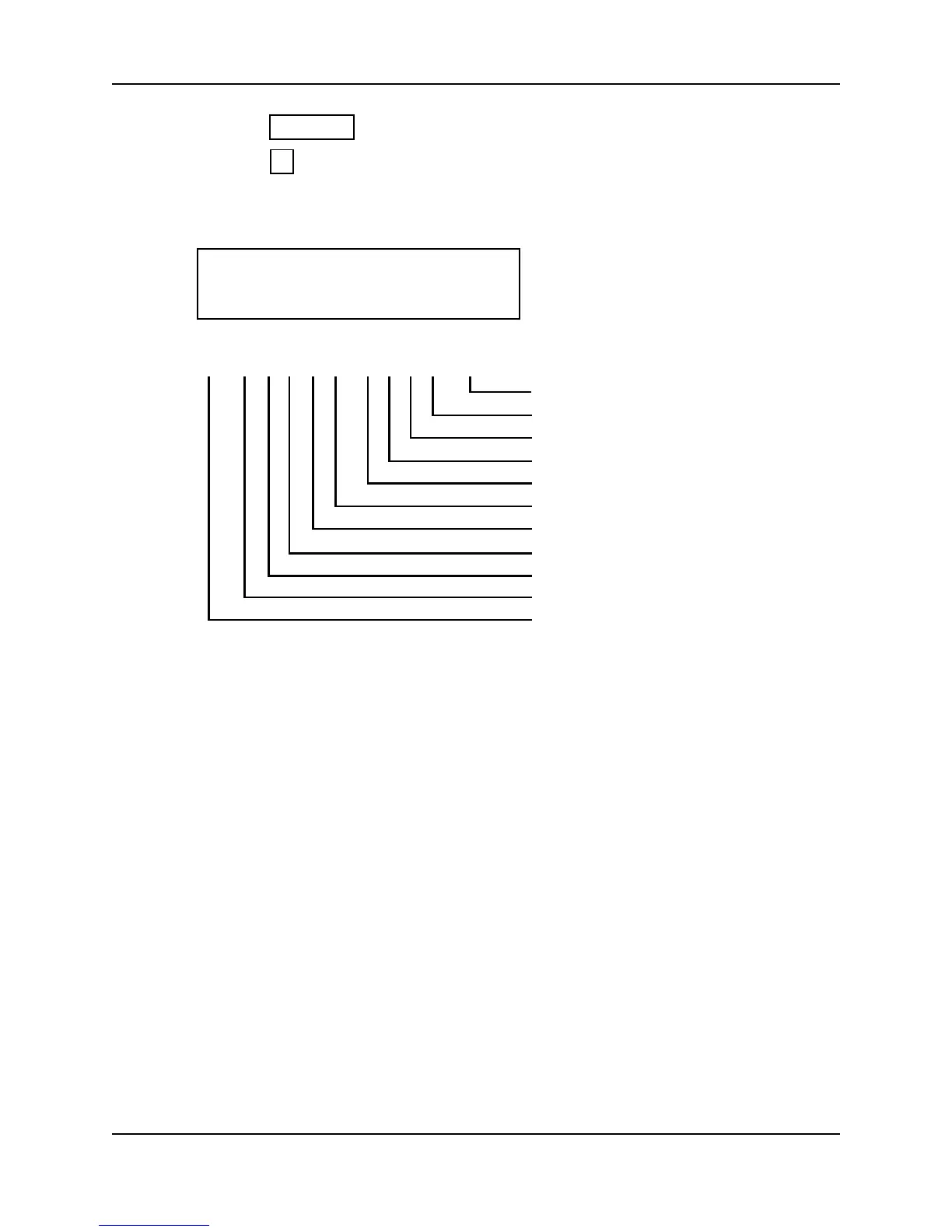
Figure 9-2 Status Display Chart
12. The status display values are shown on the Hand Reader’s display until the status
display command is exited. Users can continue to use the Hand Reader.
ENTER
5
(1) O C O C O H L H L 16
Last Hand Read Score
Aux Out 2
Aux Out 1
* Aux Out 0
* Lock
Aux In 2
Request to Exit
Aux In 1
Door Monitor Switch
Tamper
Unit Set as Master
* These status values are inactive if the
reader is in Card Reader Output Mode.
O = Circuit Open H = Output is OFF (High)
C = Circuit Closed L = Output is ON (Low)
(1) O C O C O H L H L NN



 To Next Page