HandKey II Installation and Operation Manual
Page 90 Revision 2.0
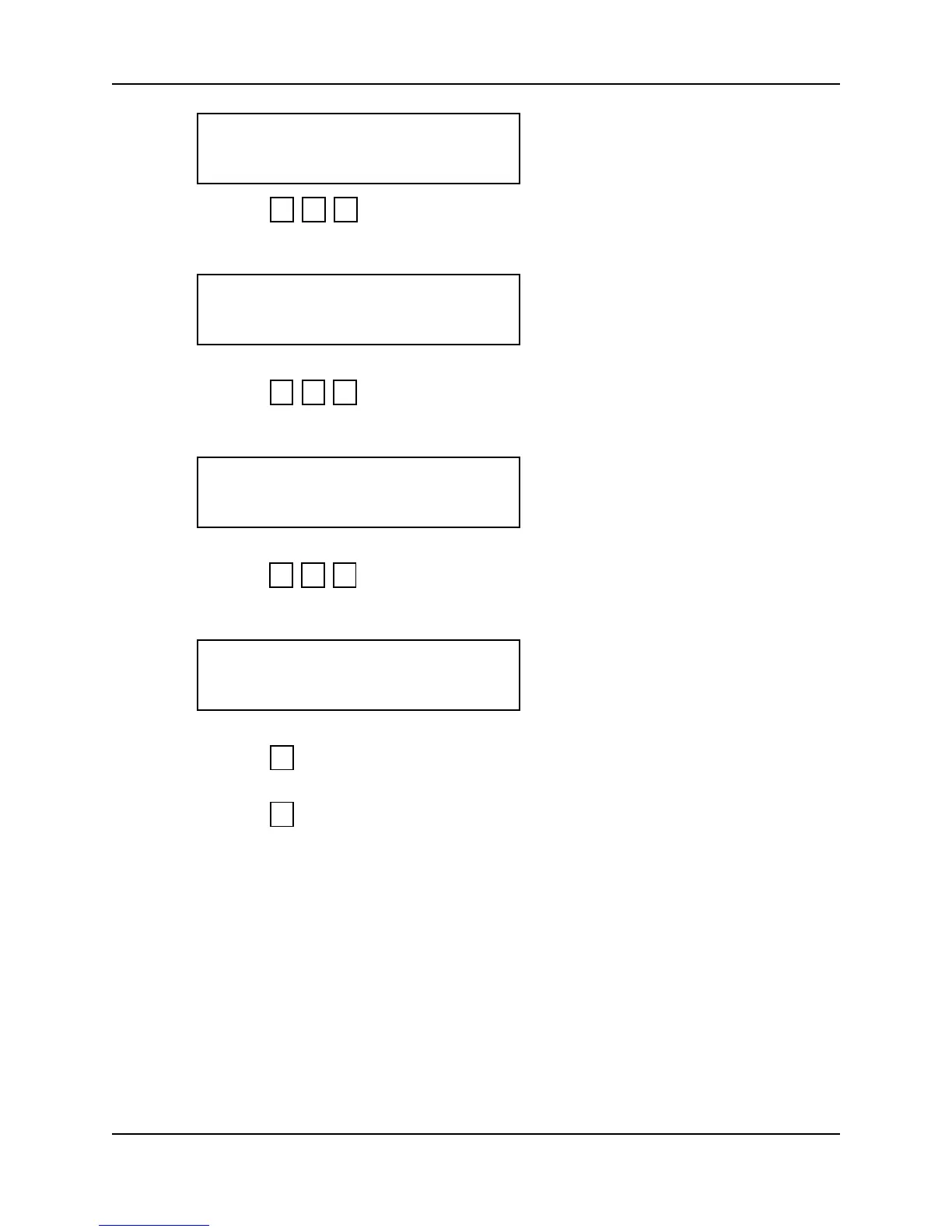
7. Press to set the year to 2001. The current hour now appears on the
display.
8. Press to set the hour to 2 P.M. The current minute now appears on the
display.
9. Press to set the minute to 45. The display returns to the start of the Set
Time & Date command.
10. Press to step to the Set Address command.
– or –
11. Press to exit command mode.
YEAR YY?
0 1 #
HOUR HH?
1 4 #
MINUTE MM?
4 5 #
SET TIME & DATE
*NO YES#
*
5



 To Next Page