Customizing Initial Settings [Custom Setting Mode]
103
Advanced Features (Printer Machine Side)
4
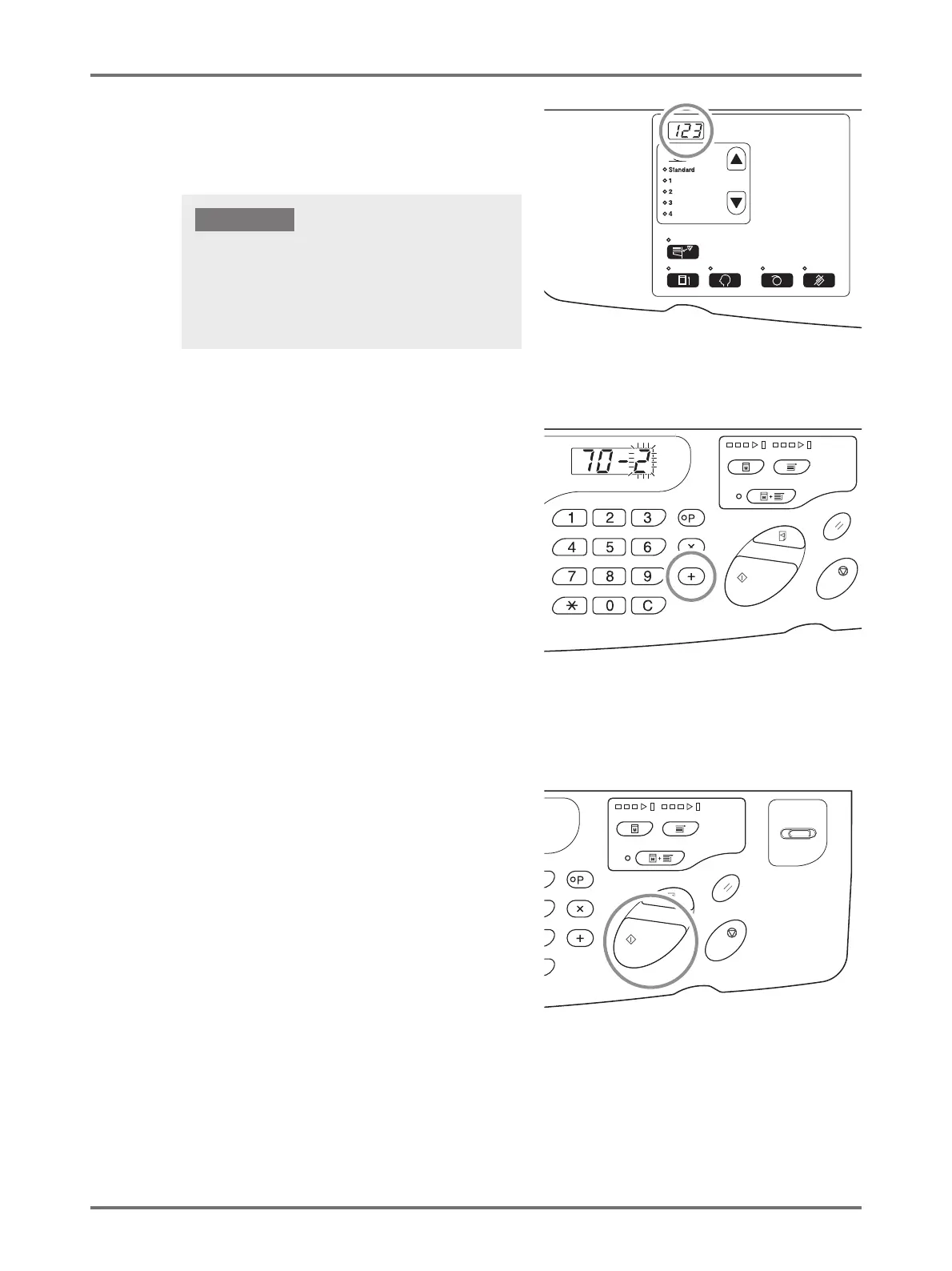
Enter the first field of the IP address,
using the Print Quantity keys.
The entered number is displayed on the sub panel.
5
Press the <
+
> key.
When the key is pressed, the entered numerical number
is fixed and the procedure moves to the next field.
6
Repeat the procedure from Steps 3 to
5 and enter the IP address up to Field
4.
7
Press the <Start> key to complete the
settings.
IP address setting is completed.
• The segmented numbers of the IP address by period are
called Field 1, Field 2... in order from the first number.
• Initial setting of the IP address of this machine is set to
"0.0.0.0". When the IP address of this machine is set to
"0.0.0.0", DHCP is turned ON.
IMPORTANT!



 To Next Page