Preparing to Print (Printer Machine Side)
27
Basic Operation
Adding or Replacing Paper
When you add paper or replace the paper with a different size at the
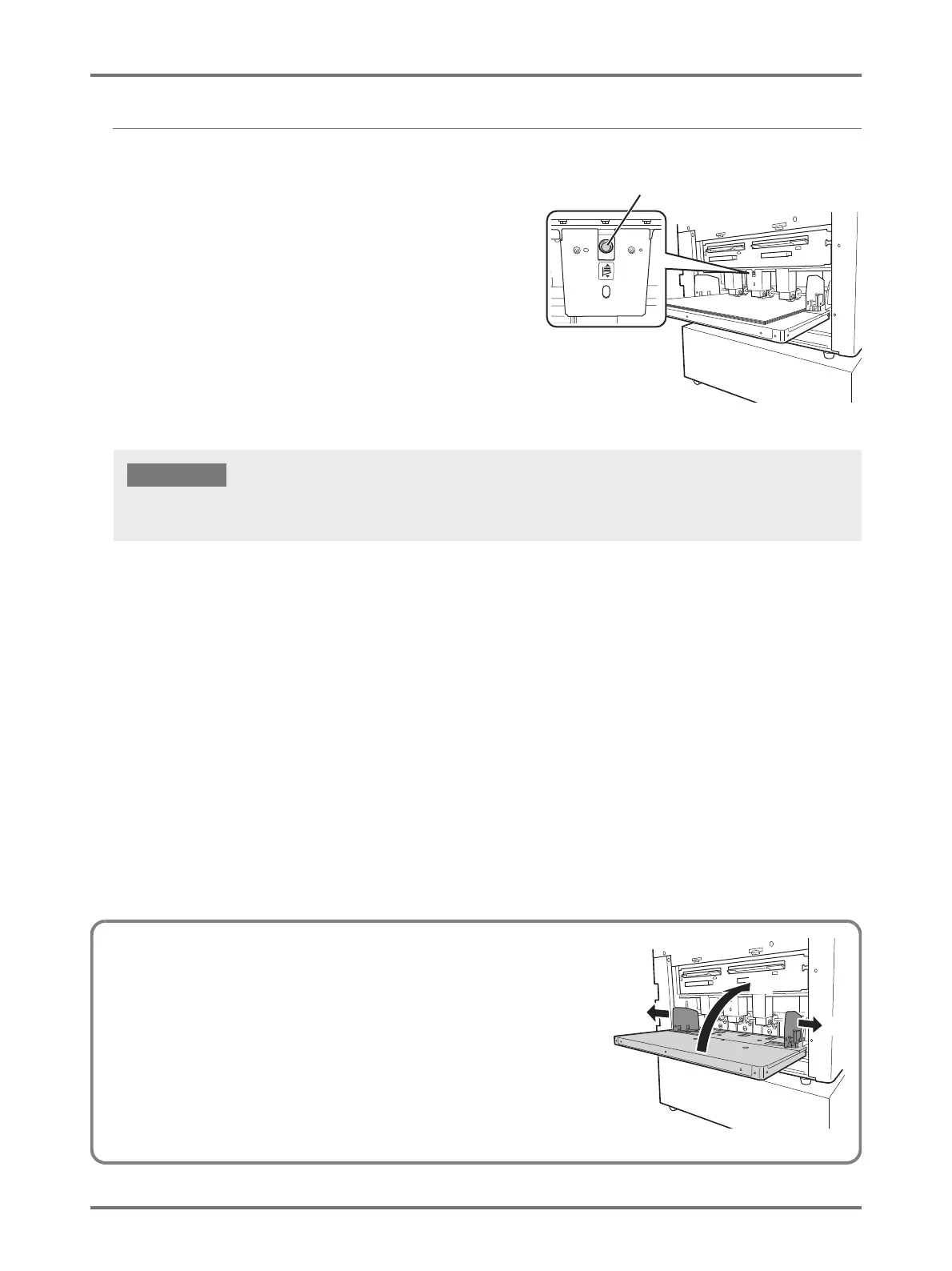
time of printing, press the Feed Tray Ascent/Descent Button to
lower the Paper Feed Tray.
When paper is loaded on the tray, press the Feed Tray Ascent/
Descent Button to lower the Paper Feed Tray. When the tray runs
out of paper or you remove all the paper, the tray is automatically
lowered to the bottom.
To raise the Paper Feed Tray when the Paper Feed Tray is at the
lowest position and the tray is loaded with paper, press the Feed
Tray Ascent/Descent Button.
Feed Tray Ascent/Descent Button
When changing to a different paper size, readjust the position of Receiving Tray Paper Guides, Paper Stopper, and Paper Jumping
Wing to fit the size of paper.
IMPORTANT!
(1)
(2)
(1)
Closing the Paper Feed Tray
When closing the Paper Feed Tray, lower the Paper Feed Tray, remove
the paper, and then open the Feed Tray Paper Guides to the widest
position. Then close the Paper Feed Tray.



 To Next Page