Automatic Sorting into Groups [Program]
88
Advanced Features (Printer Machine Side)
Clearing Programs
1
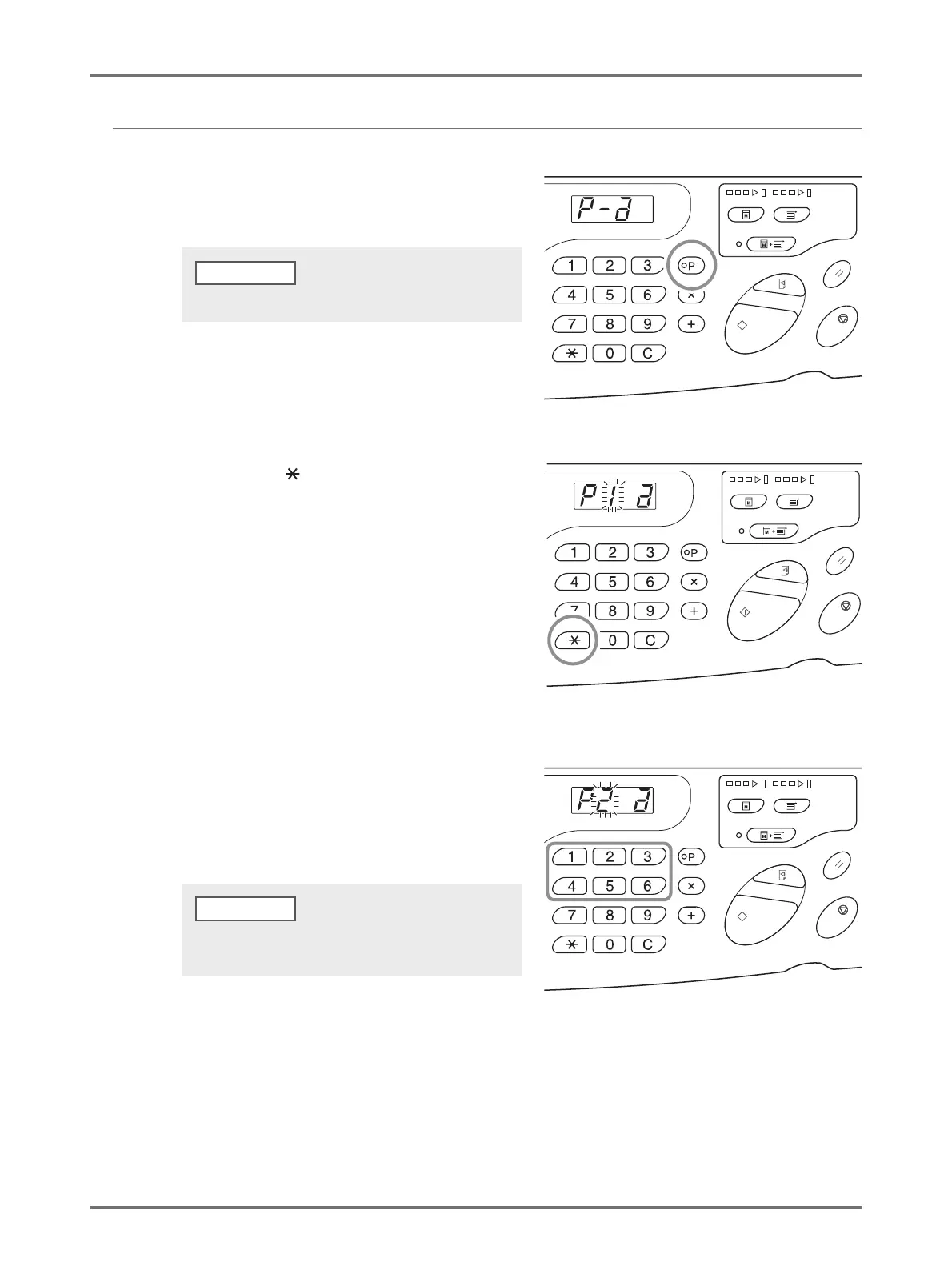
Press the <P> key to turn on the
indicator.
2
Press the < > key.
3
Enter the program number using the
Print Quantity keys.
Displays the program number where the setting to be
deleted is stored.
To clear the program mode, press the <P> key again.
NOTE
An unstored program number cannot be entered. Select a
stored program number.



 To Next Page