Preparing to Print (Computer Side)
43
Basic Operation
For a Network Connection (LAN)
Connecting a cable
Optional network interface card, RISO Network Card is required when connecting the computer to the machine through
network to use as a network printer.
Before Installation
In advance, read the User’s Guide of "RISO Network Card" (contained in RISO Network Card CD-ROM), and then
prepare the installation, such as connecting with the machine and IP address setting.
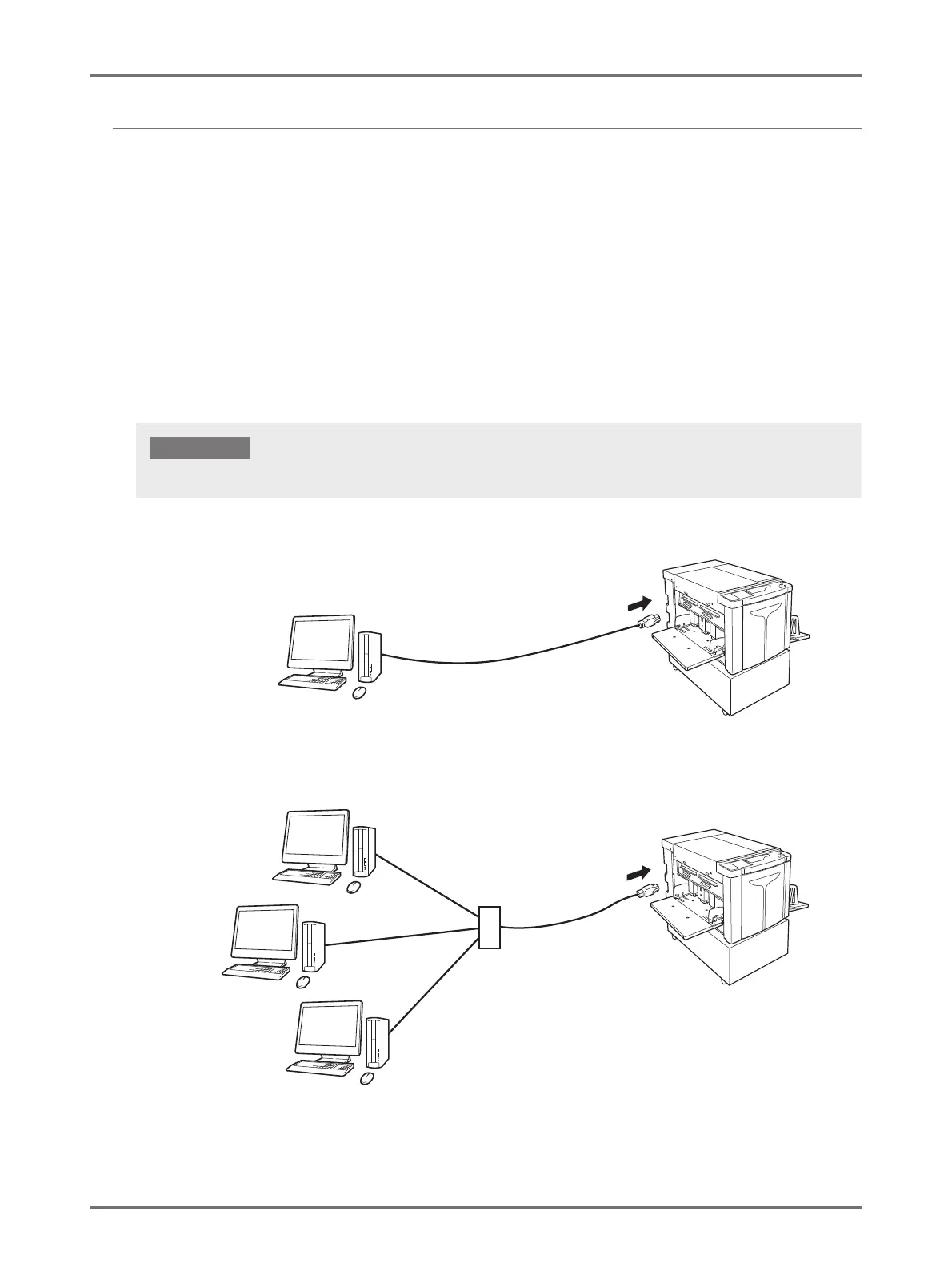
Use a commercially available Ethernet cable (10BASE-T or 100BASE-TX) appropriate for your network environment.
When the machine is connected with one PC
When the machine is connected on a network
Use an Ethernet cable specified with category 5 or more.
IMPORTANT!
Network cable
Ethernet port on the machine
Windows PC
Win
Network
Cable
Hub
Ethernet port on the machine
Windows PC
Win
Windows PC
Win
Windows PC
Win



 To Next Page