Customizing Initial Settings [Custom Setting Mode]
93
Advanced Features (Printer Machine Side)
5.5 Customizing Initial Settings
[Custom Setting Mode]
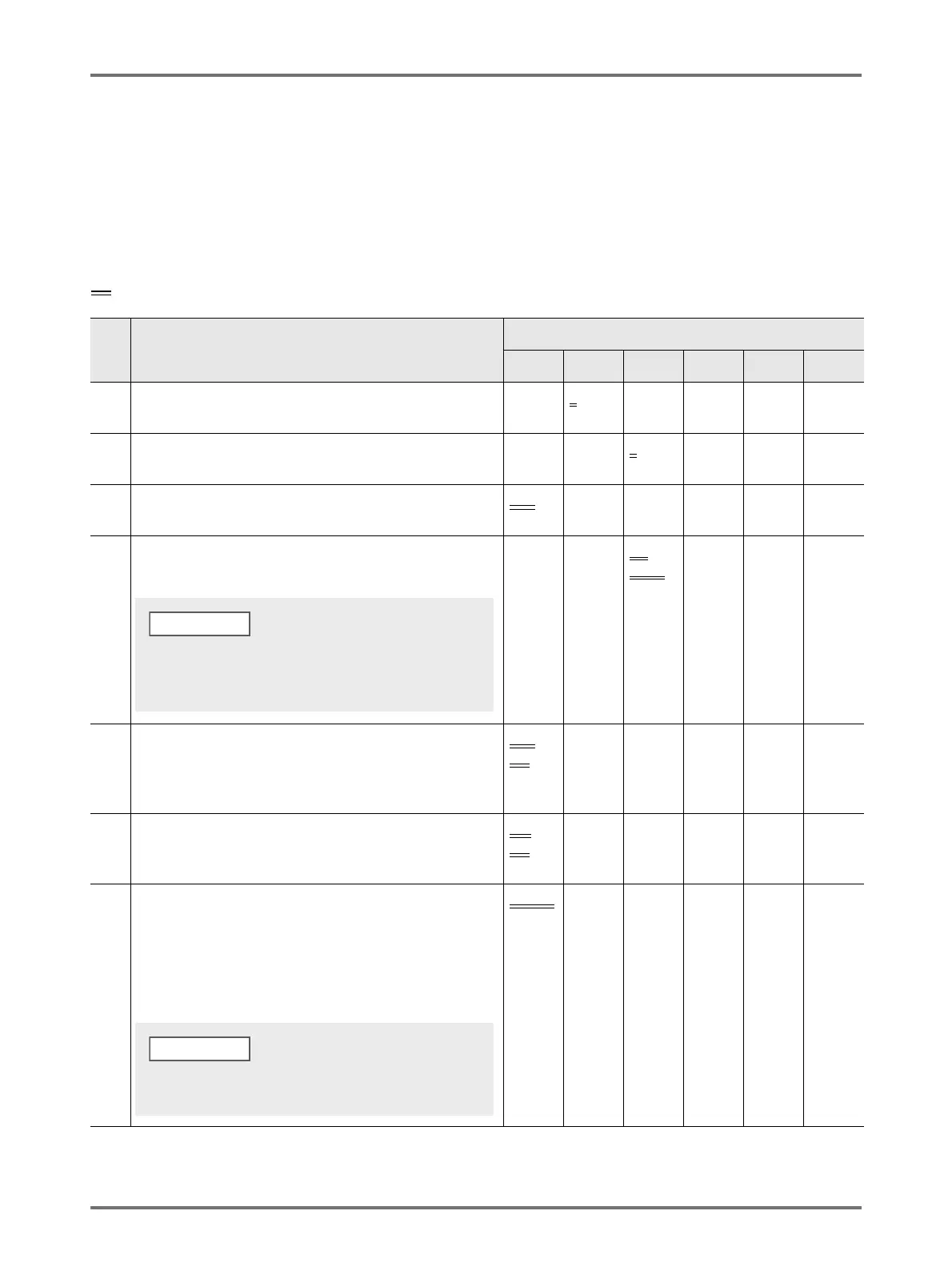
You can change the initial settings that are restored when the power is turned on or when the <Reset> key is pressed. These
initial settings can be customized according to the working condition. Changed settings are effective until they are changed
again.
The changeable items and their descriptions are as follows:
:Initial setting (factory default)
Item
No.
Changeable Items
Parameter Selection
0 1 2 3 4 5
01 Print Speed
Change the initial setting of [Print speed].
1 2
3
02 Print Density
Change the initial setting of [Print density].
123
45
03 Auto-process
Change the initial setting for [Auto-process].
OFF
ON
08 Auto Idling Time
Change the initial setting of Auto idling time.
Not
Set
6 hours
(3 hours)
12
hours
(6 hours)
10 Auto Power-OFF
When a certain amount of time elapses, the power automatically
turns off.
(Unable to receive data.)
Not
Set
Approx 5
minutes
Approx 15
minutes
Approx 30
minutes
Approx 60
minutes
Approx 90
minutes
12 Auto Clear Time
Select the waiting period required to make the machine
automatically reset settings.
Not
Set
Approx 3
minutes
Approx 5
minutes
13 Paper Type
If paper is not supplied smoothly with [Standard] preset, you can
use User 1 through 5 to program the paper supply and paper
ejection adjustment parameters suitable for the paper to be used.
For details, contact your dealer (or authorized service
representative).
Standard
User 1 User 2 User 3 User 4 User 5
Depending on the drum used (black or color), the operation
start time of idling is different.
( ): When using a color drum
NOTE
User 1 through 5 are not programmed when the machine
uses the factory default settings.



 To Next Page