Idling Action [Idling]
70
Printer Edition (Master-making Mode)
3.2 Idling Action [Idling]
Idling action prevents the machine from printing the first several copies with faint ink after the Print Drum has been exchanged
or the machine has not been used for an extended period of time. By setting up idling before master-making, patchy and
excessive amount of ink can be prevented at the beginning of printing.
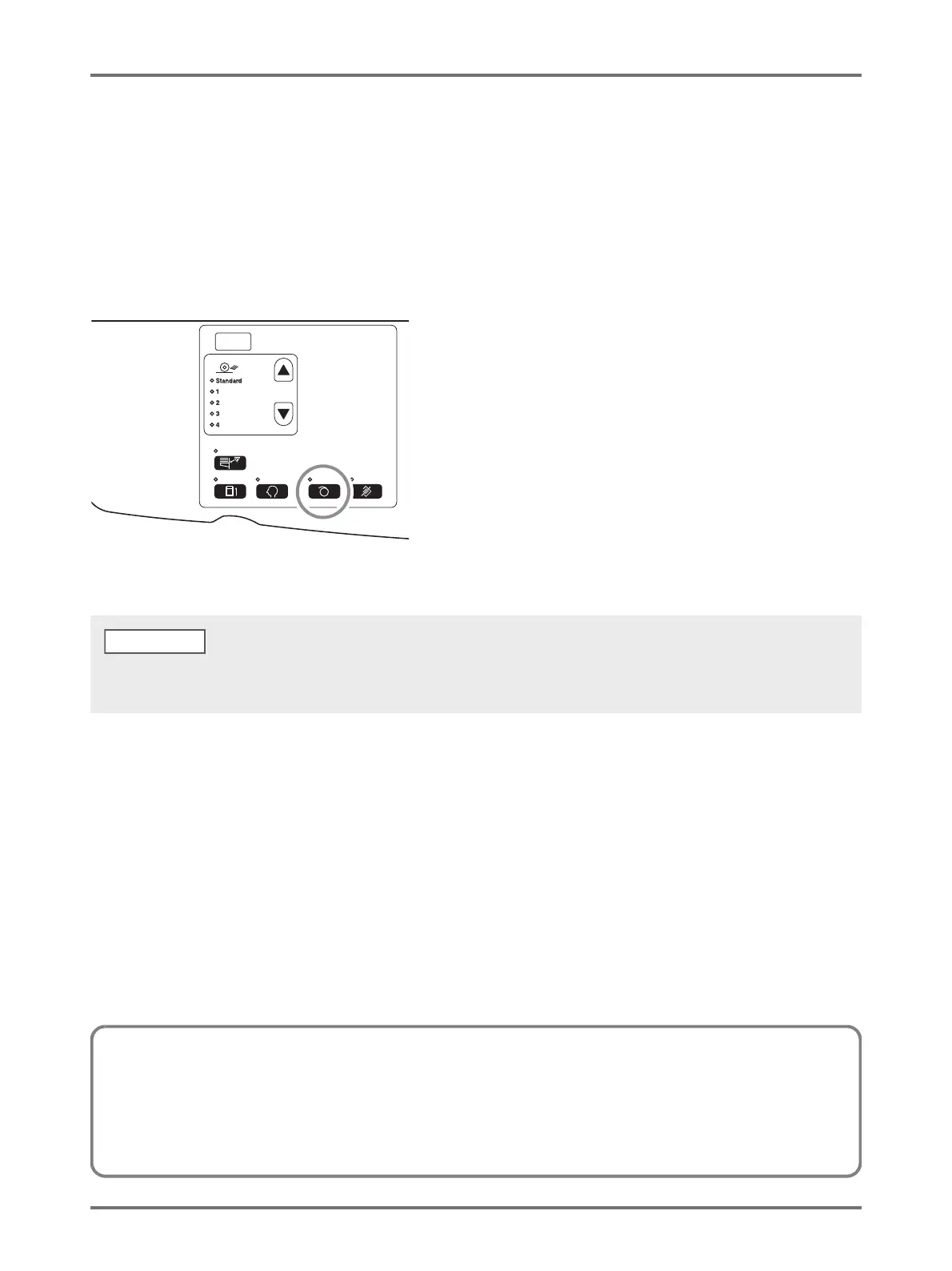
Press the <Idling> key to turn on the indicator.
When the indicator is on, the master-making process starts after idling is executed.
• To clear the mode, press the <Idling> key again to turn off the indicator.
• Idling setting does not execute if the master-making operation is not performed.
About Auto Idling Action
If the machine has not operated for a specified period of time, the indicator automatically lights and idling action is automatically executed
when the next master-making operation is performed.
This function is called Auto Idling Action.
The [Custom Setting mode] allows you to change the initial setting for the above [Auto Idling time]. p.93 "Customizing Initial Settings
[Custom Setting mode] / Auto Idling Time"



 To Next Page