Preventing Paper Jams When Using Special Paper [Double Feed Check]
92
Advanced Features (Printer Machine Side)
5.4 Preventing Paper Jams When Using
Special Paper
[Double Feed Check]
This machine is equipped with a [Double Feed Check] function to monitor paper feeding. It automatically stops when multiple
papers are fed.
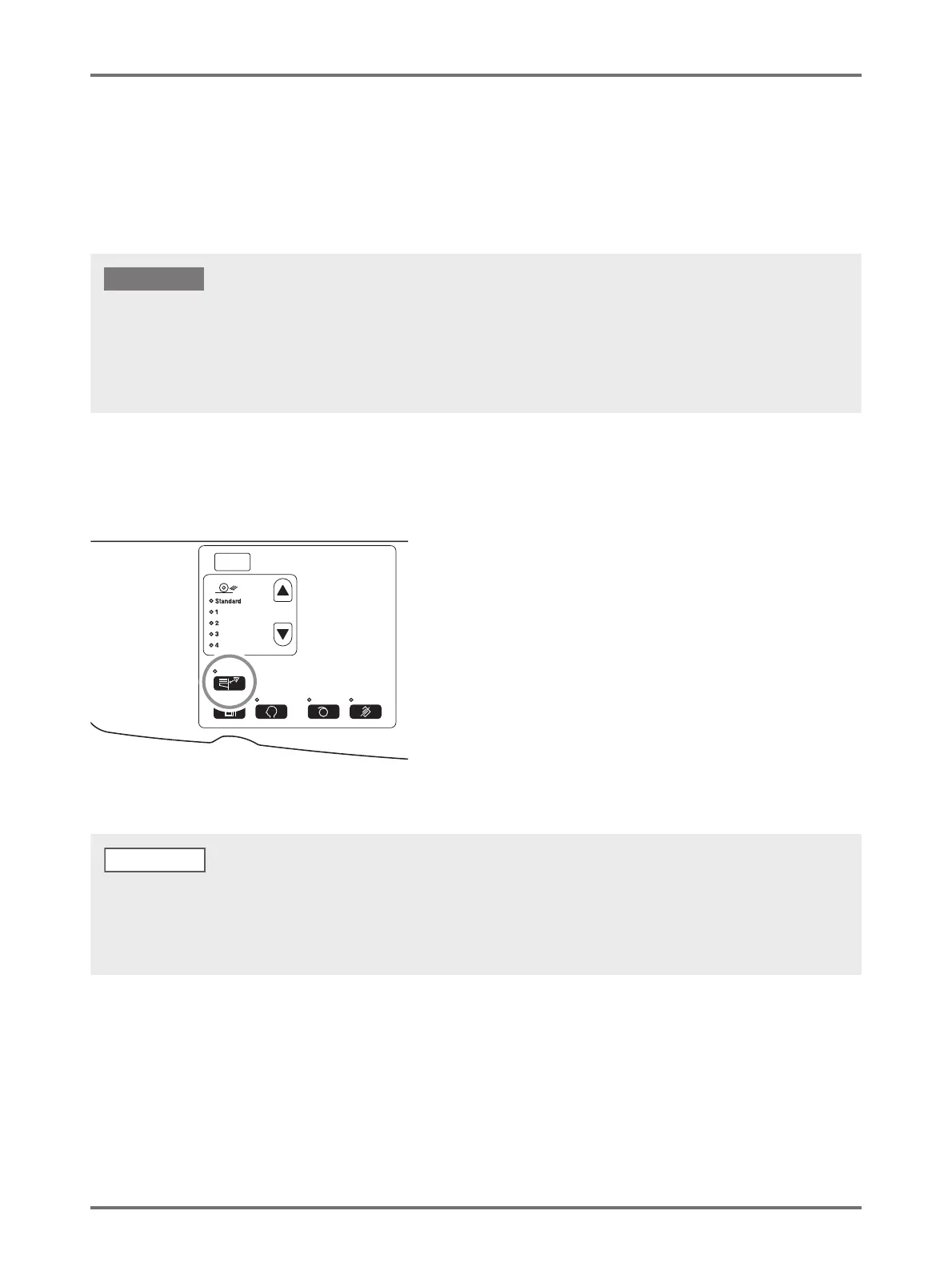
Press the <Double Feed Check> key.
The indicator is turned off and the [Double Feed Check] becomes [OFF].
The [Double Feed Check] sensor is set according to general printing paper, therefore, even if one sheet of paper is fed normally, it may
be detected as a multiple feed and an error may be displayed. Turn [Double Feed Check]-[OFF] in case the following phenomena occurs.
• The [Double Feed Check] message is often displayed although there is no multiple feed.
• Dark color (black, red, navy etc.) paper is used.
• Paper in which the rear side has been already printed is used.
IMPORTANT!
• For the factory default, [Double Feed Check] is set to [ON].
• [Custom Setting mode] allows you to change the initial setting for [Double Feed Check].
p.94 "Customizing Initial Settings [Custom Setting mode] / Double Feed Check"
• To set [Double Feed Check], press the <Double Feed Check> key again to light up the lamp.
NOTE



 To Next Page