Automatic Sorting into Groups [Program]
81
Advanced Features (Printer Machine Side)
Setting Up for Programmed Printing
Program can be set when the machine is in a stop state before printing. Enter Group number Number of copies
Number of Sets in this order.
1
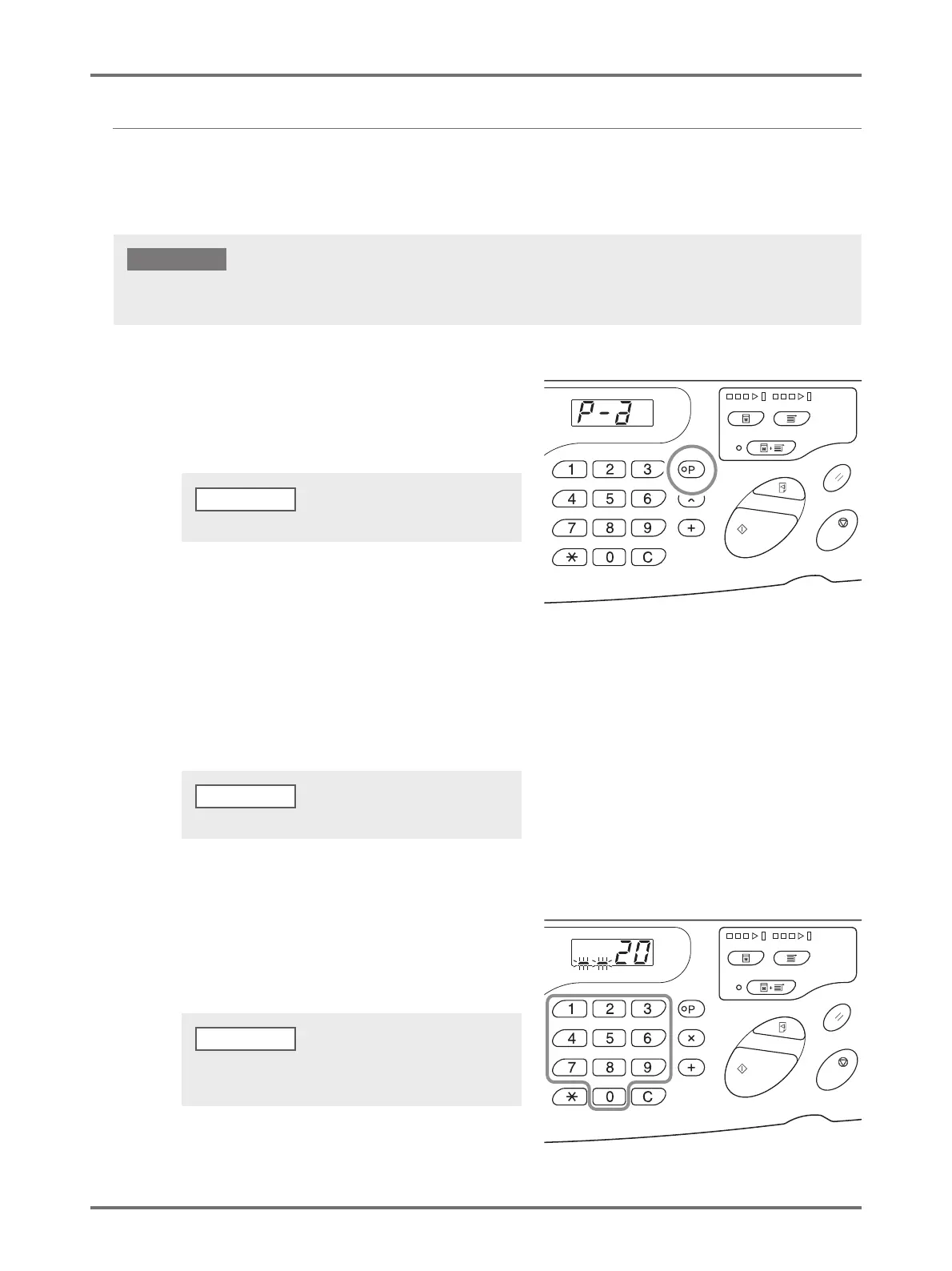
Press the <P> key to turn on the
indicator.
[P-a] is displayed on the Print Quantity Display.
2
Press the <+> key.
Confirm the group number.
3
Press the <+> key.
The print quantity entry mode is started.
4
Enter the number of copies to be
printed using the Print Quantity keys.
Enter the number of copies for the first group.
Even if the original data is received from the computer during [Program] setting or when printing is temporarily paused, the print job
will not start until [Program] is cleared.
IMPORTANT!
To clear the program mode, press the <P> key again.
NOTE
Press <x> key to return to the previous step.
NOTE
If you enter an incorrect number, press the <C> key to
clear the number, and then enter the correct number.
NOTE



 To Next Page