Troubleshooting Tips
133
Troubleshooting
8.2 Troubleshooting Tips
If any problems occur during printing, check the following items and take appropriate procedures before calling your dealer (or
authorised service representative).
Actions on the Machine
Status Possible cause Action
The machine does not start when the
power switch is pressed.
The power may not be coming through
to the machine.
Check if the power cable firmly connect
to the machine with the power point.
Check if the commercial power circuit
breaker is ON.
(Check Setting) indicator does not
go off even when the Front Cover is
closed.
The Front Cover may not be completely
closed.
Firmly close the Front Cover so that the
magnet under the Front Cover sticks.
The Paper Feed Tray cannot be closed. The Feed Paper Tray Guides may not
be widened up to the limit.
Turn on the power and lower the Paper
Feed Tray to the bottom. Widen the
Feed Tray Paper Guides up to the limit,
and then close the Paper Feed Tray.
p.27
The power may be turned off before the
Paper Feed Tray was lowered to the
bottom.
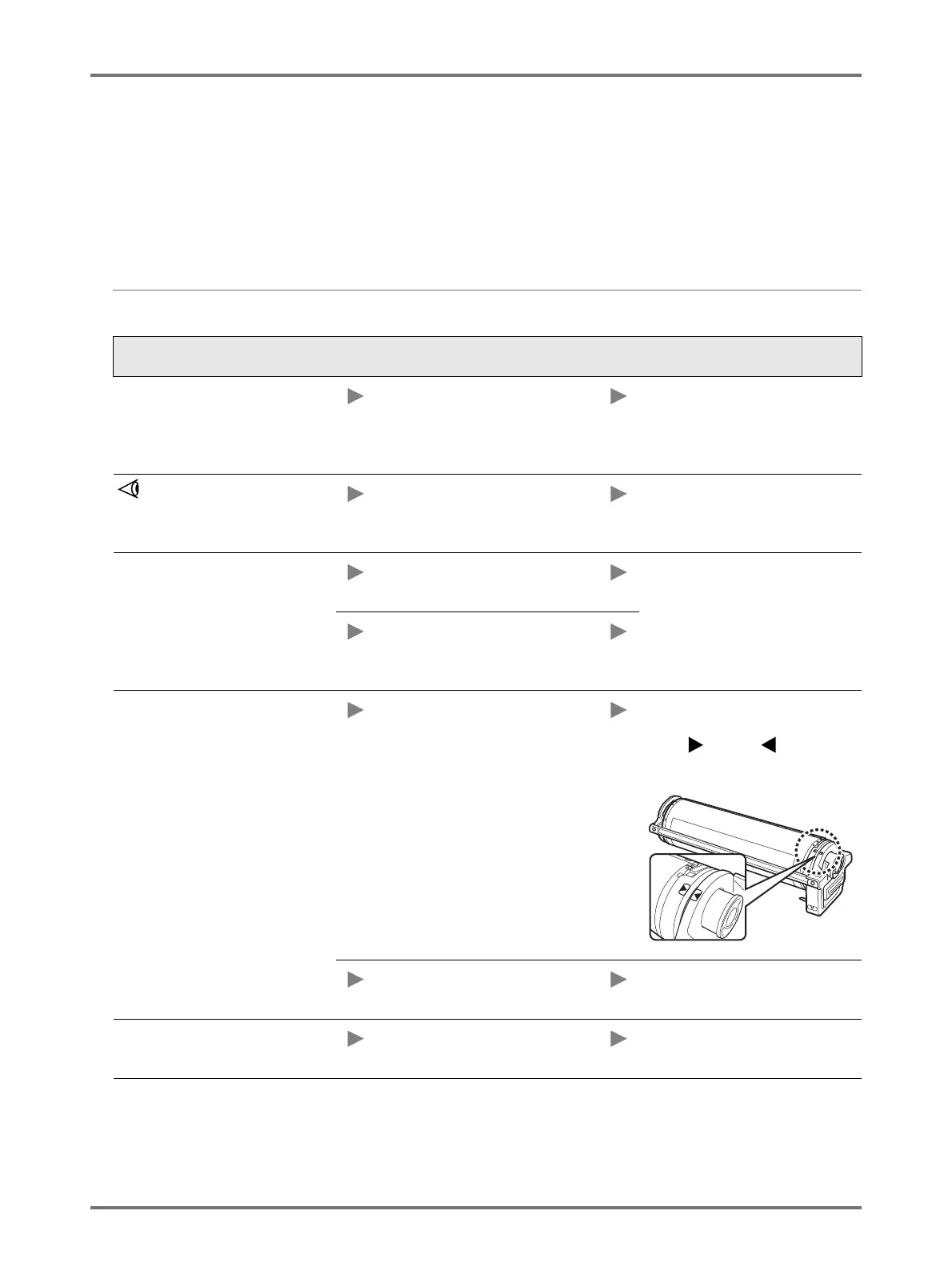
The Print Drum cannot be placed into
position.
The Print Drum may not be rotated to
the appropriate position.
After manually rotating the drum, make
sure that the drum is rotated back so
that the mark and mark meet as
shown below.
The Print Drum may not be set to the
rail correctly.
Set the Print Drum to the rail correctly.
p.114
Printing does not start after the master-
making is complete.
[Auto-process] on the machine may be
[OFF].
Press the <Start> key to start the
machine.



 To Next Page