Check & Error Display
132
Troubleshooting
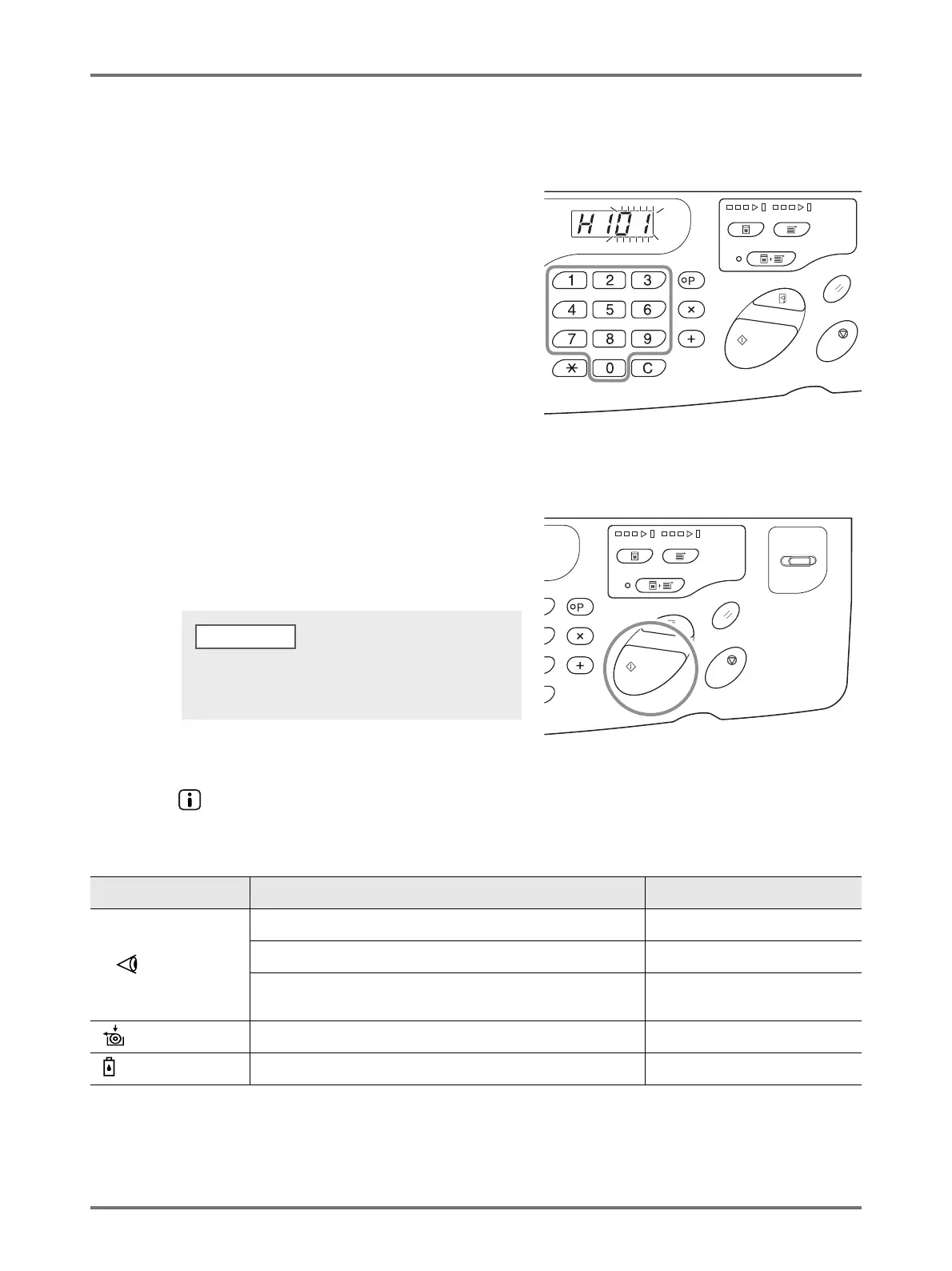
The top two digits on the Print Quantity Display show the "H" numbers and the bottom two digits show the parameters. Enter
the necessary information in the following procedures.
1
Enter a parameter using the Print
Quantity keys.
The parameters that can be entered differ depending on
the consumables.
2
Press the <Start> key to complete the
setting.
If the next H No. appears, repeat steps 1 and 2.
When the indicator is off and the Error Type indicator lights
When an Error Type indicator lights, please refer to the following pages.
Error Type Error Number Reference page
Check Settings
d-04 p.128
d-17 p.129
If an Error No. “d-xx” other than above is displayed, please refer to the
reference pages.
p.128p.129
Replace Master Roll - p.109
Replace Ink Cartridge - p.106
When necessary entry is completed, the Print Quantity
Display restores the normal status and is available for
usual operations.



 To Next Page