Cleaning
120
Cleaning
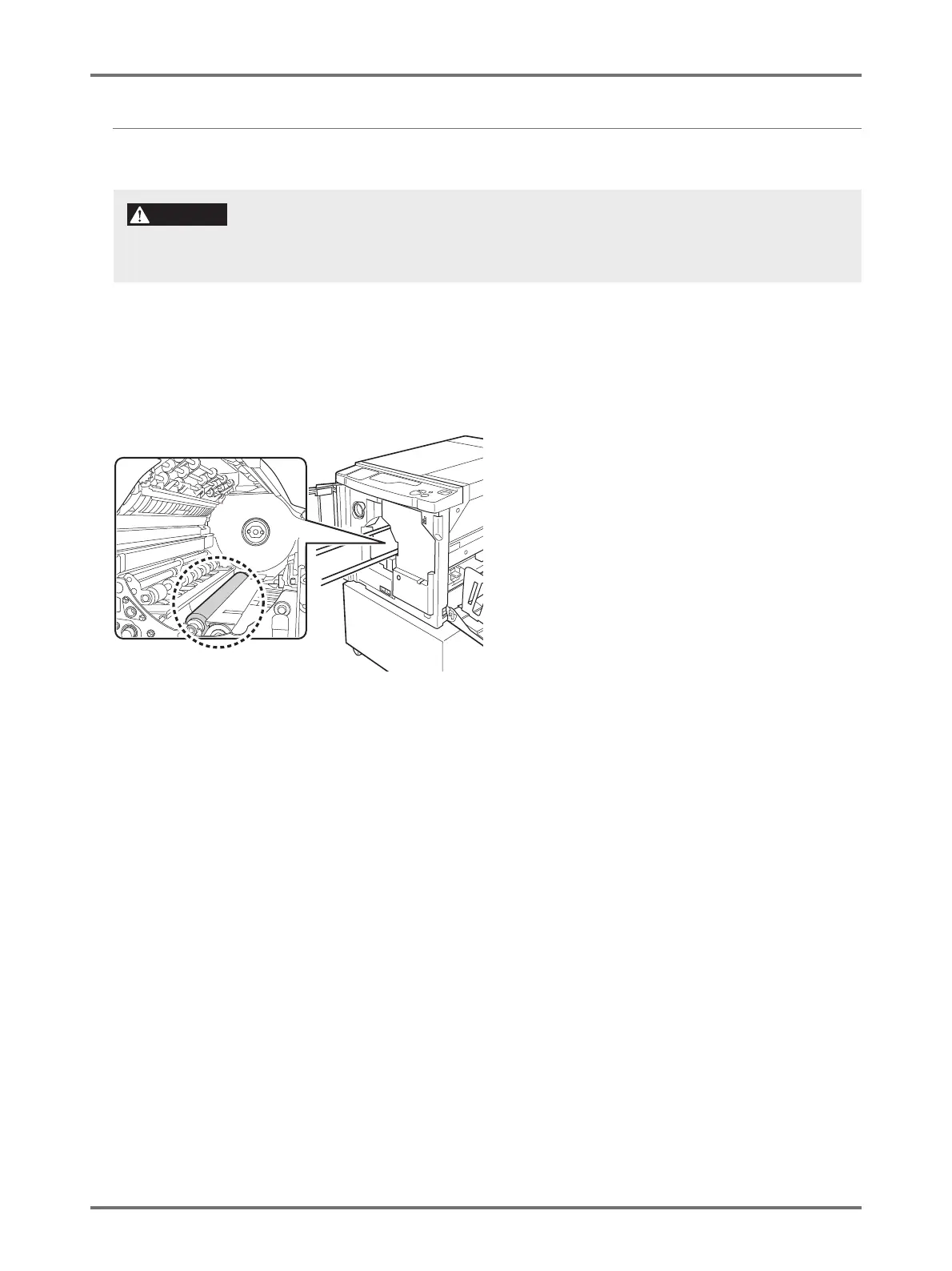
Pressure Roller
If the Pressure Roller, which presses printing paper against the Print Drum, is stained, smudged strips may appear on the
back of copies.
If this happens, gently wipe the Pressure Roller with a soft cloth. See p.114 "Removing and Installing the Print Drum
(Changing the Color)" for how to remove the Print Drum.
When you put your hand into the machine to carry out maintenance work, for example to remove paper, be careful with
hooks and metal edges inside the machine to avoid injuries.
CAUTION



 To Next Page