Protecting Confidential Documents [Confidential Mode]
91
Advanced Features (Printer Machine Side)
5.3 Protecting Confidential Documents
[Confidential Mode]
After printing is complete, the master remains on the Print Drum and is ready for printing another set of copies.
To protect confidential documents from unauthorized duplication, use the Confidential mode to discard the master after
printing.
1
Confirm that printing has ended.
Printing should be completely finished.
2
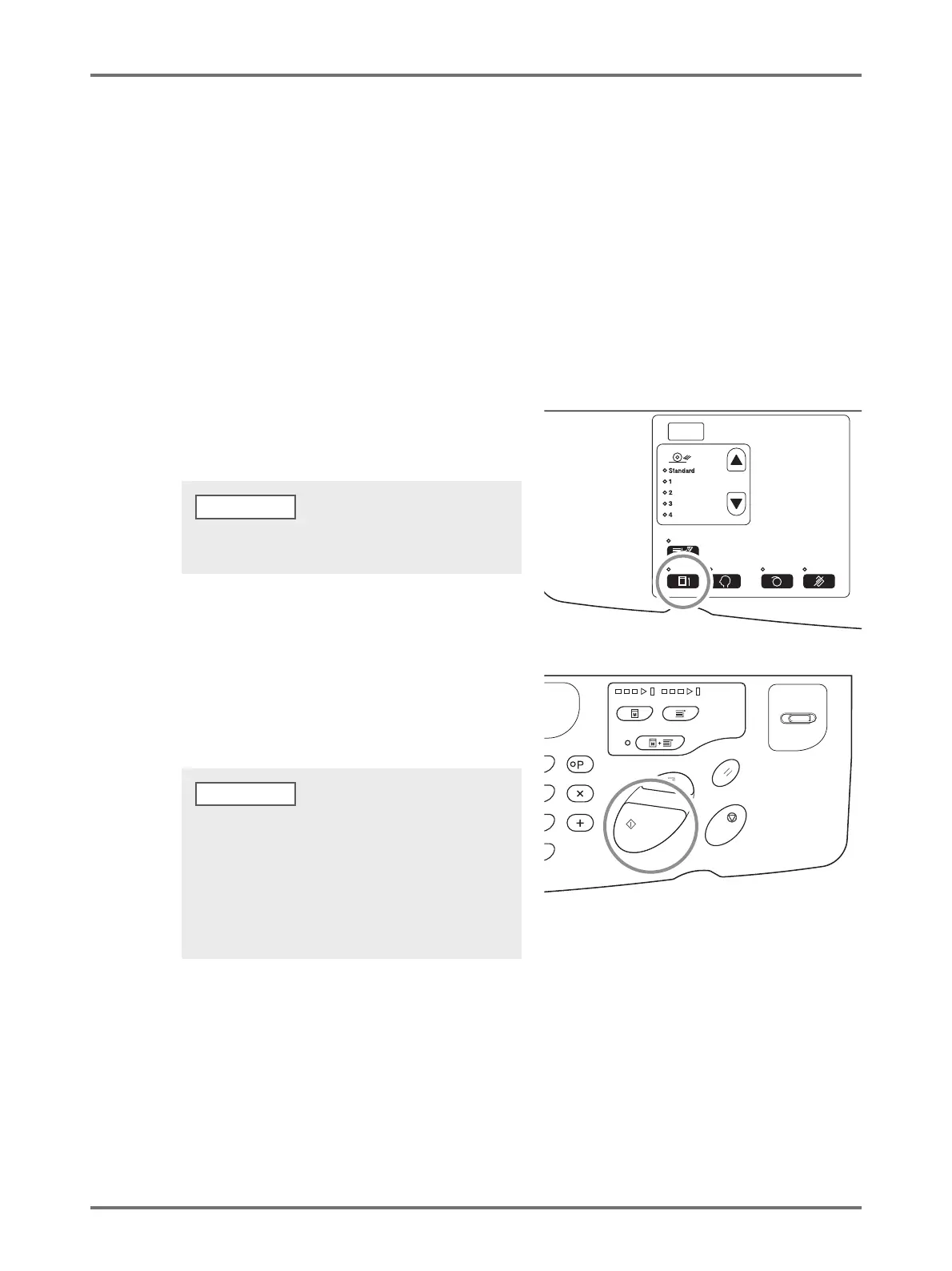
Press the <Confidential> key to turn
on the indicator.
3
Press the <Start> key.
The current master is discarded and replaced with a
blank one.
To clear the confidential mode, press the <Confidential>
key again to turn off its indicator.
• After the discard and replacement, [Confidential mode]
is cleared.
• If you execute [Confidential mode] processing when the
idling indicator is on, the machine operates confidential
processing and idling action at the same time. This
operation is recommended before storing infrequently
used drums such as a Color Drum.
NOTE



 To Next Page