Automatic Sorting into Groups [Program]
87
Advanced Features (Printer Machine Side)
Making Changes to Stored Programs
1
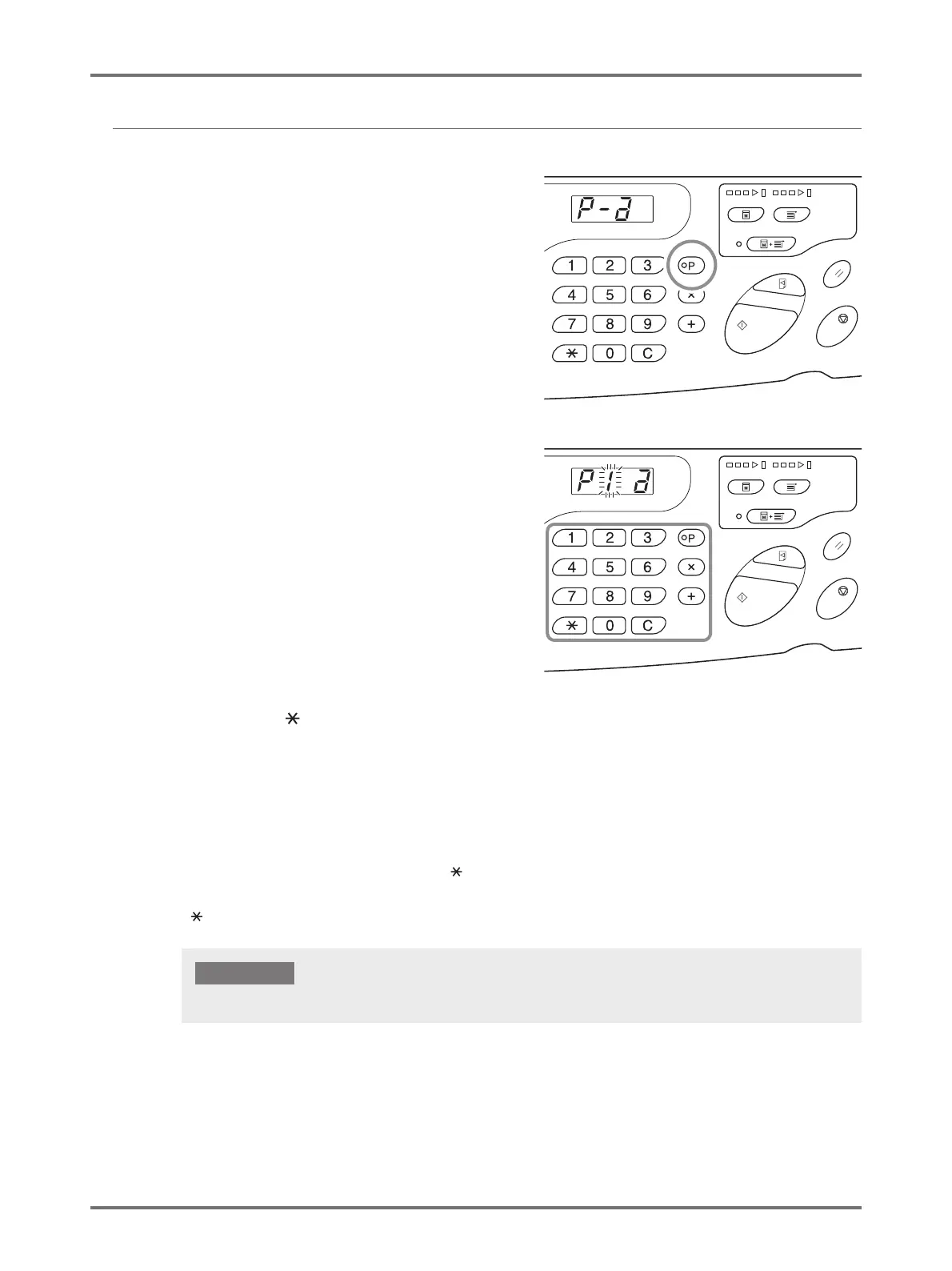
Retrieve a program to modify.
Follow steps 1 and 3 in p.86 "Retrieving Programs".
2
Press the <+> key.
Displays the stored number of copies or sets.
Press the <+> key continuously until the value that is to
be modified appears.
3
Press the <C> key and the Print
Quantity keys to change the number
of copies or sets.
4
Press the < > key.
Program settings are modified.
5
Store the program.
The program settings are registered by one of the two methods below.
To overwrite the retrieved program, press < > again.
To store a new program number, enter the program number to store using the Print Quantity keys and press the
<> key.
Selecting a number that has already been stored overwrites the previous settings.



 To Next Page