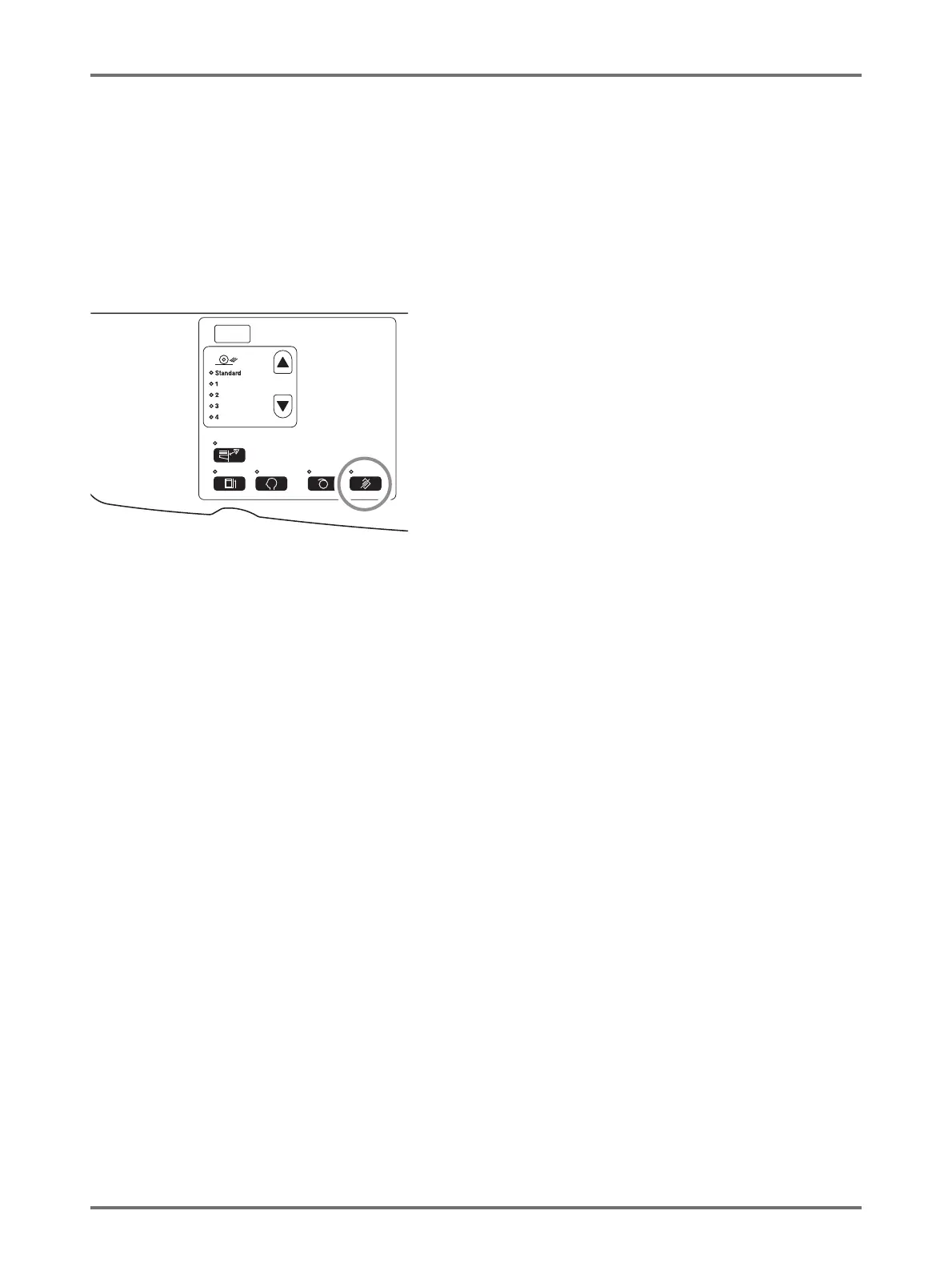
Clearing Received Jobs [Clear Job]
90
Advanced Features (Printer Machine Side)
5.2 Clearing Received Jobs [Clear Job]
Clears all jobs (including those which are waiting for master-making and receiving) that the machine possesses.
It is convenient for clearing original data sent from your own computer by mistake.
Press the <Clear Job> key.
The key can be pressed when the Clear Job indicator is lit.
About the Clear Job indicator
The state of the Clear Job indicator shows the receiving state of the original data.
Turn on indicator: Job waiting for master-making is available.
Turn off indicator: Original data has not been received.
Blink (Slow): Receiving the original data.
Blink (Fast): Deleting jobs. Delete all jobs (including receiving job) that the machine possesses.



 To Next Page