printing.
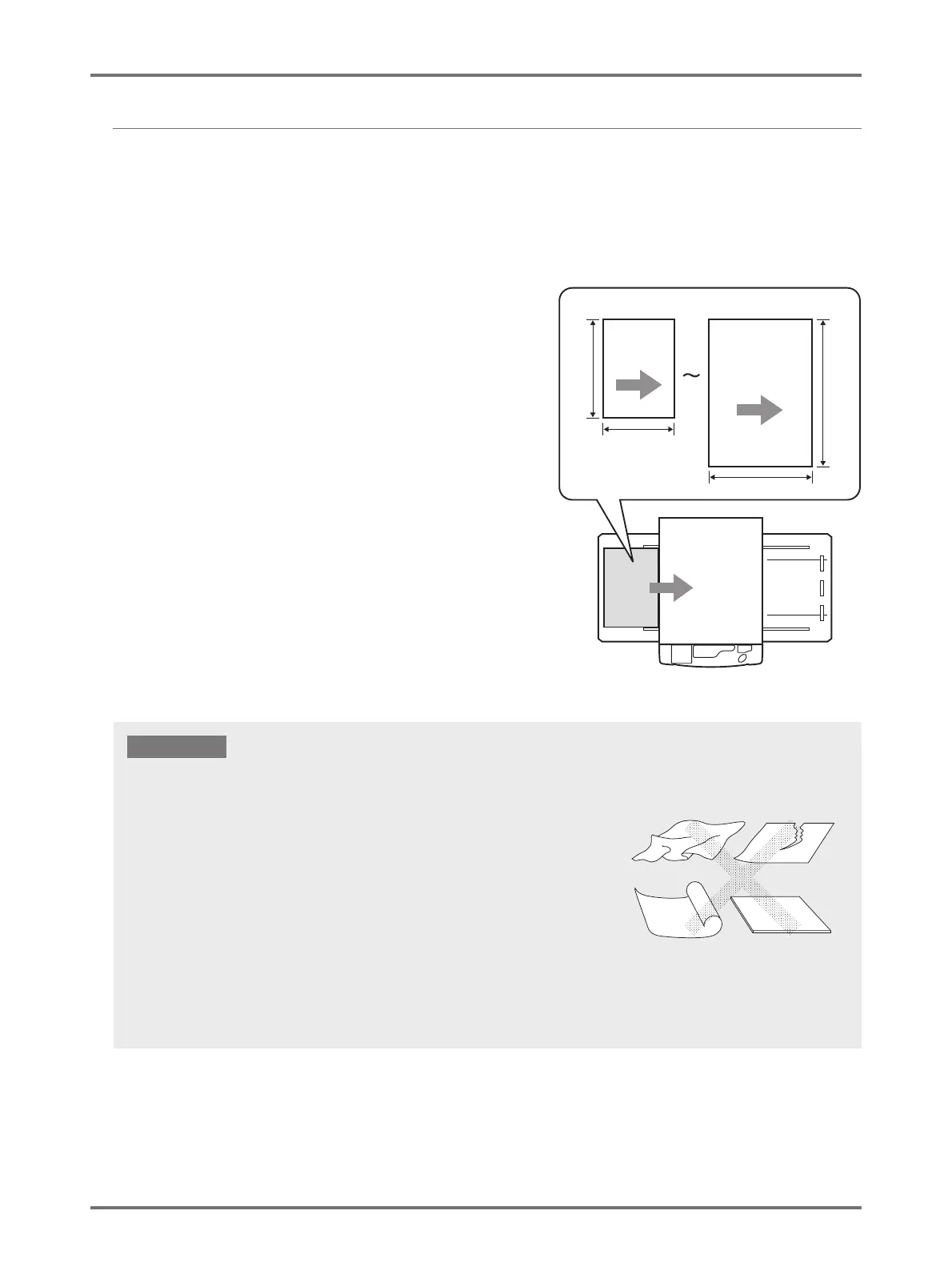
• Ensure larger sized paper than the image used for master-making (or for printing) is used. When the printing paper is smaller than
the image used for master-making, the roller inside the machine becomes smudged and can stain the print paper.
• Do not use the following types of paper, as they can cause jams or misfeeds:
- Extremely thin paper (less than 46 g/m
2
)
- Extremely thick or heavy paper (greater than 120 g/m
2
)
- Wrinkled, curled, folded, or torn paper
- Chemically treated paper, such as thermal paper or carbon paper
- Paper with a coated front or back
- Paper with sticky sections or holes (such as envelopes or label paper)
• Even paper sizes and weight supported by the machine may not pass through the machine depending on such factors as paper
type, ambient conditions, and storage conditions. This should be taken into consideration. For more information, consult your dealer
(or authorized service representative). This should be taken into consideration. For more information, consult your dealer (or
authorized service representative).



 To Next Page