Producing Proof Copies [Proof]
72
4 Printer Edition (Print Mode)
4.1 Producing Proof Copies [Proof]
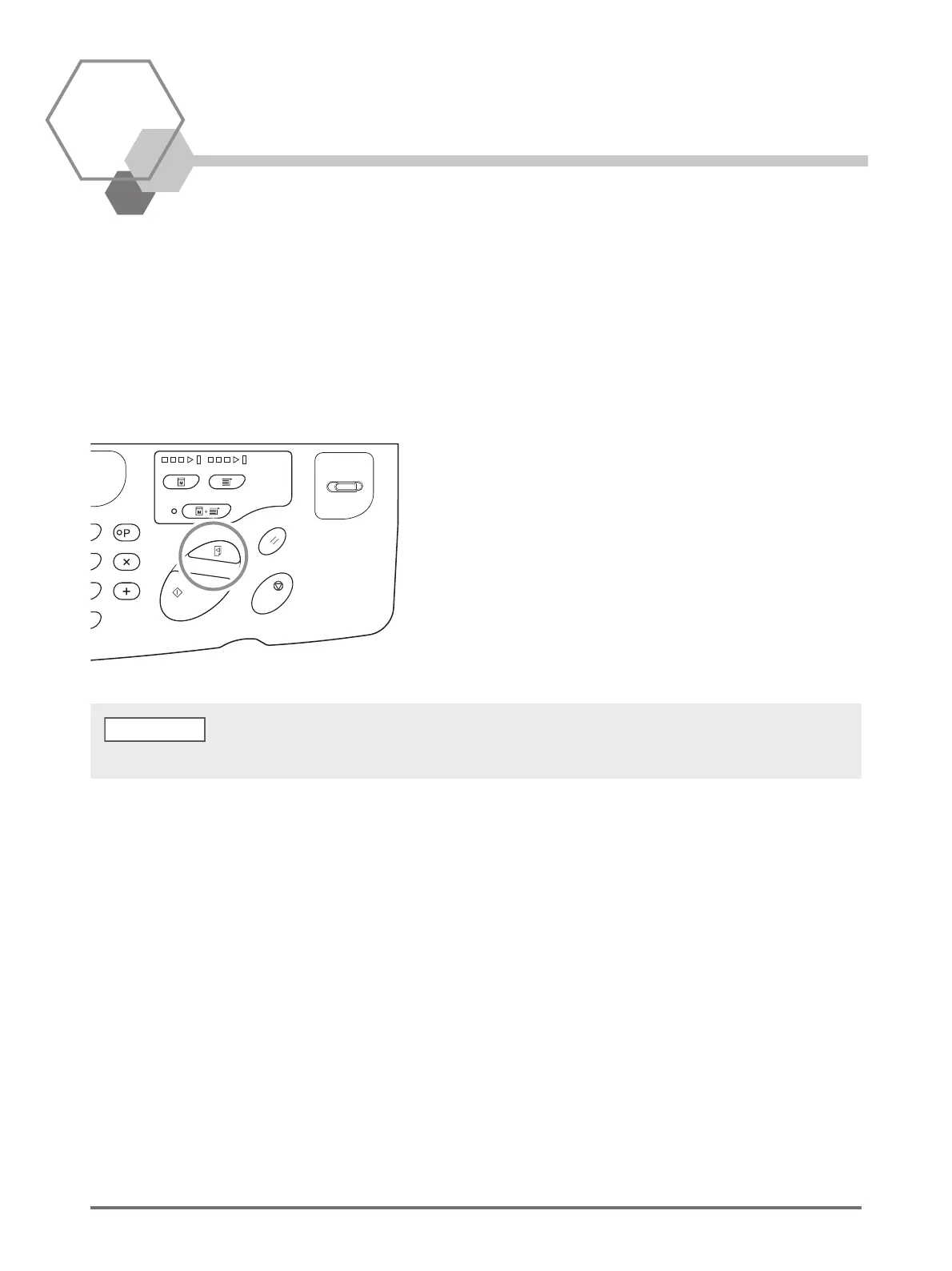
After adjusting the print position and density, you can produce proof copies to check the print quality.
Even if proof copies are produced, the number of sheets Displayed on the [Print Quantity] display does not change.
Press the <Proof> key.
By holding down the <Proof> key, you can continuously perform proof copy.
NOTE



 To Next Page