Adjusting the Print Density [Print Density Adjustment]
73
Printer Edition (Print Mode)
4.2 Adjusting the Print Density
[Print Density Adjustment]
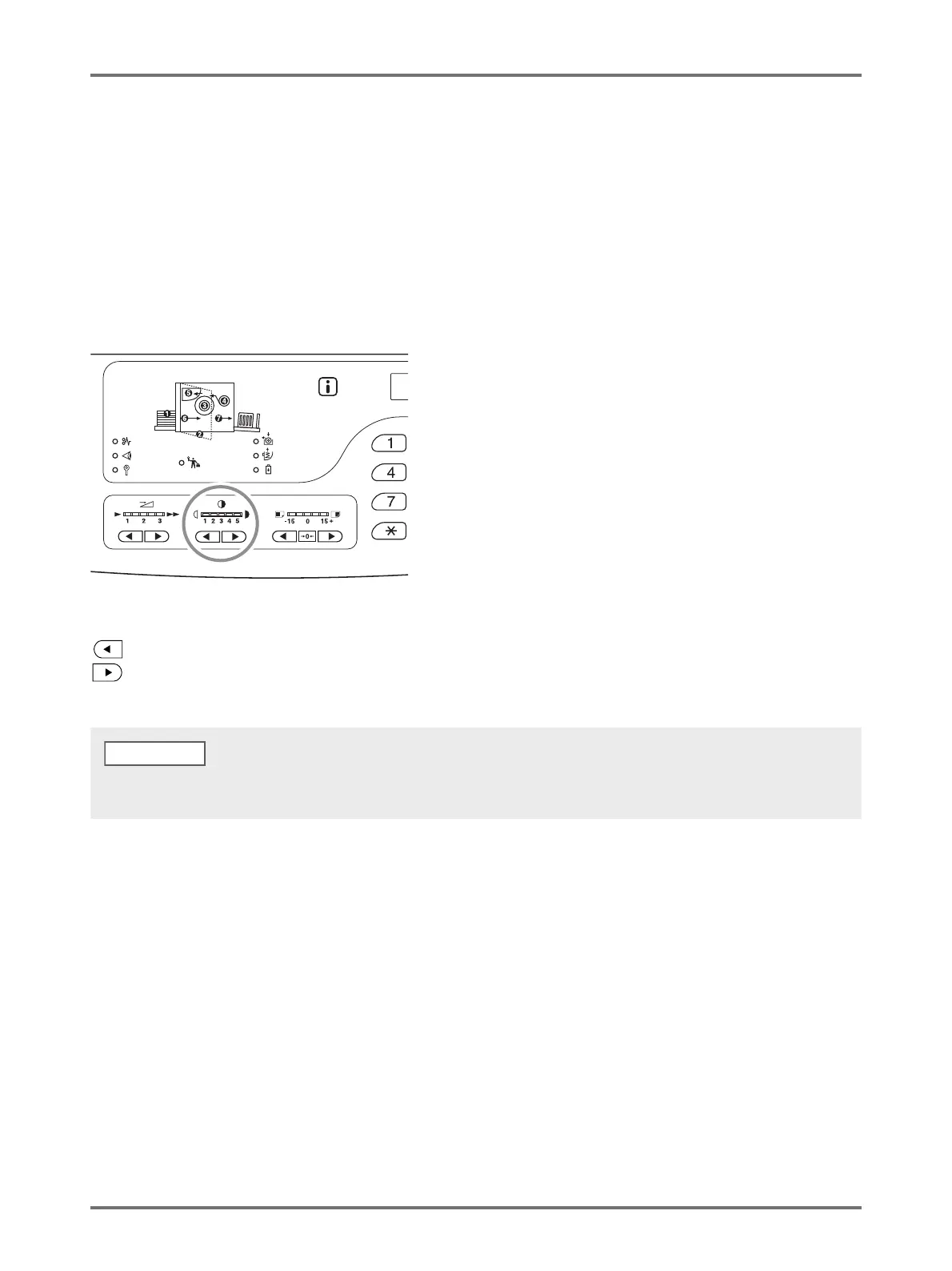
You can select the print density from five levels.
It is possible for the print density to be adjusted during printing.
Press the < > key or < > key to adjust the print density.
Each time the key is pressed, the print density changes by one increment.
Key: Decreases the print density.
Key: Increases the print density.
Print Density indicator: Indicates the current setting value.
[Custom Setting mode] allows you to change the initial setting for the print density.p.93 "Customizing Initial Settings [Custom Setting
mode] / Print Density"
NOTE



 To Next Page