Check & Error Display
129
Troubleshooting
d-05
The Master Roll has not been set or has not
been correctly set.
Set the Master Roll correctly and close the Master-Making Unit
Cover completely.
p.109
If a rewound master has been wrinkled or has worn off, cut the
edge of the master straight and then set the master again.
d-08
The Master Cover has not been closed. Close the Master Cover completely.
p.109
d-09
The Master-Making Unit Cover has not
been closed.
Open the Master Cover and close the Master-Making Unit Cover
completely.
p.109
d-17
An inappropriate master roll has been set. Set a master roll specific to the machine.
p.109
The section on the Master Core is
missing, or it has worn off, or it has been
tilted.
The section on the Master Core contains information
needed for making masters.
If the machine cannot read the information, it does not operate.
Set a dedicated Master Roll that has the mark and is free
from wear and tilt.
F-36
The edge of the image (printing side) is
missing.
1) Press the <Reset> key to release the error.
2) Check whether the edge of the image is missing.
3) To continue printing, press the <Start> key.
4) To cancel printing, press the <Clear Job> key.
F-50
It is overheating. Press the <Reset> key to release the error.
Wait until the temperature of the Thermal Print Head lowers.
d-07
The Master Disposal Box has not been set
or has not been correctly set.
Set the Master Disposal Box correctly.
p.112
d-14
The Paper Eject Unit has not been correctly
set.
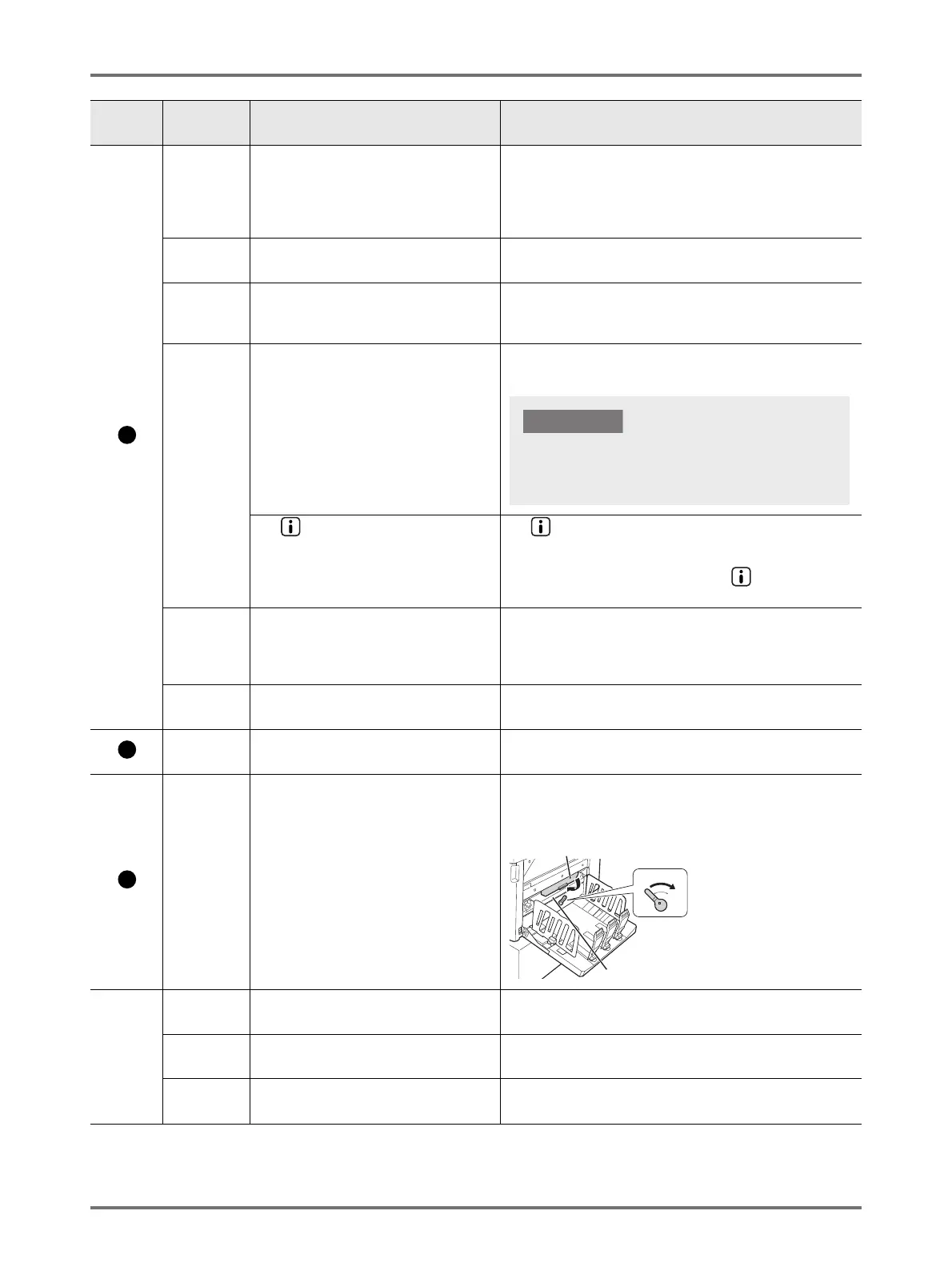
1) Return the Paper Eject Unit to the original position.
2) Return the Paper Receiving Tray Jam Cover to the original
position.
No display
b-31
The network cable is not connected. 1) Press the <Reset> key,
2) Check that the cable is correctly connected.
b-32
RISO Network Card (optional) has a
communication error.
Press the <Reset> key to release the error.
b-33
An IP Address has not been set for the
machine.
Using the custom setting mode, set the IP address for the
machine.
Location
No.
Error
Number
Cause Action
Set a Master Roll specific to the machine. Using
other Master Rolls can result in malfunction or other
trouble.
Paper Receiving Tray Jam Cover
Back
Paper Eject Unit



 To Next Page