Check & Error Display
131
Troubleshooting
When the indicator is off and "H" is shown on the Print Quantity Display
In order to assure optimum printing, the machine acquires information from the consumables (matching information).
If the matching information has not been acquired appropriately, "H" is shown on the Print Quantity Display. Enter an
appropriate parameter. The top two digits show the "H" numbers and the bottom two digits show the parameters that have
been entered.
Entering an inappropriate parameter does not affect usual operations but may result in bad print quality.
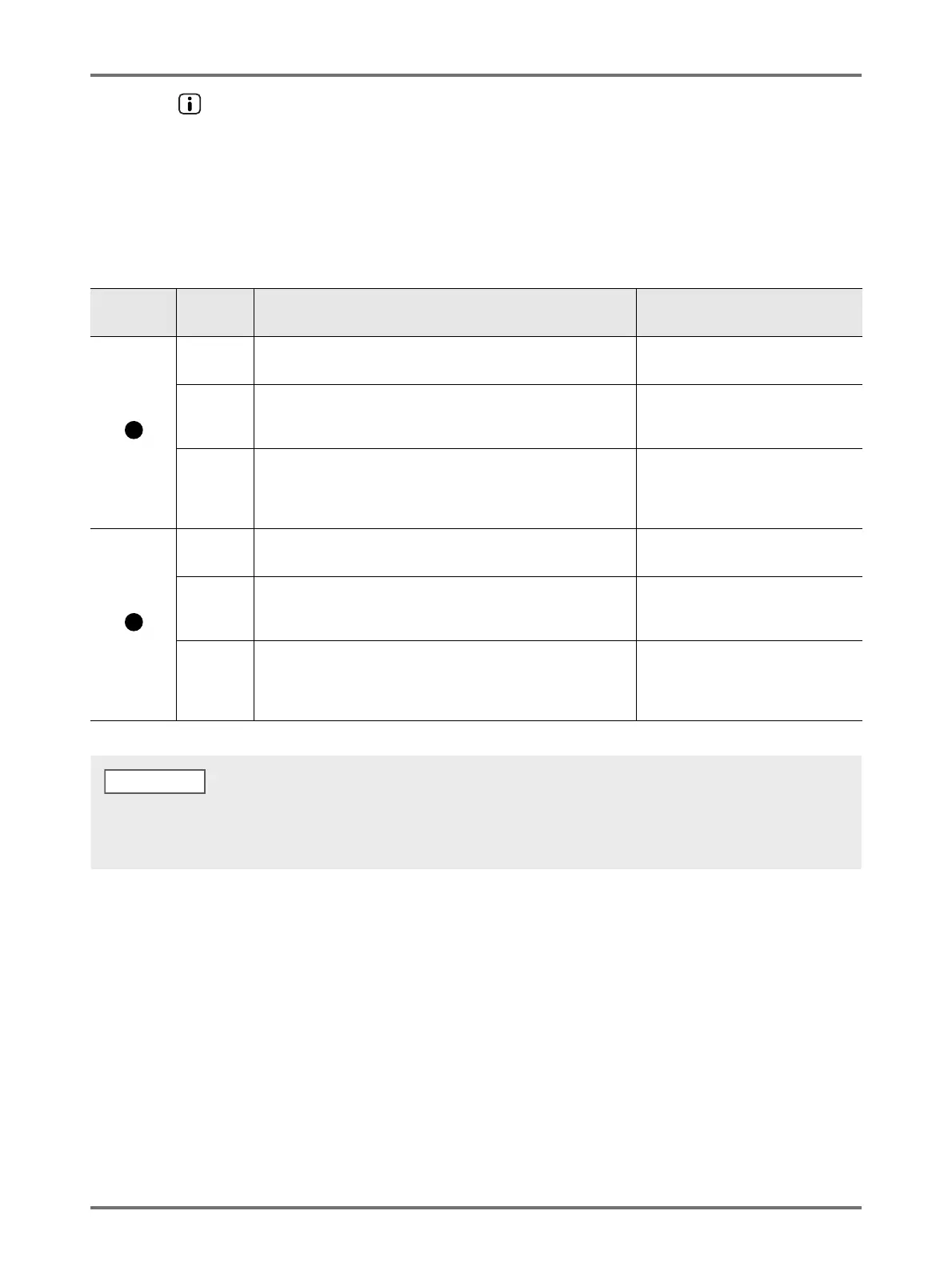
The table shows the “H” numbers to be shown on the Print Quantity Display and the selectable parameters.
Location
No.
H No. Description Parameter
H1
Ink color setting
Select the same color as the currently used for Print Drum.
1: black 2: color
H2
Print density fine adjustment (ink)
Perform fine adjustment to optimize the print density depending on
the ink.
1 (light) - 5 (dark)
H3
Proof copy density adjustment (ink)
Perform fine adjustment to optimize the print density depending on
the ink.
This can be adjusted independently from H2.
1 (light) - 5 (dark)
H4
Master-making density setting
Set the reference density for the master-making process.
1 (light) - 10 (dark)
H5
Print density fine adjustment:(master)
Perform fine adjustment to optimize the print density depending on
the master.
1 (light) - 5 (dark)
H6
Proof copy density adjustment (master)
Perform fine adjustment to optimize the print density depending on
the ink.
This can be adjusted independently from H5.
1 (light) - 5 (dark)
• After the power switch is turned off and on, the H information disappears, so you need to enter H No. again.
• If you are not sure of the best setting for the consumables used in the machine, we may suggest you start from 1(default setting) except
for H1 indication. Adjust if necessary based on the result of the print.
NOTE



 To Next Page