Automatic Sorting into Groups [Program]
82
Advanced Features (Printer Machine Side)
5
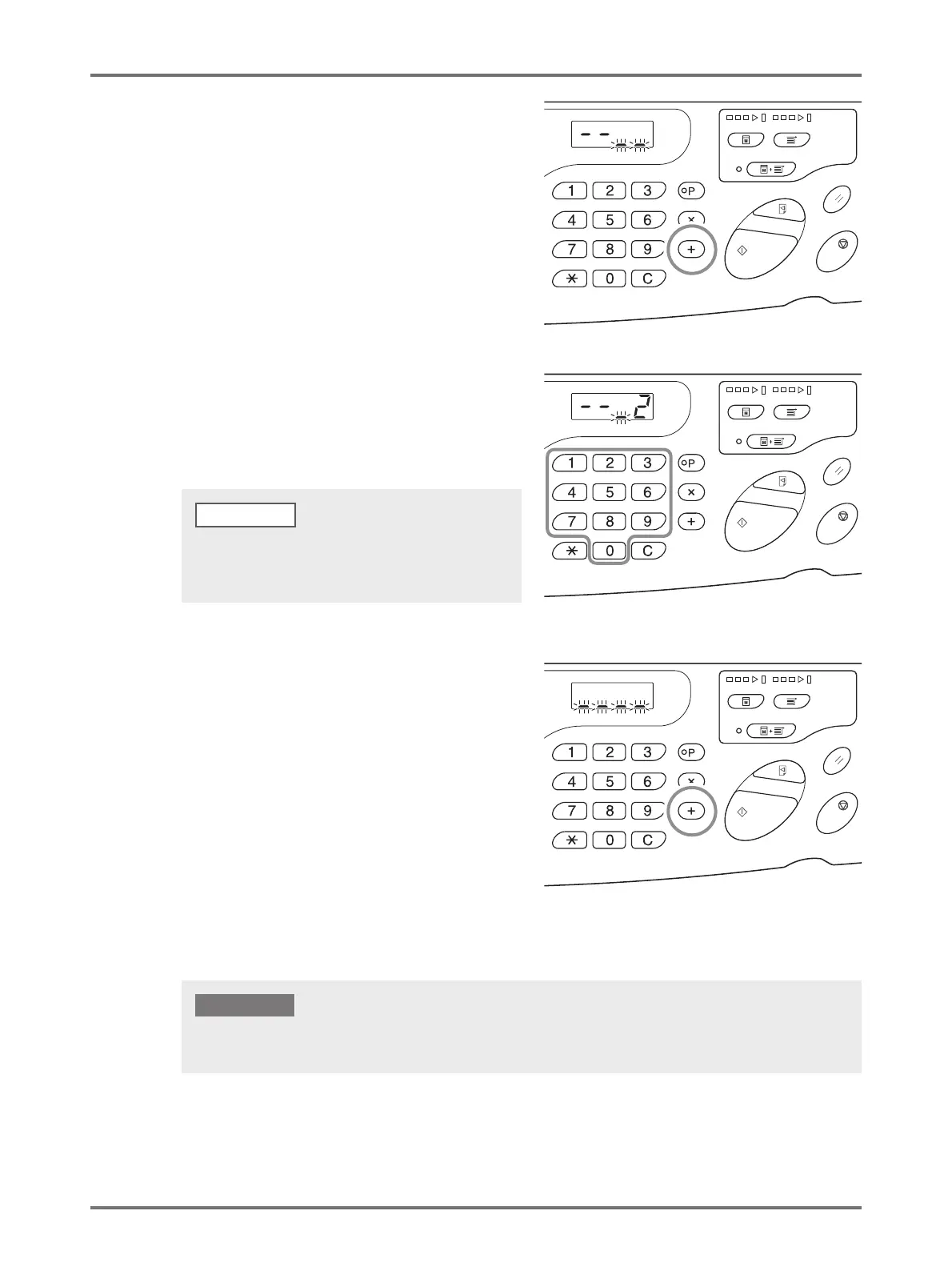
Press the <
+
> key.
The print quantity entry mode is started.
6
Enter the number of sets using the
Print Quantity keys.
To set the next group, go to step 7. To finish the setting
and to start printing, go to step 8.
7
Press the <
+
> key.
The machine then allows the number of copies for the
second group to be entered.
Repeat steps 4 through 6 to specify the number of
copies and sets for each group.
• If you enter an incorrect number, press the <C> key to
clear the number, and then enter the correct number.
• If you do not enter a number, 1 is selected.
NOTE
To save the current program settings, see p.84 "Saving Programs" for further information.
Once printing is finished, the settings cannot be saved.
IMPORTANT!



 To Next Page