Preparing to Print (Computer Side)
44
Basic Operation
Installing the Printer Driver
This section describes how to install the RISO Printer Driver when the computer is connected to the machine through
a network.
1
Perform Steps 1 to 4 of the "Installation Procedure" on Page 31.
2
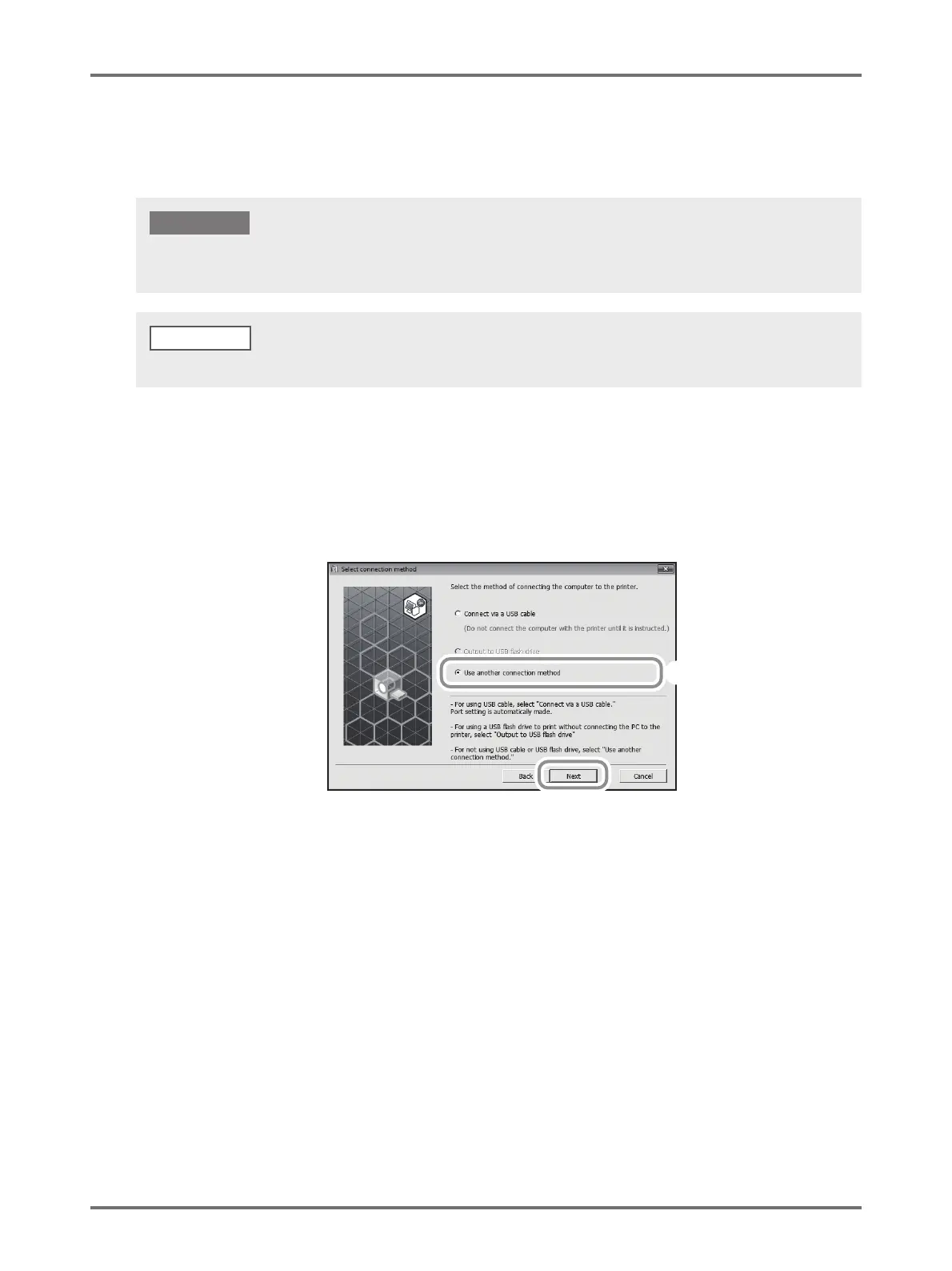
Select [Use another connection method], and then click [Next].
• Administrator’s privilege is required to install the printer driver program in your computer.
• This Printer Driver does not support server OS or printer sharing.
IMPORTANT!
Regarding the procedure for manual installation, see p.144 "Manually Installing the Printer Driver".
NOTE
(2)
(1)



 To Next Page