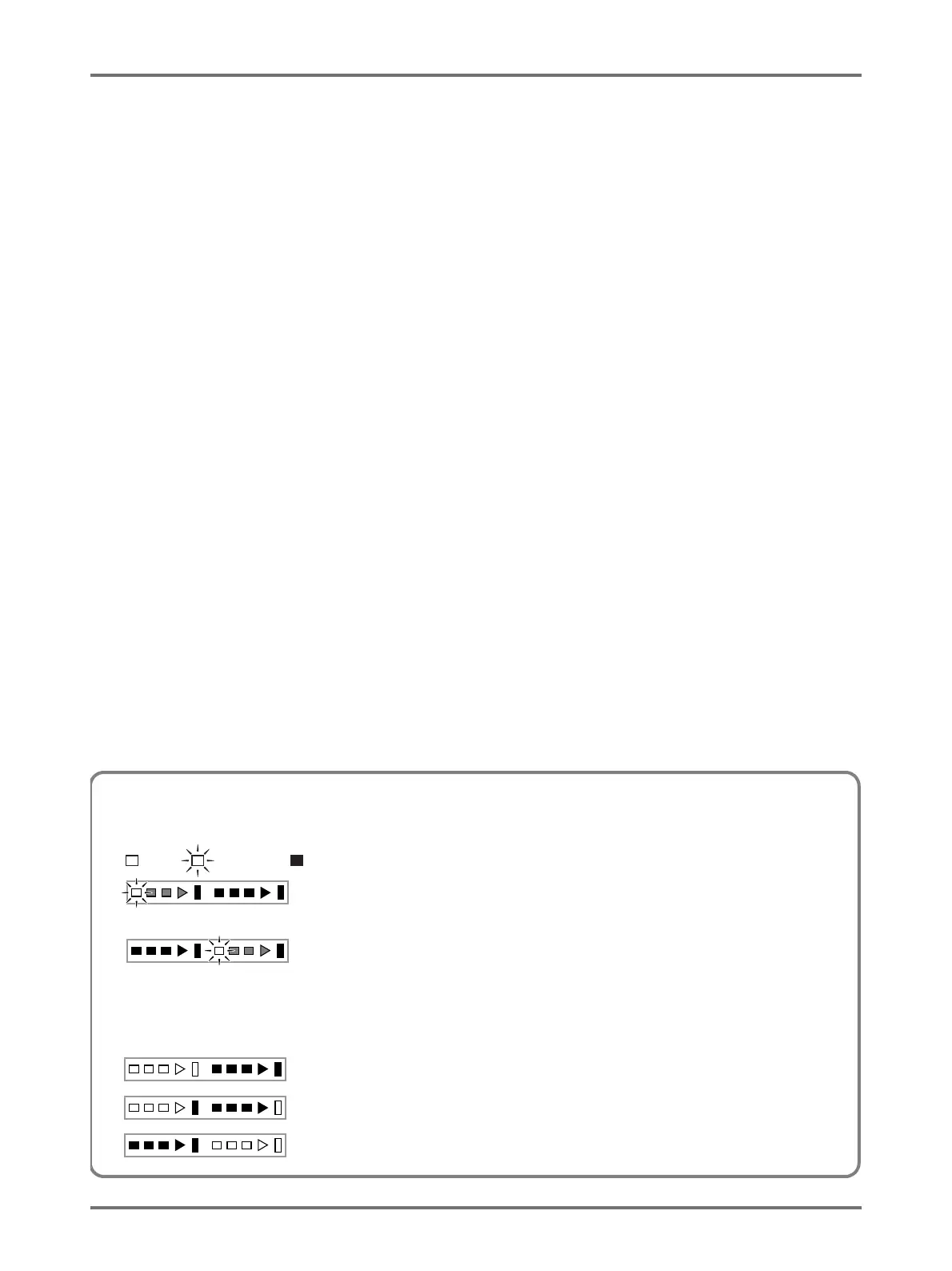
Indication of Progress Arrows and Status of the Machine
• The operation status of the machine can be identified from the lighting/blinking position on the progress arrows.
()
Master-making in progress
(Number of segments which light on the master-making progress indicator increases incrementally.)
Printing in progress
(Number of segments which light on the printing progress indicator increases incrementally.)
• When the master-making/printing process stops in the middle, the lighting condition of the progress arrows remains unchanged, too.
The indicator remains lit at the same position. (Waiting for the restart instruction)
Master-making process can be executed.
Master-making process can be executed. (Auto-process ON)
Printing process can be executed.



 To Next Page