Customizing Initial Settings [Custom Setting Mode]
97
Advanced Features (Printer Machine Side)
3
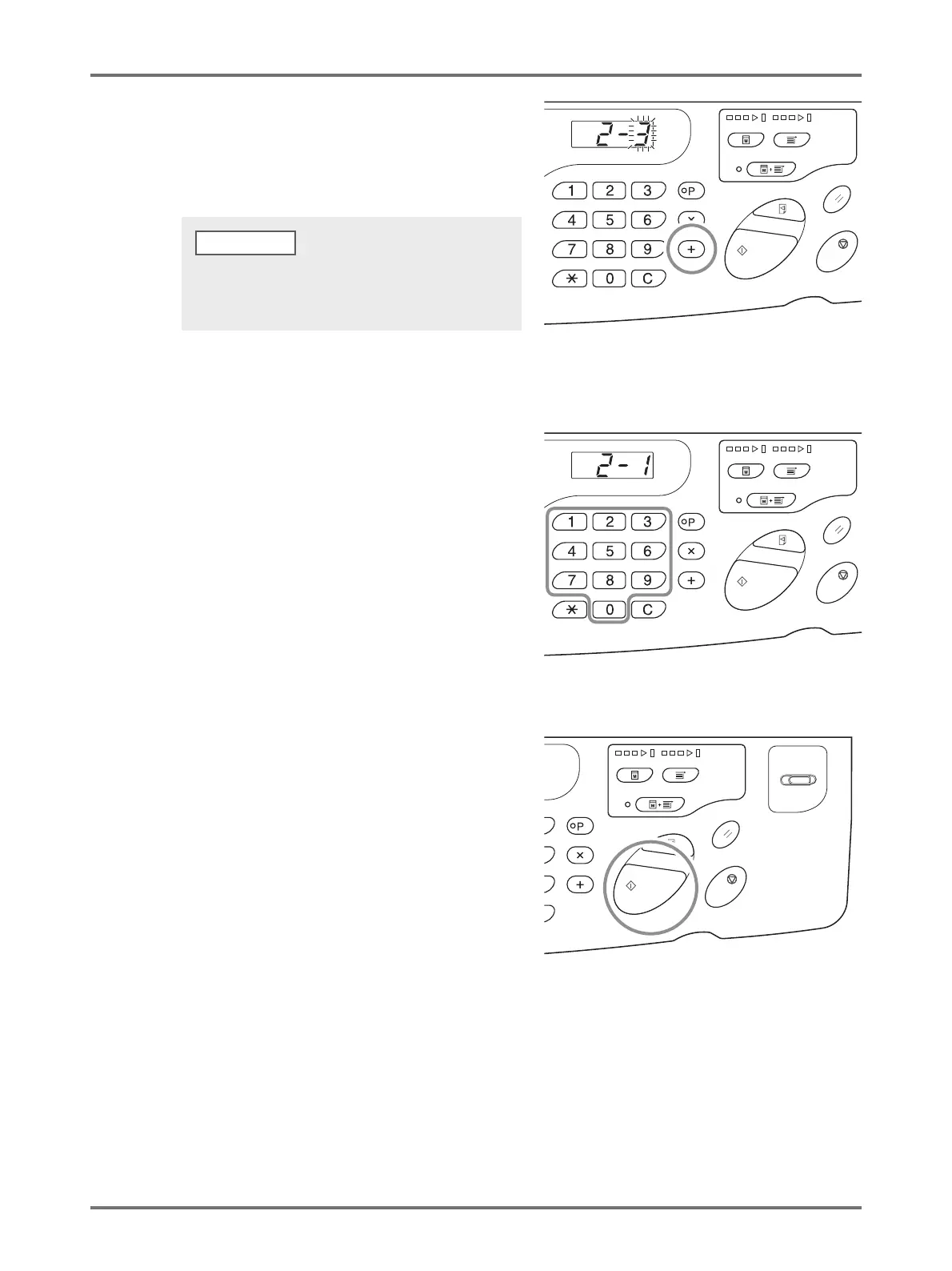
Press the <
+
> key.
Pressing this key allows you to select a parameter
number.
The currently set parameter number blinks.
4
Enter a parameter number using the
Print Quantity keys.
If there is more than one item to be changed, press the
<+> key, and then repeat Steps 2 through 4.
5
Press the <Start> key to complete the
settings.
The changed contents are programmed and the normal
mode is restored.
To restore the settings for [Custom Setting mode] or
network card restoration, press the <+> key, and then
press the <Start> key.
NOTE



 To Next Page