Wrist Camera Instruction Manual
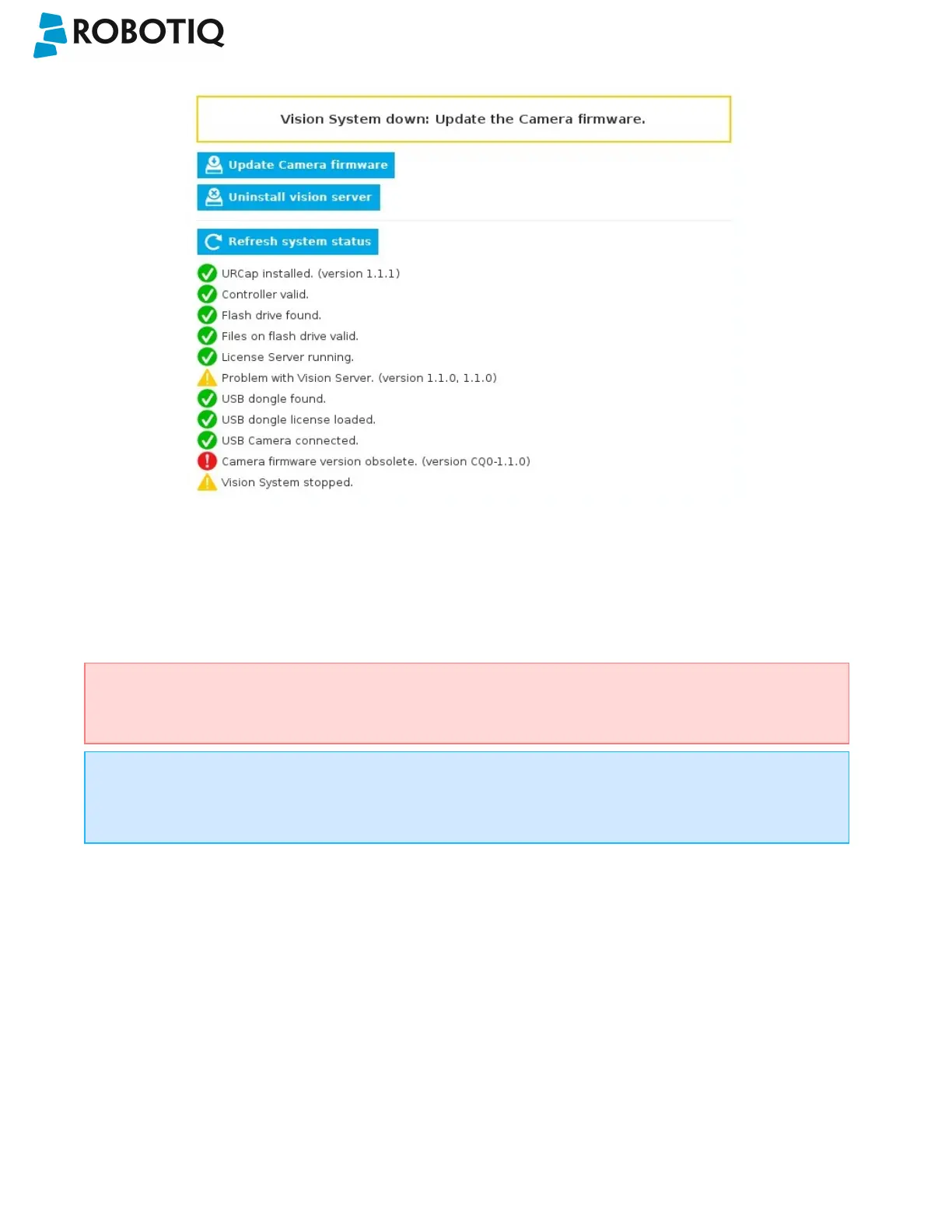
Fig. 3-8: Camera dashboard with camera firmware upgrade.
l Wait for the vision system to start.
l The installation is completed.
l In order to use another USB drive on the controller, reboot the robot controller.
Do not unplug the 16 Gb USB stick or the USB license dongle, even after the installation has been
completed.
Dashboard
The Dashboard tab contains helpful information for troubleshooting the vision system.
Test the Installation
After the installation has been completed, verify that the vision system works properly.
©Robotiq inc. 2016-2018
26



 To Next Page