4
Part of
Practice
Using Media Take-up System
139
2.
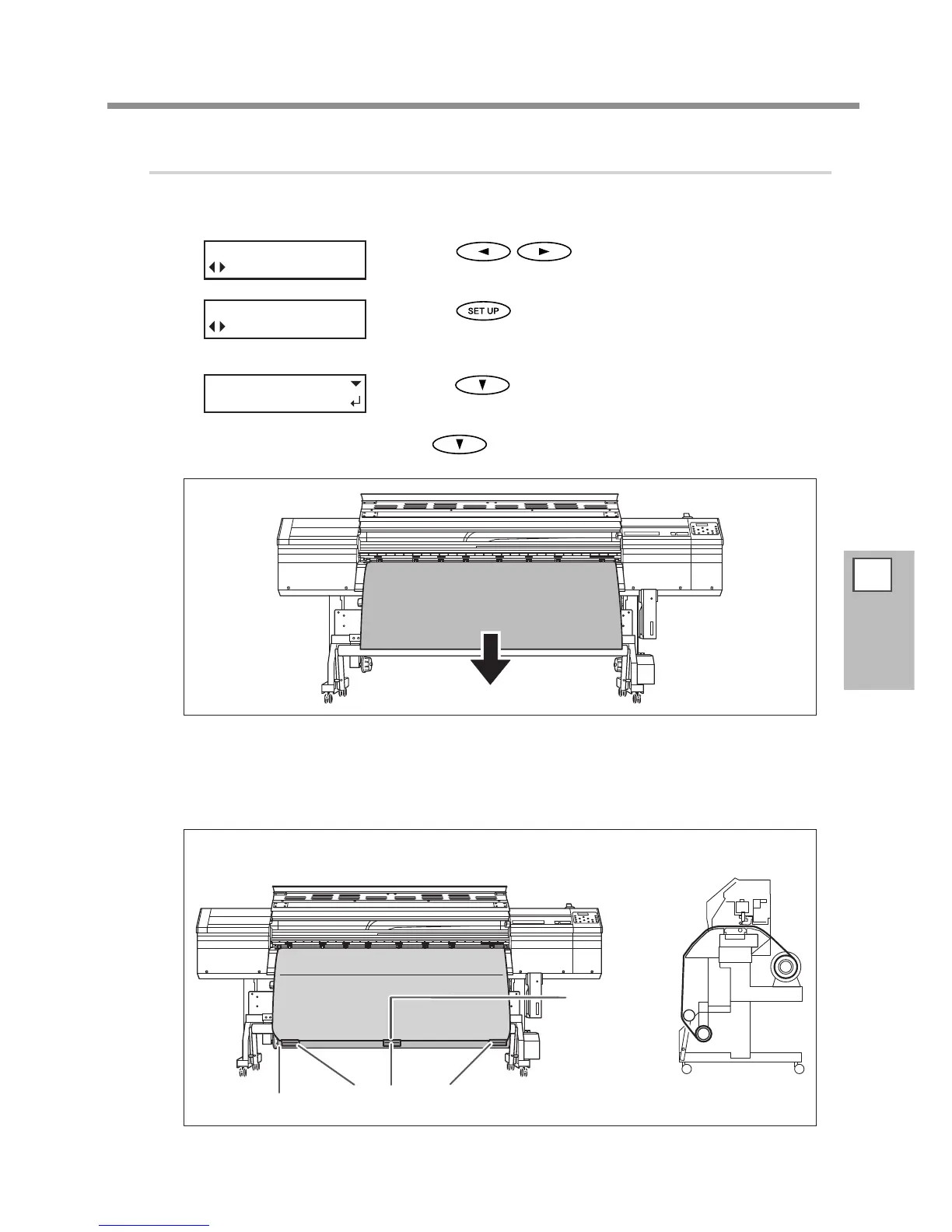
Fasten the media to the paper tube.
When you attach the paper tube, insert it securely onto the end caps on the take-up unit. For information on
how to attach the paper tube, refer to the Setup Guide.
Press to select "TU" or "TU2."
Press
.
Press to pull out the media until its leading edge
reaches the paper tube.
You can adjust the length of the media in 10-millimeter steps by press-
ing
(To pull out media continuously, hold down the key. )
Fasten the media in place with tape at three locations (the center and both edges) so
that the media is not at an angle.
■ Take-up with outward curl



 To Next Page
 Loading...










