Alpha 710ML User’s Guide 14
Using the Keyboard
The following identifies some of the keys on the keyboard and what you
can use them for
Table 1 Navigating keyboard
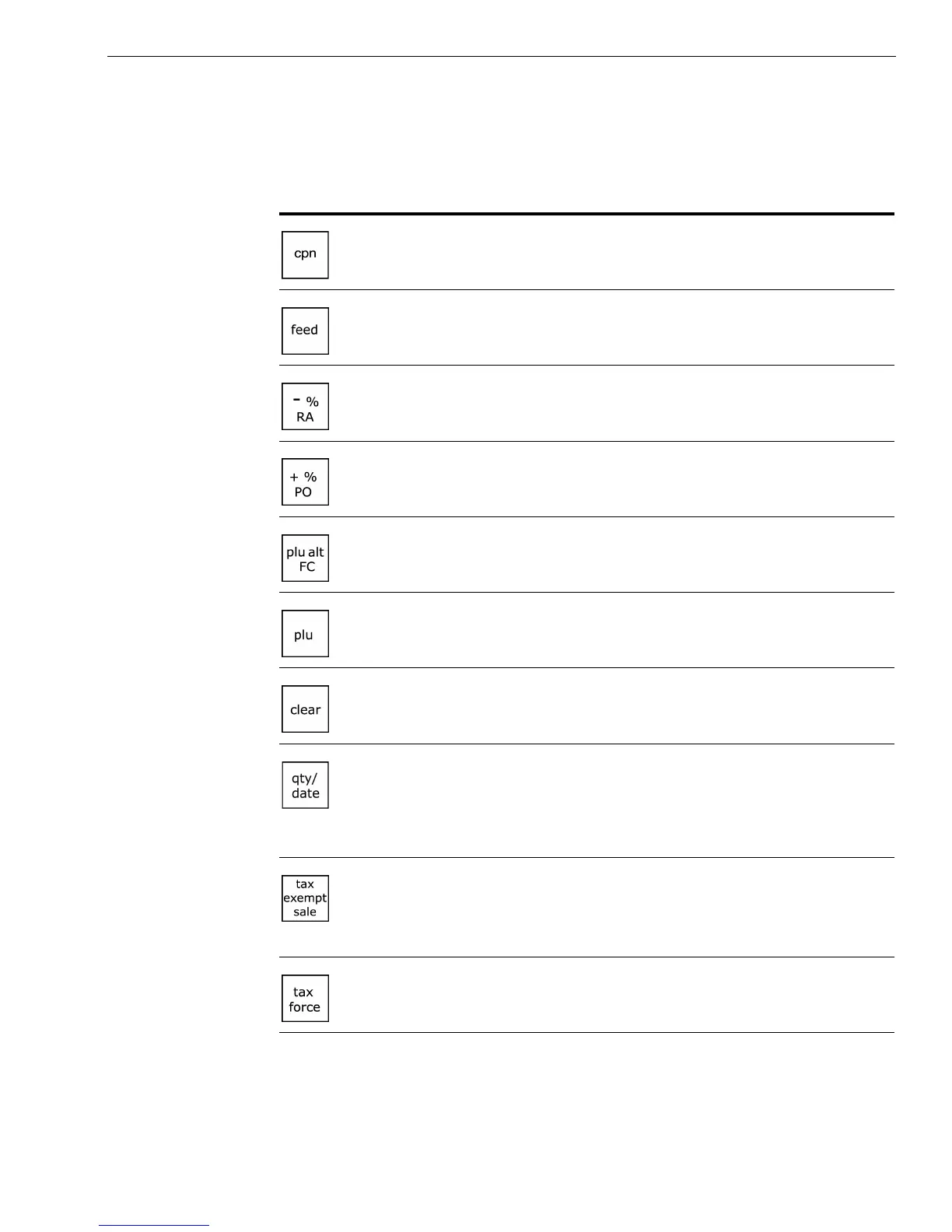
Use this key... To do this...
• enter single entry coupon discounts
• feed paper through the printer
• use Percent Discount
• use Received On Account
• use Percent Add-On
• use Cash Paid-Out
• override PLU preset price
• use Foreign Currency conversion
• enter a PLU number manually
• clear an entry
• enter multiple quantities of a PLU or Department
during a sale
• show the default date/time/status screen on the clerk
display between sales in the Sales Registration mode
• set an entire sales transaction as tax exempt, before
pressing the Amount Tend Total key. For example, you
might be selling to a non-profit organization or a
reseller.
• override the pre-programmed tax rate for an item with
a different tax rate or tax exempt a single item



 To Next Page