73
To schedule calibration/adjustment:
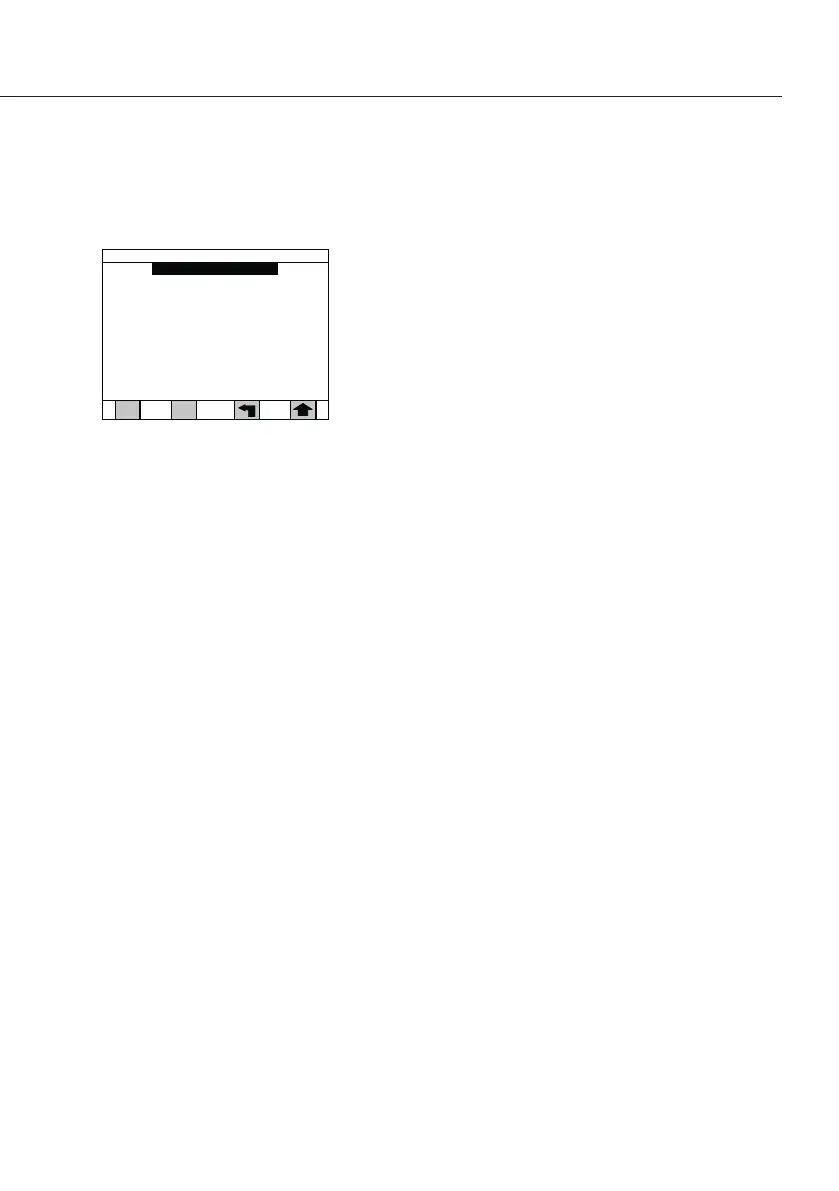
§ From the Calibrate balance screen, press the 3 key
for Schedule calibration to display the Schedule
calibration screen�
§ Press the number key for the interval of choice�
§ When done, press the Arrow key to accept the changes�
The display will return to the Calibrate balance menu
and will reset the calibrations schedule� When this
interval expires, the operator will be prompted on the
screen to calibrate the analyzer� However, this message
will not prevent testing a sample or any other operation
of the analyzer�
Note
When the new calibration has been completed,
the analyzer will automatically reschedule the same
interval from the time the calibration is completed�
1) Off
2) 1 day
3) 7 days
4) 30 days
5) 90 days
6) 180 days
7) 365 days
Schedule calibration
Calibration schedule: Off



 To Next Page