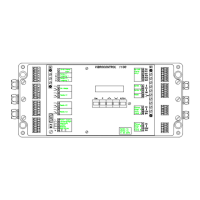
Built-in Operating Panel and Display VC 1100
Version 2 → built-in/VC1100E
4-10 C01 / C02 - C11 / C12 © Schenck VIBRO GmbH, D-64273 Darmstadt, November 97
Service Mode
Access all modes from the main menu. Exit a mode and return to
the main menu by pressing .
If the display is dark, press any key to turn it on.
Main menu appears.
Before accessing the service mode,
consider that
a) the service mode suspends the measuring and monitoring
modes.
b) activating the relays could cause machine shut-down.
Service Mode
Service parameter
Hold down the
key, and press the key to enter the service
mode.The service functions all start with an S.
or


 To Next Page